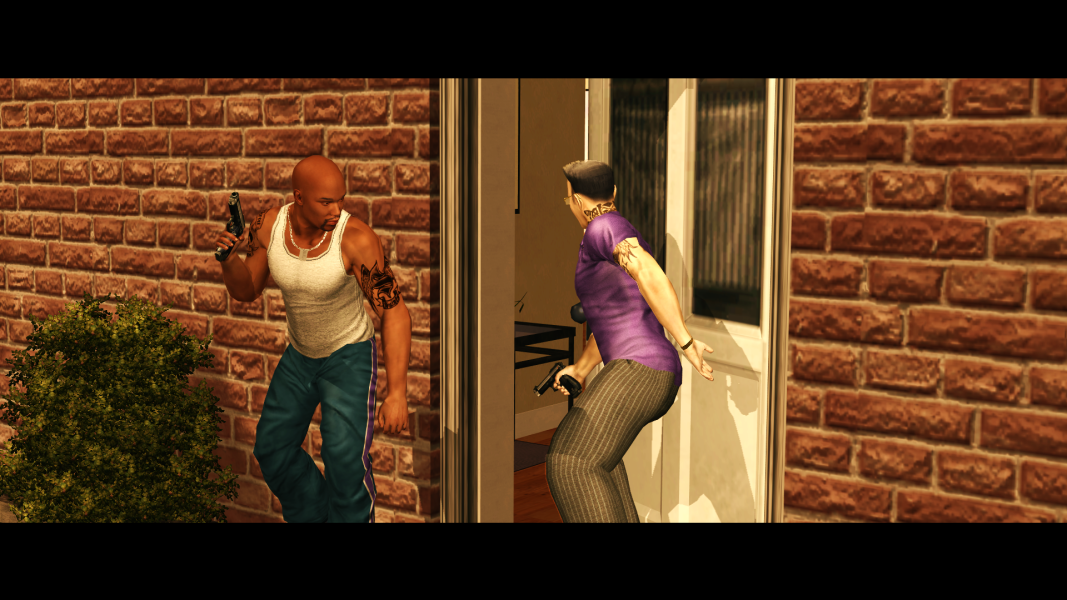
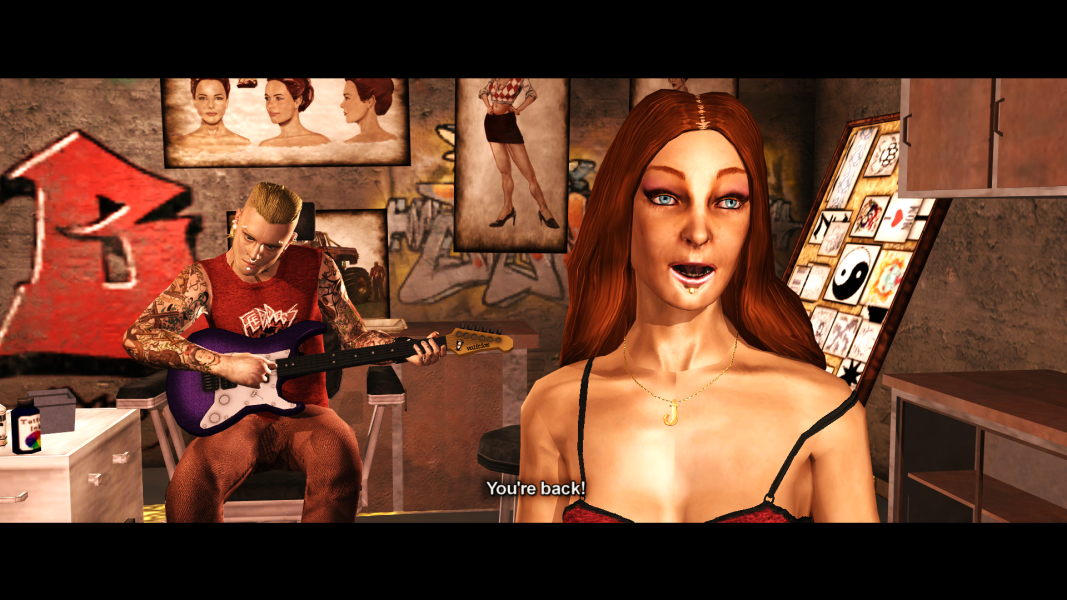
just tried 1.4 and I like the .bat installer. I really like that you can pick and choose while also be able to read about what each selection does using the "i" command.
I also decide to use this via Juiced Patch since from this version onward it is easier to just overwrite files in "Cutscene Patch" folder with a new one rather than uninstalling via CGoTR. it is the second mods I used via JP, 1st one is Improved Subtitle Visuals.
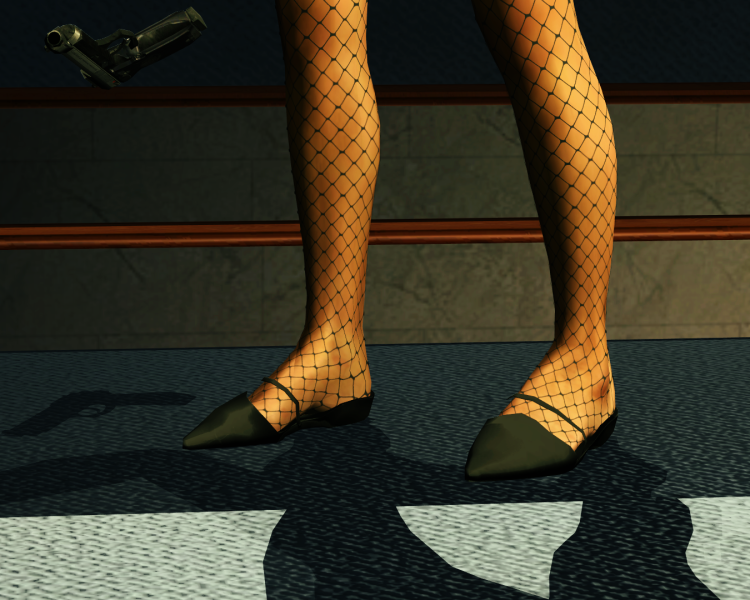
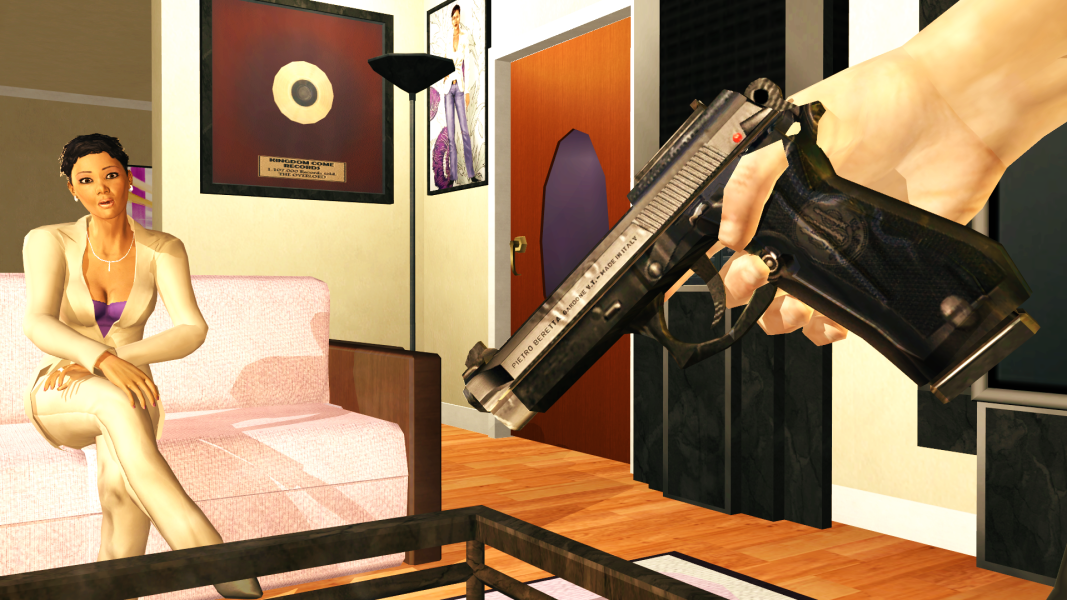
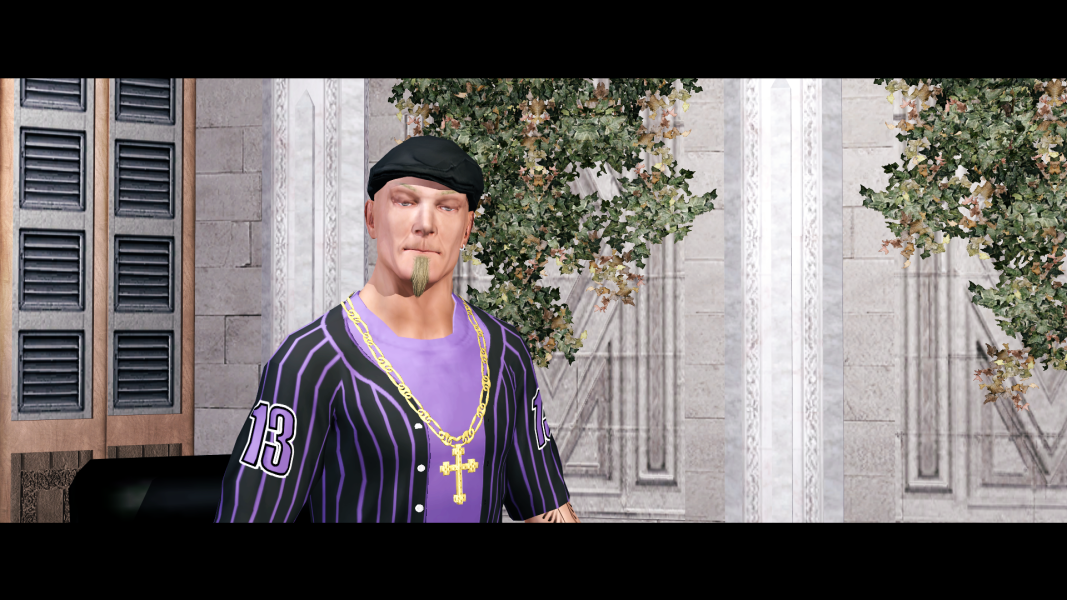
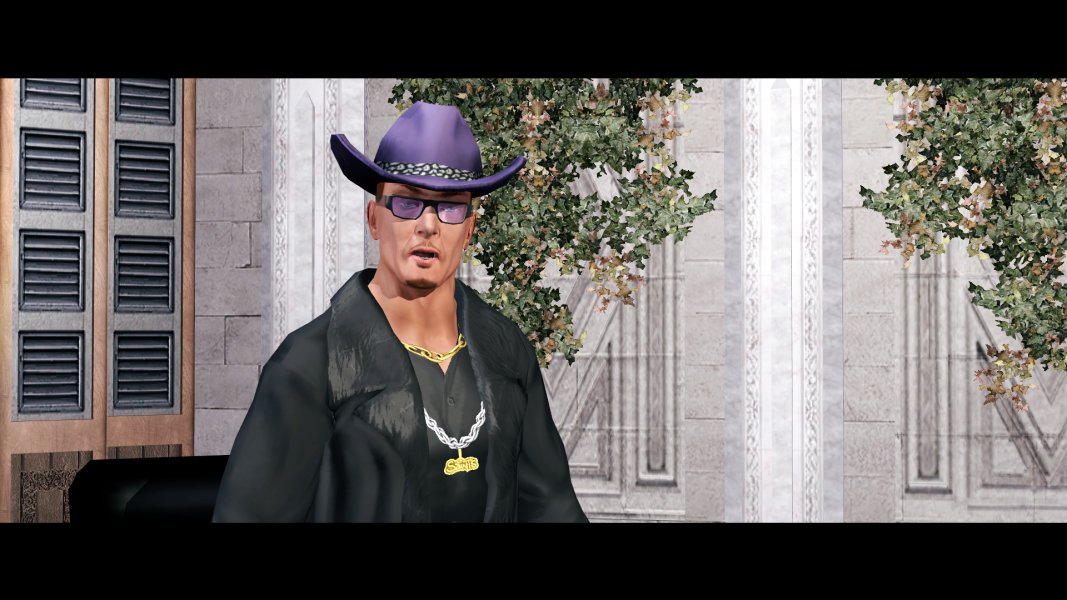
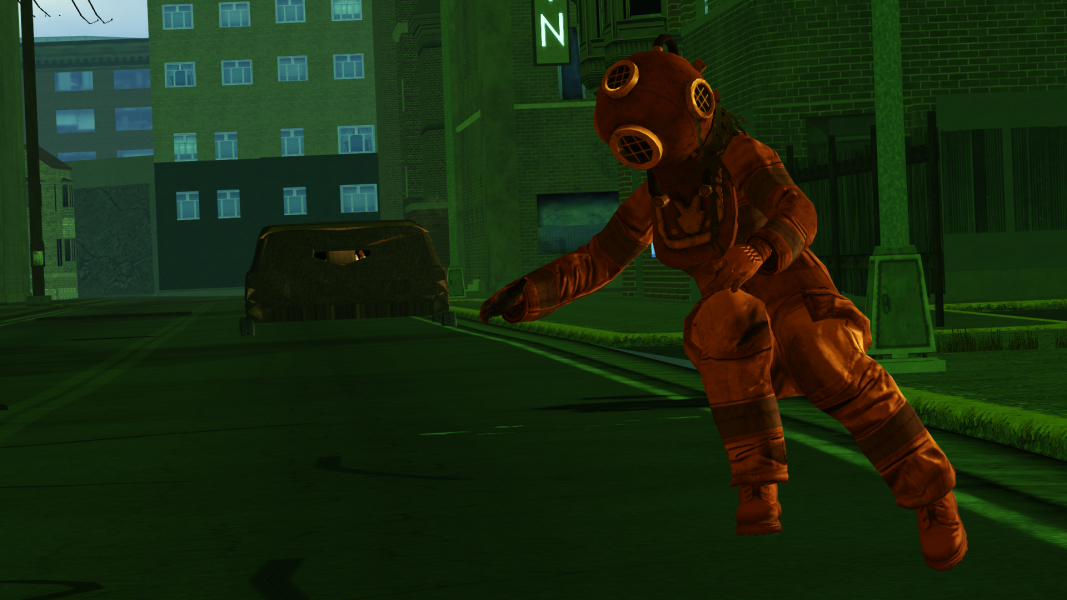
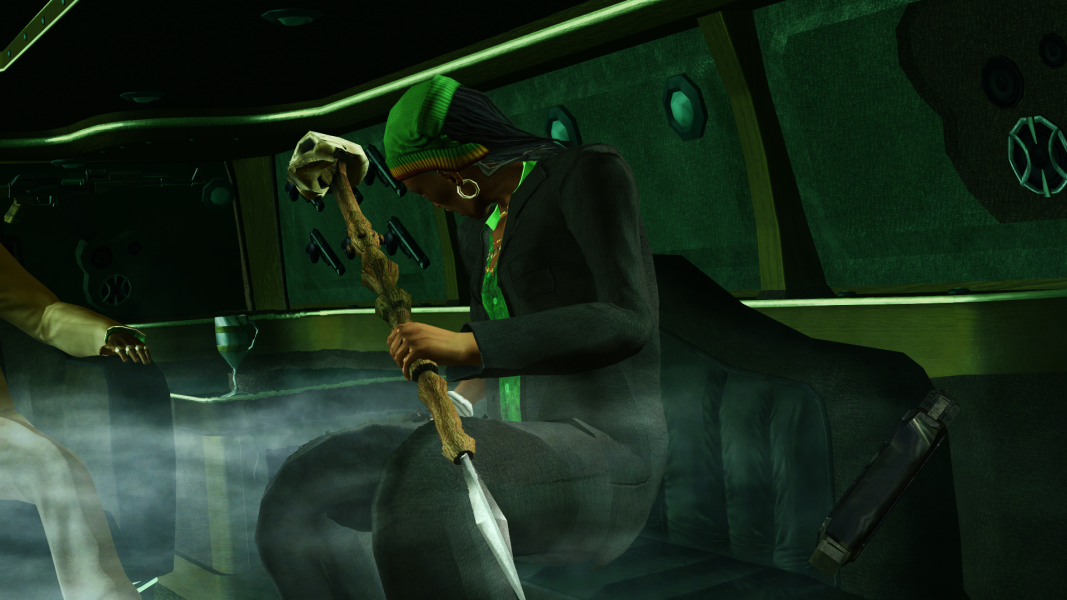
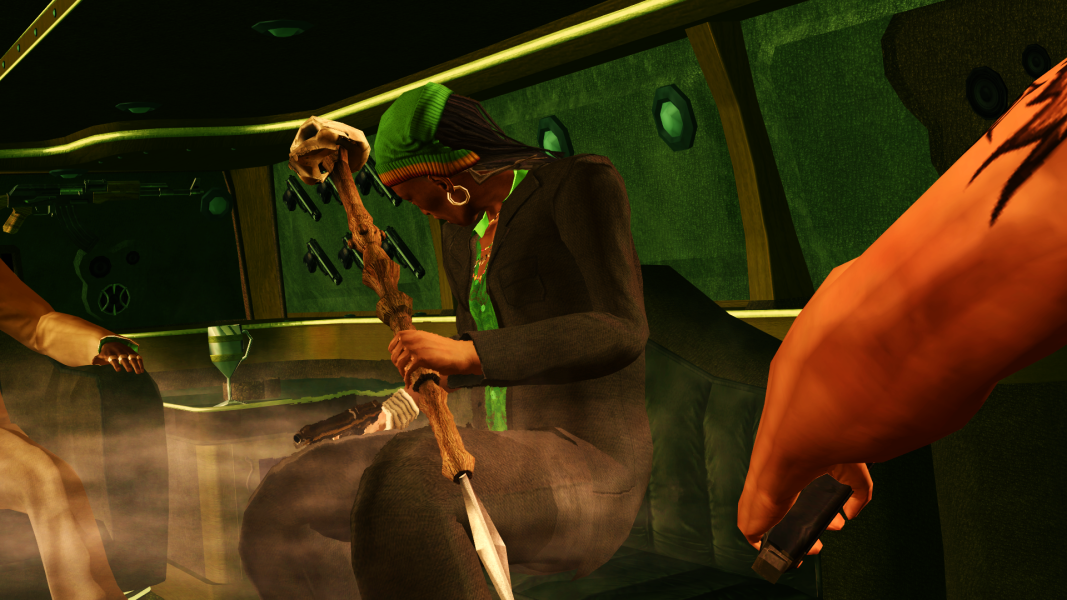
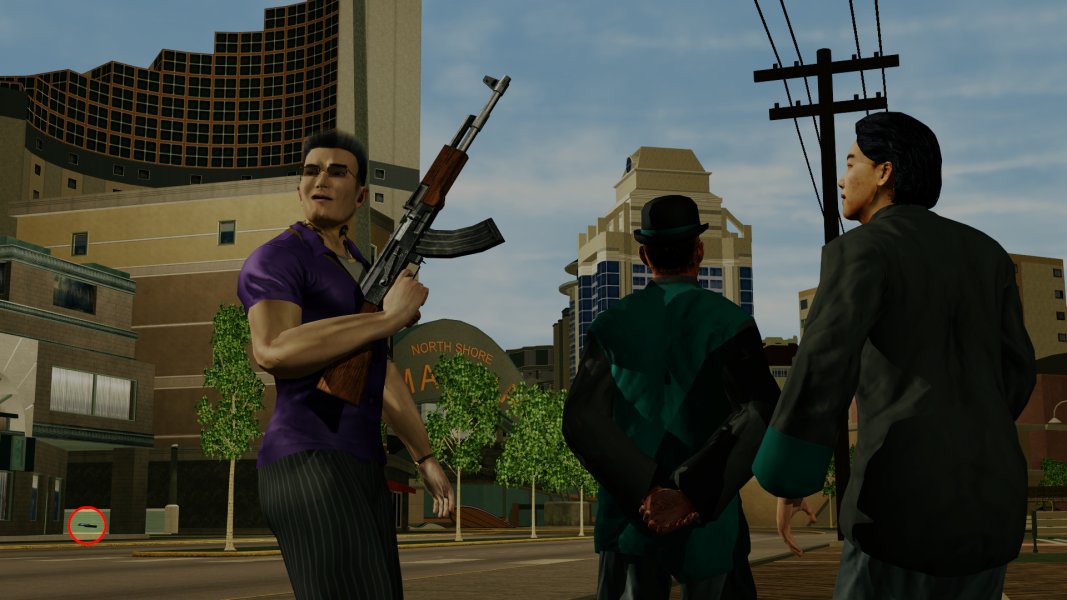
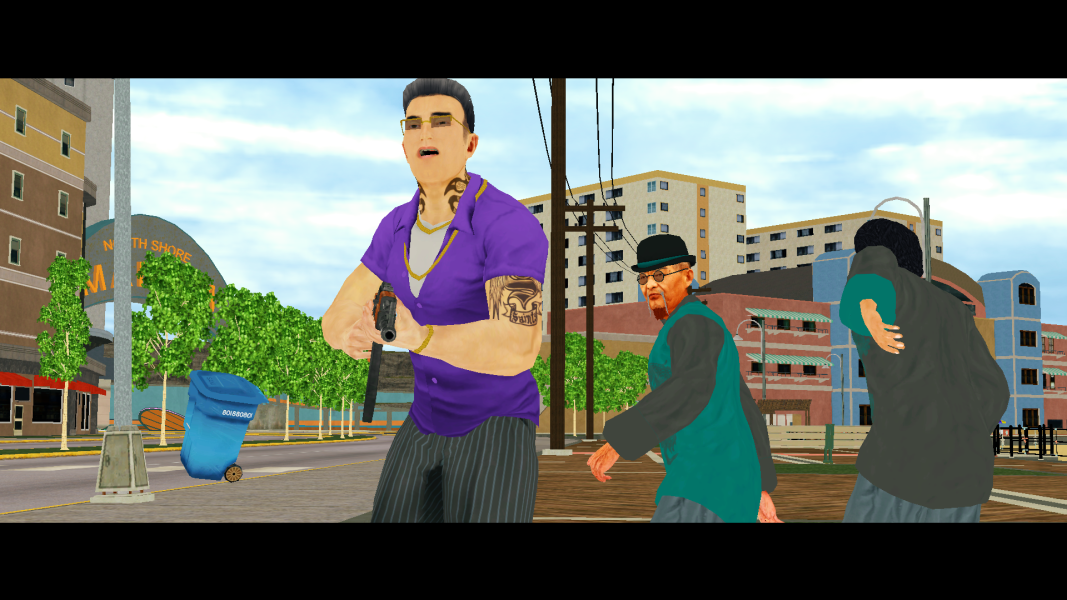
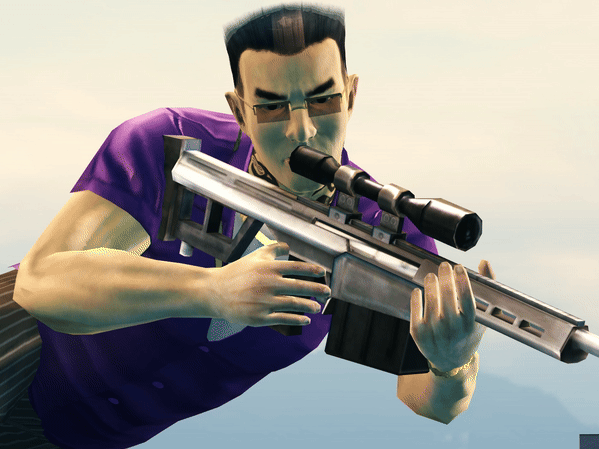
Anyway, tested Pierce's Deagle cutscene and it looks wonderful while also gangsta.
As soon as I read this, I realised what the problem was. The fix is simple enough, but because the issue is so widespread throughout all of the cutscene files, it will have to wait until v1.5, which will happen but is quite a way off yet. I have added it to the list of things to do.
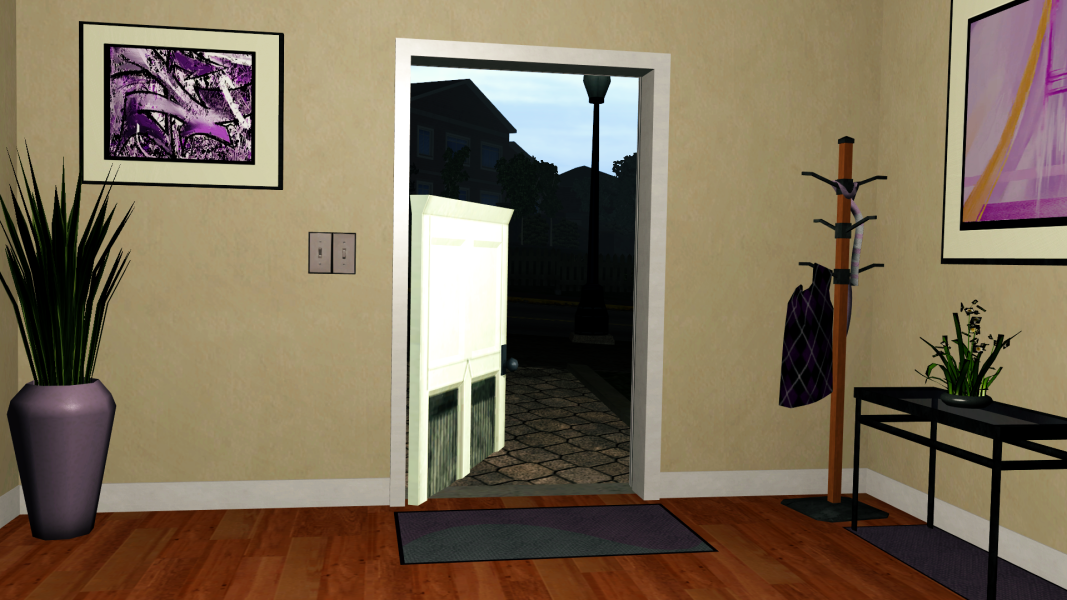
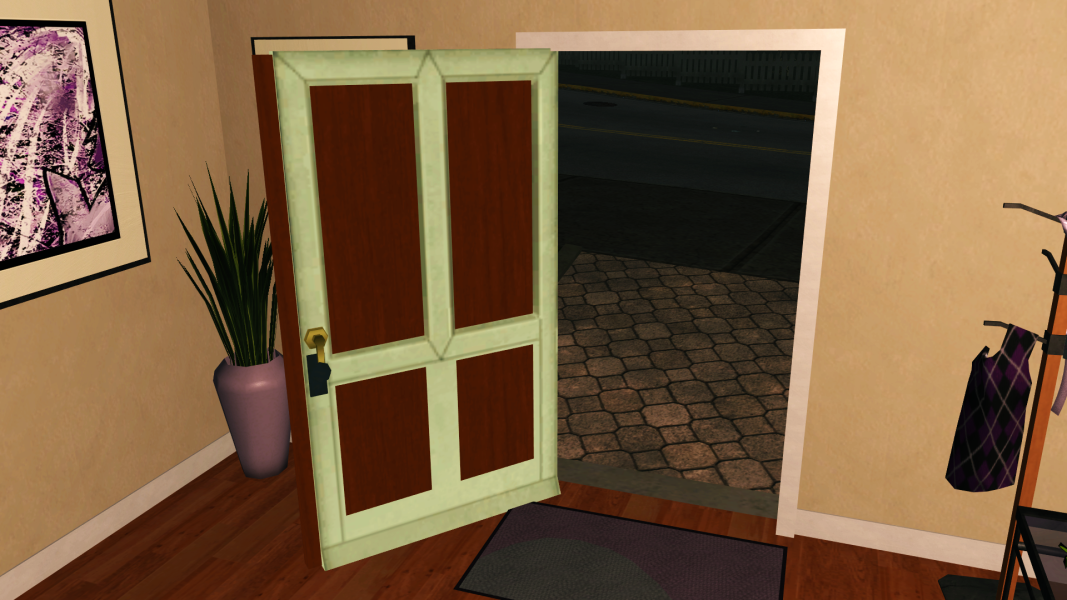
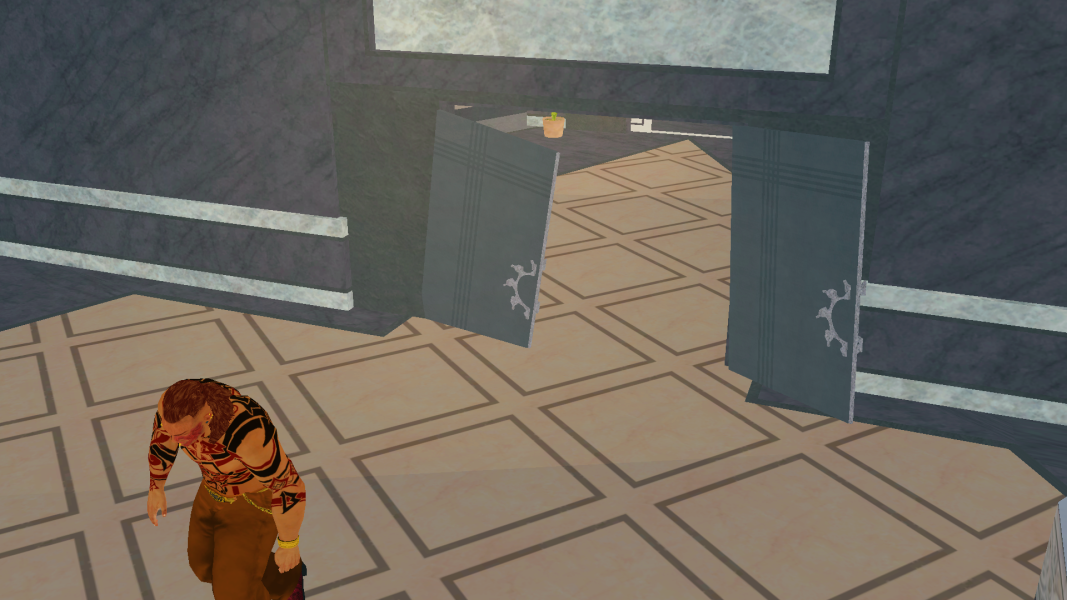
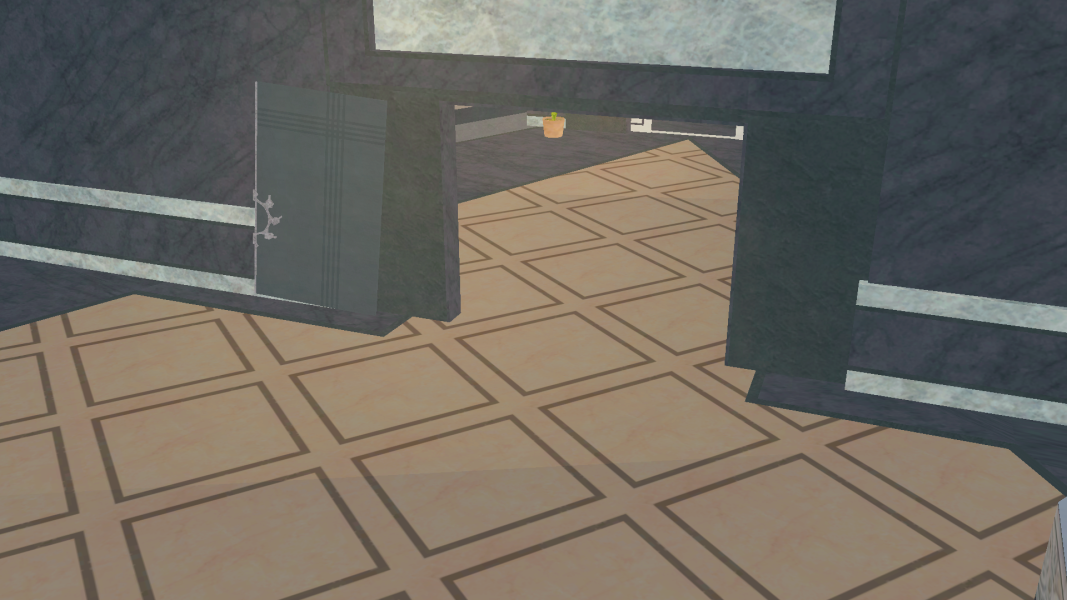
Typically the door icons disappear when the texture cache is overflowing. Which is why I didn't notice during development. I thought it was happening due to something else. So thanks for highlighting this.
Following on from "Cutscene Patch v1.3: Behind The Scenes", below you will find recounts of how some of Cutscene Patch v1.4's more interesting features were made, starting with an explanation of how the new batch menu system works, and why it's necessary.
Also; The full changelog is now available in the Original Post!
The new Batch menu system - Why, and How It Works:
WHY?:
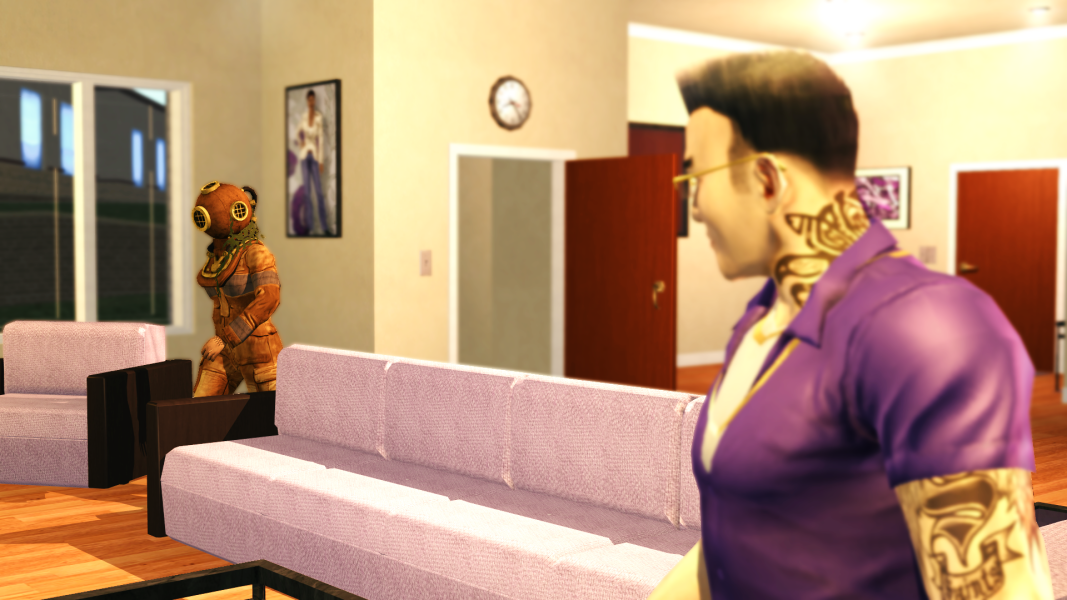
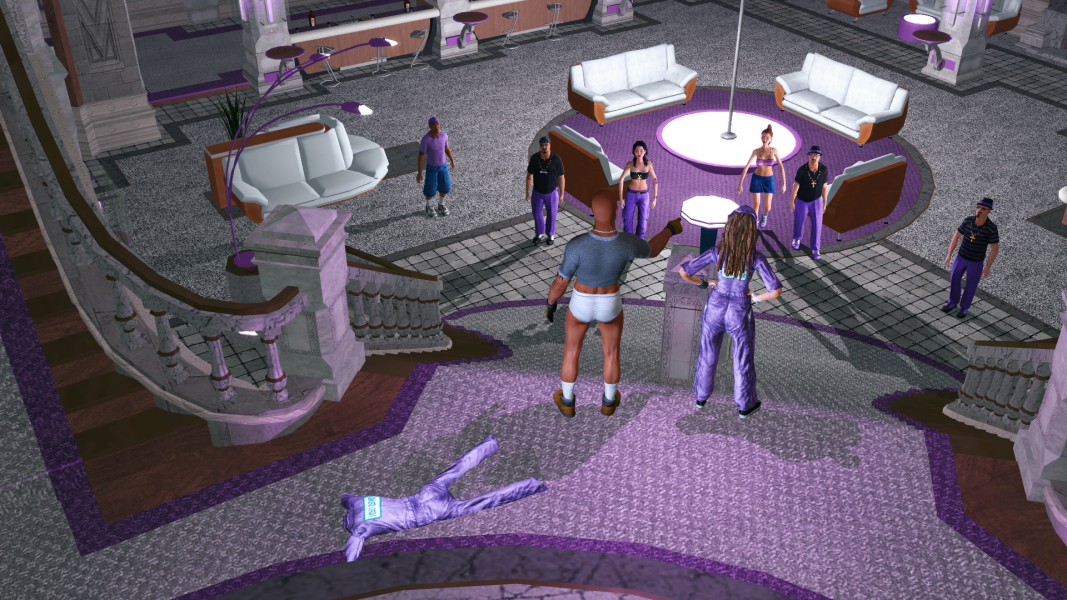
This update was in development from as far back as April, 2025. Initially it was just going to be a "v1.3.1" which only included fixes for a couple of cutscenes; The duplicate Couch in "Gracious Hosts", and the restoration of "Aisha's Front Door" to match the open-world design.
This, of course, grew into the many other ideas you see in v1.4 today. All of the files themselves were finished in October, and the release was planned for then. But due to the shear amount of content, the folder structure that was built throughout development was just too deep and vast to expect people to navigate and keep track of, as well as being bloated due to duplicate files to ease navigation (which also made development more tedious). So after some panicking about what to do, inspiration came from IdolNinja's Gentlemen Of The Row super-mod.
HOW?:
For the user, the Batch file works the same as GotR. But under the hood, things get a little more complicated.
In Cutscene Patch v1.4's "files_directory", you will find the following folders: base_files layer01
layer02
layer03
layer04
layer05 misc
These exist because some Extras affect the same files as other Extras, and so those changes needed to be WinMerged into a unique version of the file.
"layer01" files feature one Extra,
"layer02" files feature two WinMerged Extras,
"layer03" files feature three WinMerged Extras,
and so on...
Depending on which Extras the user selects in the menus, additional layers may be copied from.
For example;
If only "Jessica's Long Hair" is chosen from the Batch menus, and the user types "P" to build their patch, files from the following folders will be copied in this order (files from the latter paths will overwrite equivalent files in the former paths): base_files
layer01\Collections\JessicasLongHair
If "Jessica's Long Hair" and "Restored Subtitles" are chosen: base_files layer01\Collections\JessicasLongHair
layer01\Collections\RestoredSubtitles layer02\Collections\JessicasLongHair_RestoredSubtitles - (Contains WinMerged files which cross-over between the two layer01 folders above.)
If "Jessica's Long Hair", "Restored Subtitles" and "Cameo: Carl" (Individual, BR05-02) are chosen: base_files layer01\Collections\JessicasLongHair
layer01\Collections\RestoredSubtitles
layer02\Collections\JessicasLongHair_RestoredSubtitles layer03\Individual\br05_02\Cameo_JessicasLongHair_RestoredSubtitles - (Only contains BR05-02.xtbl, which WinMerges "Cameo: Carl" with BR05-02.xtbl from layer02, which itself WinMerges the two layer01 versions of the file.)
After all that is done, the Batch file will copy any necessary files from the "misc" folder. As "Jessica's Long Hair" was chosen, it will copy the necessary NPC files from "misc\JessicasLongHair".
Every time a new Cutscene Patch is built, the contents of the previous build are deleted before the new files are copied. This prevents incorrect files being leftover.
For example; If "Jessica's Long Hair" is deselected on a second build, the NPC files will not be in the new build.
Heel Heights and Fat-Bones:
Implementing these meant combing through every single cutscene file in the game TWICE. (Mistakes were made...)
HEEL HEIGHTS:
Enabling Heel Height for a character in a Shot changes both the height of the character from the ground, and the angle of their feet, based on values in either customization_items.xtbl (Playa, Cutscene Props) or NPC Variant Table Files (npc_name.cvtf).
Enabling Heel Heights for Playa or Cutscene Props raises those characters by the Heel Height value of whatever Shoe Item Playa is wearing in that Cutscene.
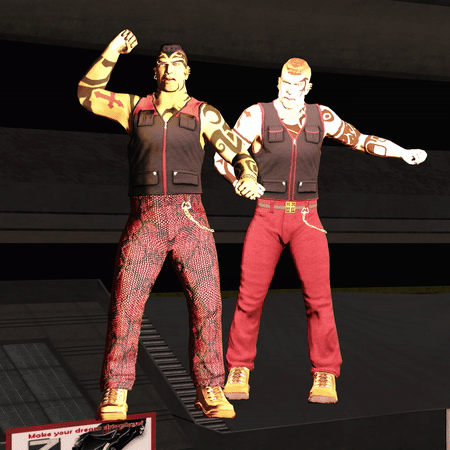
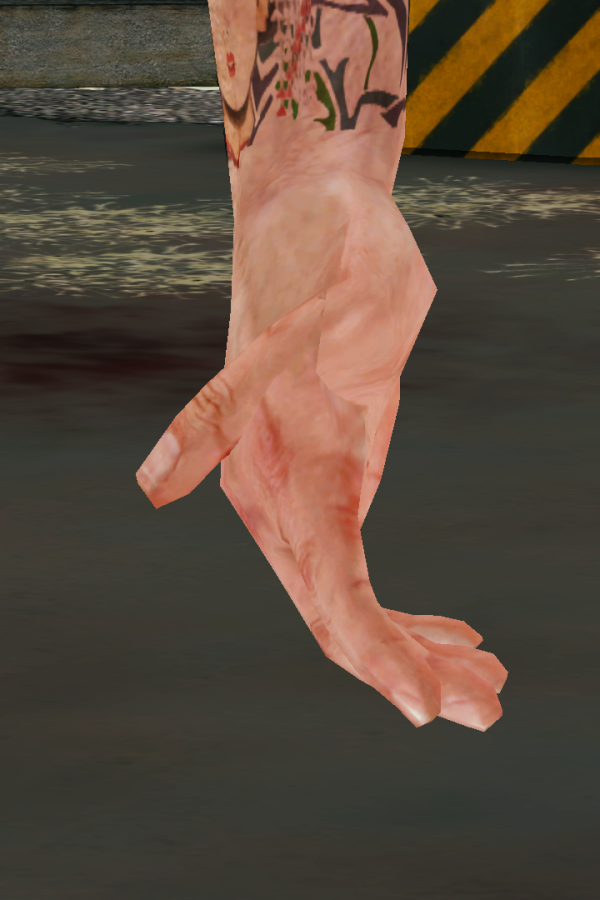
Heel Heights were already enabled for the Playa (albeit inconsistently), but not at all for NPCs, because in Vanilla there is no need. But because Cutscene Patch makes Character Swapping so much easier, this is a desirable effect. Imagine swapping an NPC who wears Sneakers with a Stripper who wears High Heels. Without Heel Height being enabled, the High Heels would be at a weird angle: Disabled/Enabled:
For NPCs, their "Y" coordinate for each Shot needed to be lowered by their Heel Height value, or else they would hover above the ground by their Heel Height value. So for snpc_Carlos, "0 0 0" would become "0 -0.02 0".
Here are the rough notes I made to keep track of SNPC Heel Height values:
Heel Heights have been enabled for all Characters, in all Cutscenes, in all Shots where the feet can be seen, and doing so does not negatively impact the framing of the Shot. Tested with snpc_ho. FAT-BONES:
FatBones is the system which controls the distance of limbs from the body of a character depending on their Fatness.
FatBones values for Playa are controlled by the Fatness slider in Player Creation. For NPCs, I believe they are part of their .morph file.
FatBones will not work with Cutscene Props due to them having a different skeleton.
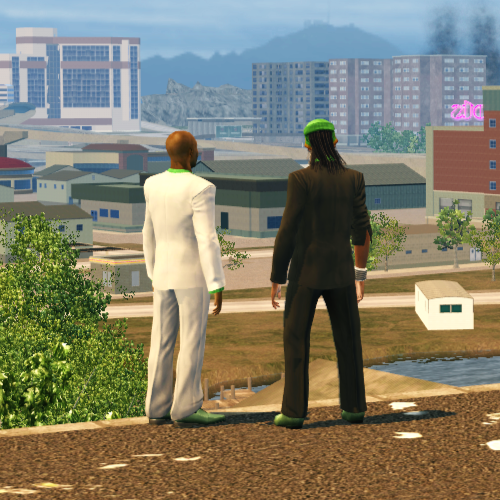
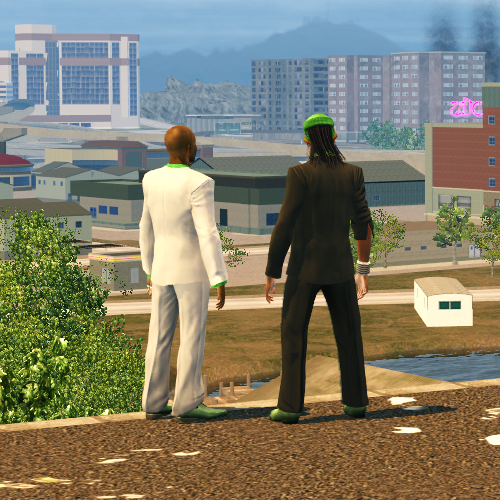
FatBones were already enabled for the Playa (albeit inconsistently), but not for NPCs. Originally, I had enabled FatBones for all NPCs, as it didn't look to me as though it affected SNPCs for some reason, but would still affect NPCs if they were swapped in. It wasn't until near the end of my first pass-through of all the game's cutscenes that I realised they actually do affect SNPCs slightly, which meant characters could look slightly 'off' in their stance, and would not interact with Cutscene Props properly, which meant going through all the cutscene files again to undo those changes. (Remember there were duplicates of all the files for the WinMerged Extras, too.) Disabled/Enabled: Cutscene Prop Misalignment:
On my first pass-through, SNPC FatBones was tested with npc_ho (which explains this image).
Credit to @Clippy95 for providing me with a really cool "FatBones Multiplier" mod to help with testing this.
Saints Sporty Placeholders Eradicated:
I wrote a separate Thread discussing this, not realising at the time it was actually related to the cutscene files, and not the Gang Style Customization system.
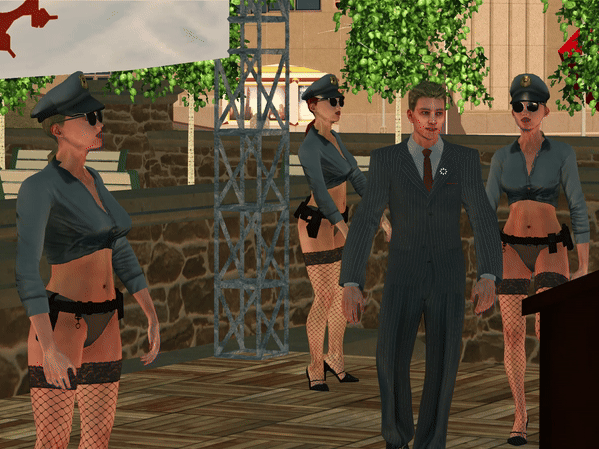
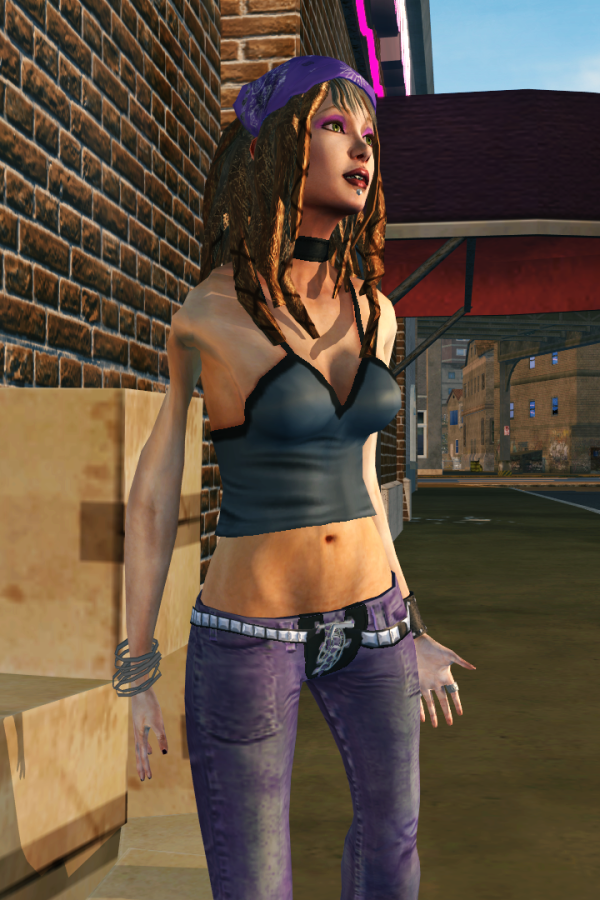
In the <Characters> list in each cutscene file, there is a Boolean called <SpeakingThug>. When <SpeakingThug> is True, it will replace female Saints models with a Sporty Male Soldier placeholder so the voice audio doesn't sound out of place. This is noticeable when using the "Pimps 'n Hos" Gang Style, as in Vanilla, both "male" and "female" Soldiers are Hos, and both "male" and "female" Lieutenants are Pimps. When set to False, the Saint model which is supposed to be used is used.
New Depth Of Field Settings:
Only Prologue cutscenes have received new DOF settings in v1.4. This is because implementing new settings for each individual Shot is time consuming in itself, and would have delayed this update even further than it was. However, I have already learned something interesting about how it works.
New settings have been implemented via the <DOF> element, which looks something like this:
But in some cutscenes, DOF is present even without the use of this element. This is because the DOF is configured as part of the camera script (.csc_pc). The camera scripts cannot be modified (to my knowledge).
Now, it would be possible to disable camera script DOF by implementing the <DOF> element for that Shot with COC and Preblur settings set to "0". This is because the element overrides the camera script. But while the element can "tween" between settings (eg: To change focal depth mid-Shot), it can only do so once per Shot. Whereas the camera script may do so more than once. This can be observed in the opening cutscene "Vacation's Over" (TSSP-INTRO2), which is just one long continuous Shot with camera script DOF.
An example of both DOF methods being used in one cutscene is "You Don't Have To Go Home..." (TSSP03-01). In the first four Shots, the element is used. For the rest of the cutscene, the camera script is used. I have always felt the blur was too strong for this cutscene. But I decided not to reduce it by overriding the camera script with new element settings, because there may be other nuances with the camera script DOF which the element can't replicate.
Aisha's Front Door in "House Party":
"Aisha's Front Door" uses the cutscene model for Laura's back door in "Absence Makes The Heart Grow Fonder", as it is the same design as is seen at the front of Aisha's house in gameplay. This was easy enough to implement for other cutscenes by simply changing the model. But the door's animations for "House Party" are different.
The door is actually flipped both horizontally and vertically for this cutscene. It isn't usually noticeable because the vanilla model is vertically symmetrical. It's just the door handle that would appear on the other side. But the new replacement model is not symmetrical. So it looks to be as it is; Upside-down.
This meant the only way to implement the new door for this cutscene is to just not use the animations. The new door is static, but changes coordinates and orientation according to how it is interacted with for each Shot.
Better Expressions:
Unlike other cutscenes, Activity cutscene files use two kinds of Animation Element; <Animation> and <AnimState>. <AnimState> is simpler than <Animation> and therefore not as advanced in what it can do. It was designed to play an animation on a loop for a defined number of frames while <Animation> animations play over the top of it. So your <AnimState> animation could be a Standing animation, while your <Animation> animation could control conversational animations which play over the top of it in finer detail.
Syntax:
Code:
                        <AnimStates><AnimState><Filename>GML1_FACE_Quizzical.animx</Filename><Duration>999</Duration></AnimState></AnimStates>

or

                        <AnimStates>
                            <AnimState>
                                <Filename>GML1_FACE_Quizzical.animx</Filename>
                                <Duration>999</Duration>
                                </AnimState>
                            </AnimStates>
For Better Expressions, <AnimStates> is used to add facial expression animations (such as "GML1_FACE_Quizzical") which loop for an entire Shot underneath the cutscene <Animation> animations. The result is that the <AnimState> facial animation is combined with the facial animation data included in the cutscene animation, exaggerating the character's facial expression.
Before/After:
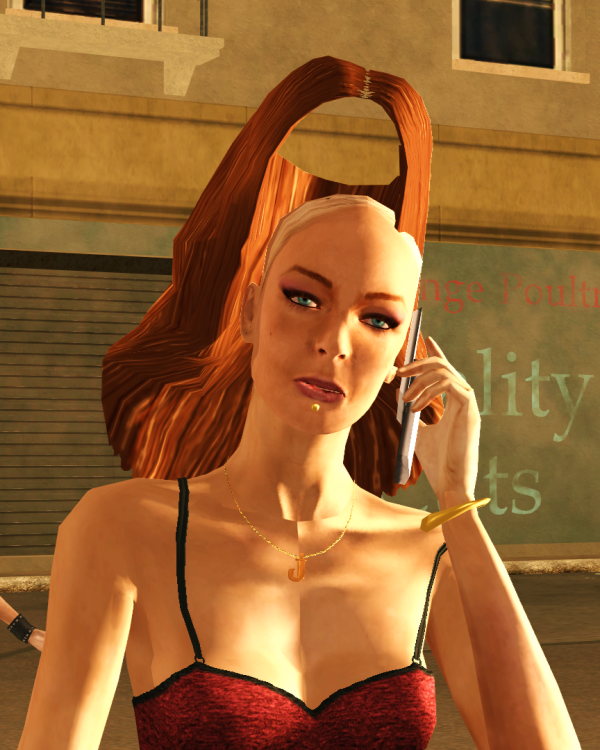
Jessica's Long Hair Restored:
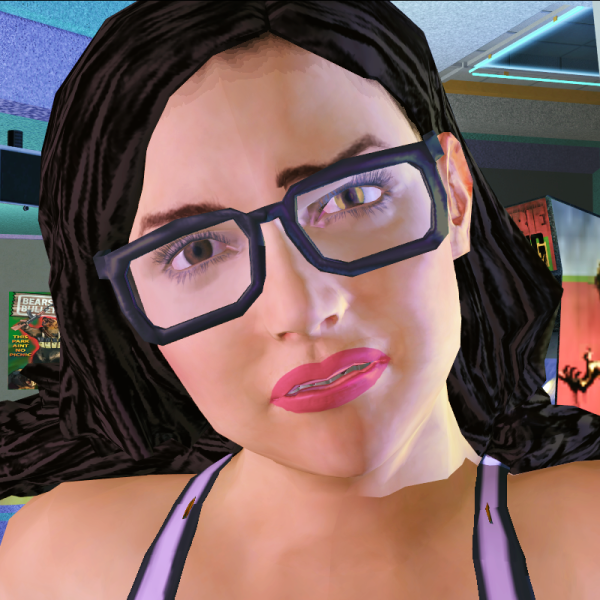
I had already released a mod which restores Jessica's pre-release hairstyle, but because the hair is part of her CNPC model, facial animations would not work with story cutscenes.
The solution to this is in Cutscene Patch v1.4. Each cutscene Jessica appears in can now artificially apply her pre-release hair to her SNPC cutscene model, so facial animations still work.
To make this work, I added a new Variant to cnpc_Jessica.xtbl/.cvtf which hides all VIDs except for her pre-release hair. I then added a new Variant to snpc_Jessica.xtbl/.cvtf and removed the ponytail hair from so she appears bald. In each cutscene in which Jessica appears, I added a duplicate of her Character which is lit and animated identically. The duplicate Character uses the hair-only Variant of cnpc_jessica, while the original Character now uses her bald Variant. So Jessica and her Long Hair are in fact two separate Characters.
For gameplay, I swapped npc_Jessica_pre.xtbl's model with cnpc_Jessica's model. This means she can't use facial animations during gameplay, but those animations aren't really noticeable anyway.
Restored Animations:
Both BR02-02 "Infirm of Purpose" and SS06-01 "Clam Baking" have restored animations.
BR02-02 "Infirm of Purpose":
I noticed it was strange that Matt had his hand on Donnie's shoulder in Shot 7, but disappeared for Shot 9. So I looked up to see if, by chance, Matt had an animation for this Shot, and he did! Fortunately, his coordinates for Shot 10 looked perfect with this animation in Shot 9, so not too much needed to be done to restore it. Before/After:
SS06-01 "Clam Baking":
This one is "blink-and-you'll-miss-it", but for the very brief Shot 37, Playa is hidden, but their gun is still visible.
Playa's animation for this Shot was implemented, but without coordinates. Instead of giving Playa coordinates, Playa was hidden. So it's just a case of unhiding Playa and finding the correct coordinates, right? If only it were that simple...
By this stage of the cutscene, the limo is in fact moving, and all of the characters and effects inside are also animated to move along with it. Playa, who appears to be missing for Shot 37, is actually trailing along outside behind the limo. This is how it look when Playa is unhidden, without coordinates:
This turned into a case of replaying the cutscene all the way through until Shot 37 and pausing it (without spacing-out and missing it), slewing outside the limo, finding markers on the side of the road (buildings, road signs, etc.) and measuring the distance between where Playa should be and where they are on both X and Z axes using Juiced Patch's coordinates display (F3), then calculating that difference and applying it to Playa's coordinates for Shot 37. Rinse and repeat until correct. Before/After:
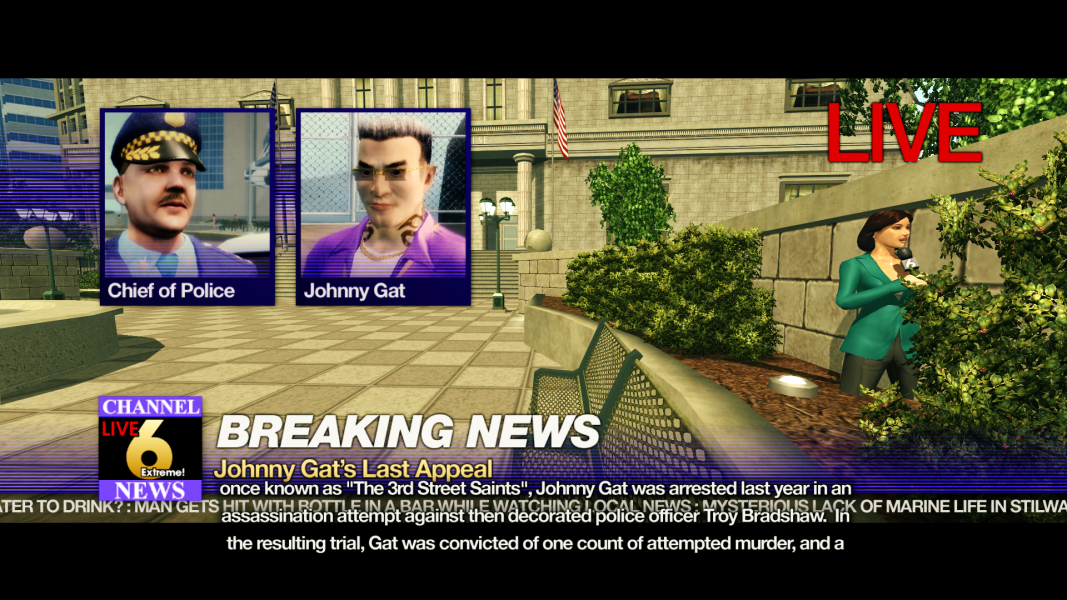
TSSP02-01 "Check, Please" - Courthouse Changes:
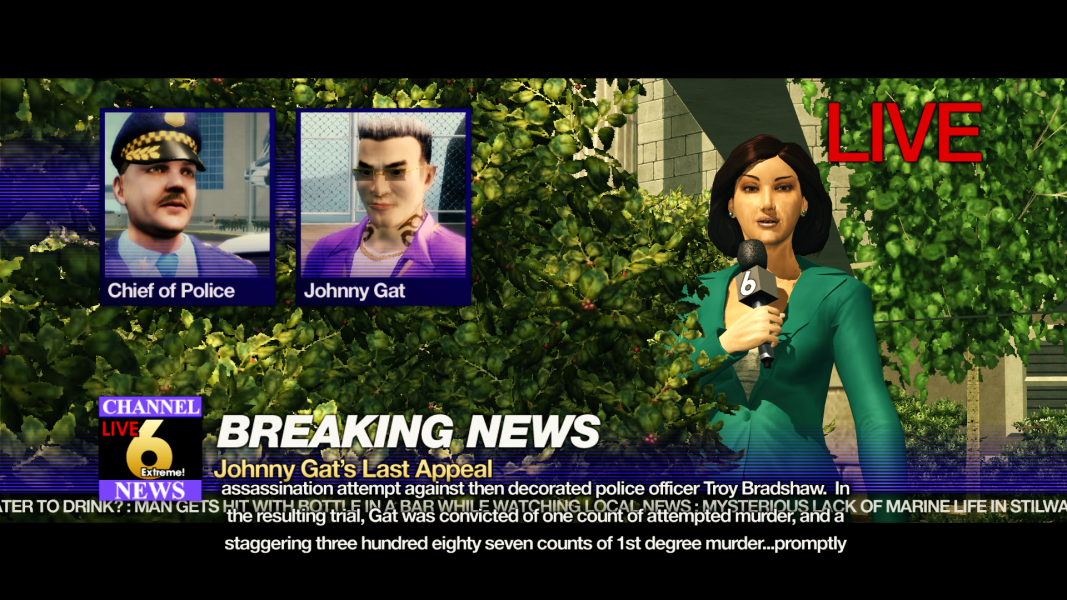
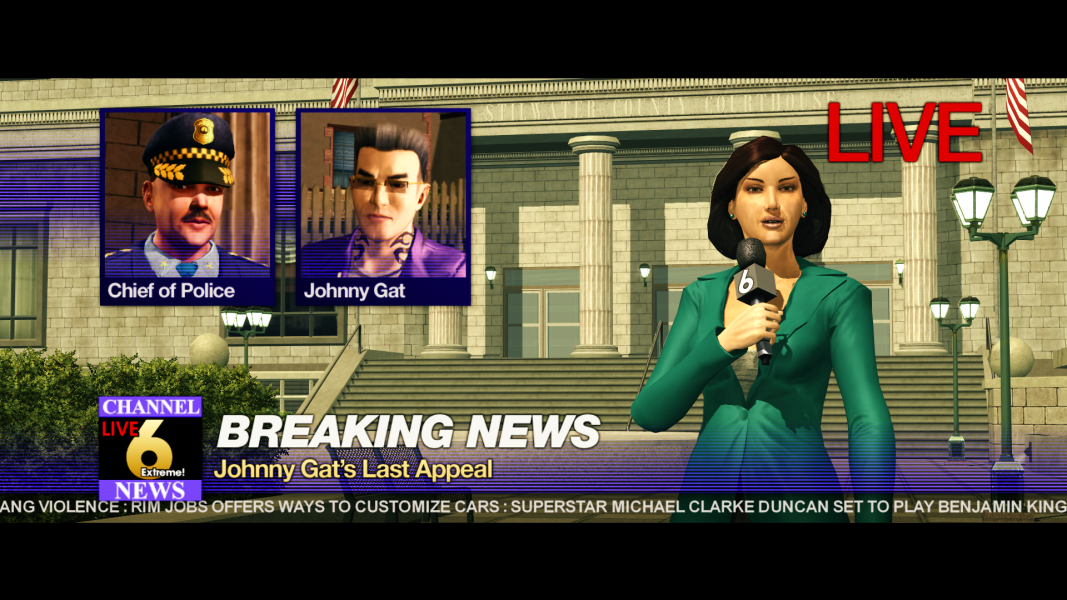
In the Vanilla Courthouse Shots of Jane Valderama in this cutscene, she is in fact standing inside a wall behind a hedge: (The wall and bushes are normally hidden.)
Cutscene Patch repositions her and her camera further in front of the Courthouse, with a better view of the building and forecourt.
But Camera Scripts cannot be modified, so how was this achieved?
This cutscene uses two different Slates for the two different locations (Tee 'n Ay & Courthouse). The Slate is what the Camera's movements, as well as Effects, are tied to. By changing the coordinates of the Slate, the Camera's scripted movements will be repositioned relative to the Slate's new coordinates. As the Courthouse Slate is separate to Tee 'N Ay's Slate, only Jane Valderama's news Shots are affected. Jane herself is not tied to the Slate, and so had to be repositioned independently by the same differences that the Slate's coordinates were changed by in order to stay in the same place in the frame relative to the Camera's new position.
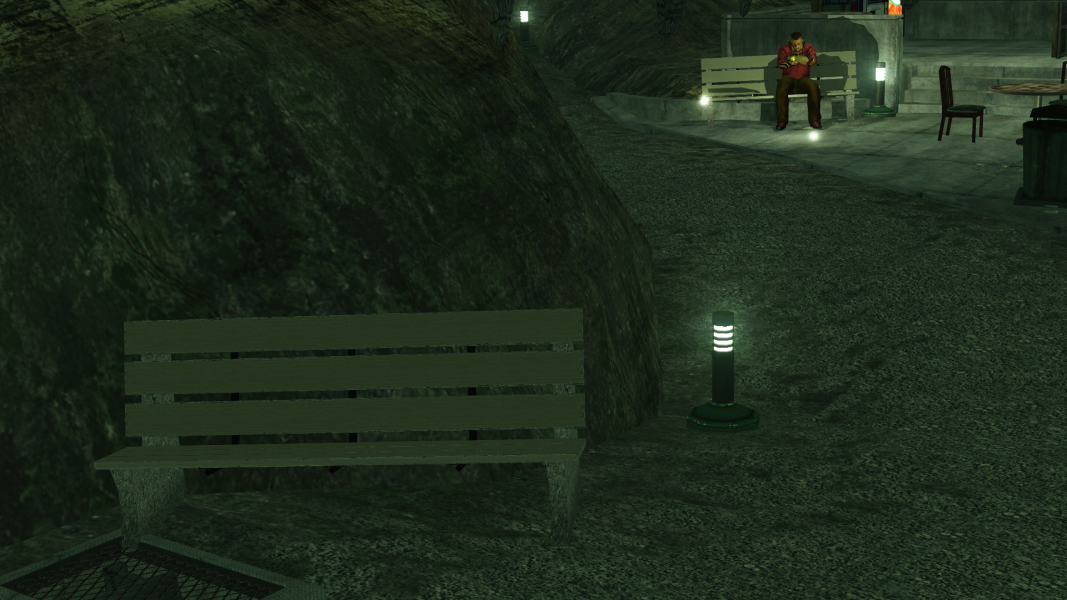
BR01-01 "Blind Date" - Restored Bench Character:
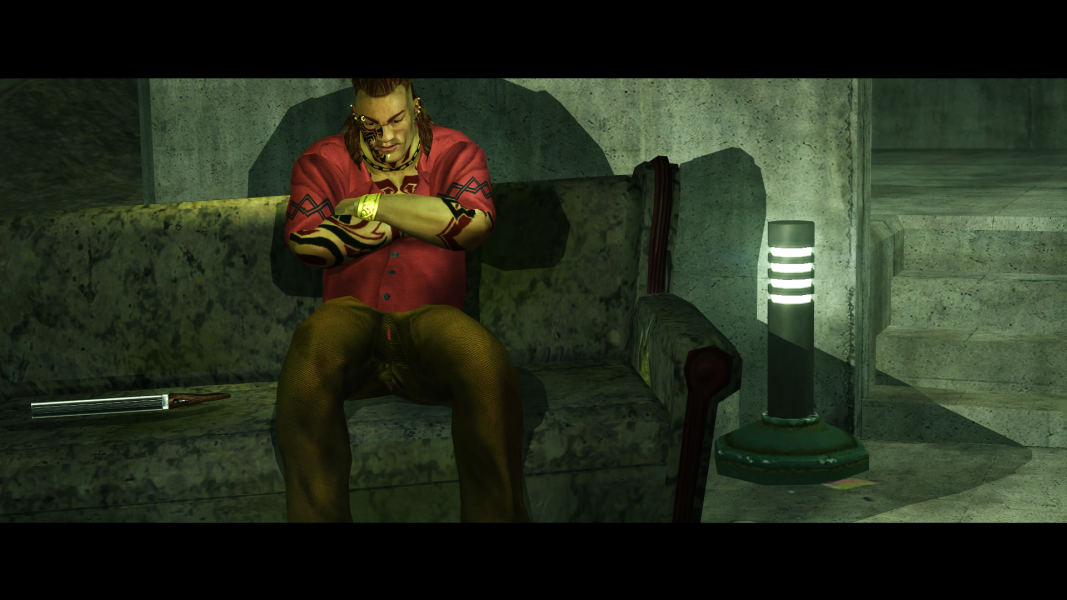
In the Vanilla version of this cutscene file, the bench Maero sits on is part of the map chunk. But there is an unfinished Character entry for the Concrete Bench which has animations, but no coordinates. Simply unhiding it results in this:
Cutscene Patch v1.4 hides the map chunk bench, unhides the Concrete Bench character, gives it new coordinates, and enables it to receive cutscene lighting.
The result looks identical to how the bench looked before, but the fact that this Bench is now a Character means it's model can be swapped, which is one of the new Extras in Cutscene Patch v1.4:
BR02-01 "We Grieve In Different Ways" - Ground Flickering:
A piece of the ground could be seen to flicker in this cutscene.
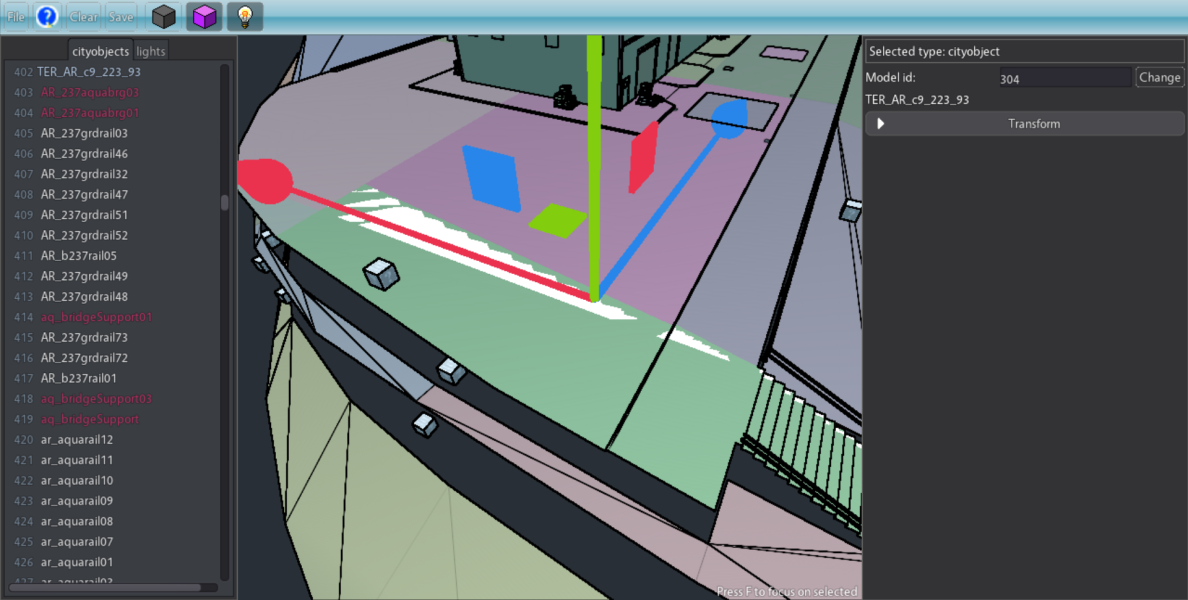
This turned out to be a chunk issue. In sr2_chunk128, there is a duplicate object of this section of the ground. In gameplay, you can't see the duplicates Z-fighting because they're identical. But in cutscenes, only one of the duplicates reacts to cutscene lighting. So the lit one can be seen Z-fighting with the unlit duplicate. This was fixed by hiding the duplicate ground object in the cutscene file. It still exists in sr2_chunk128. It is called "TER_AR_c9_223_93".
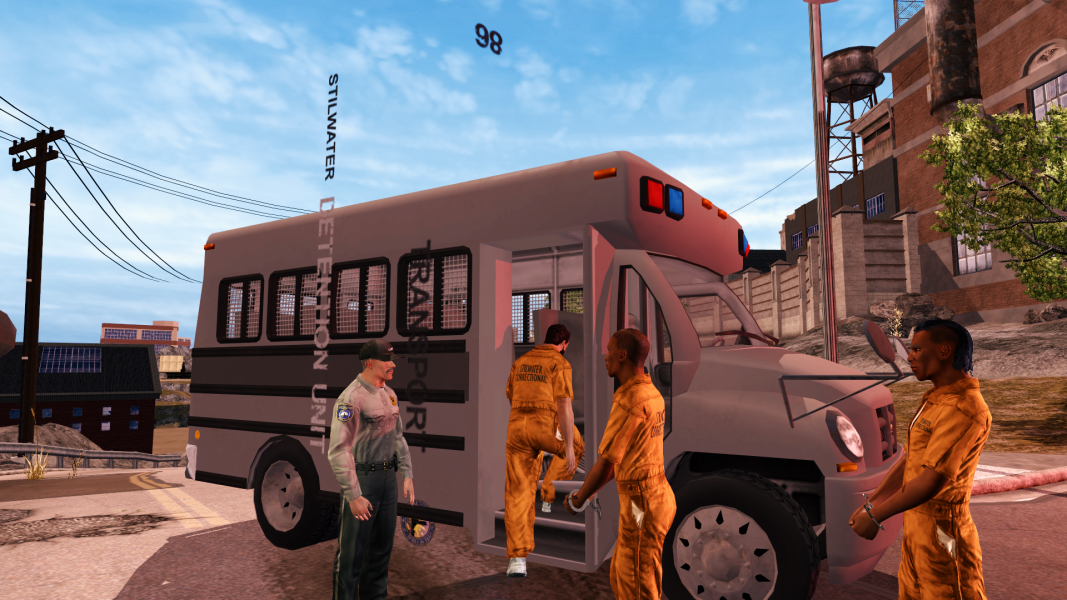
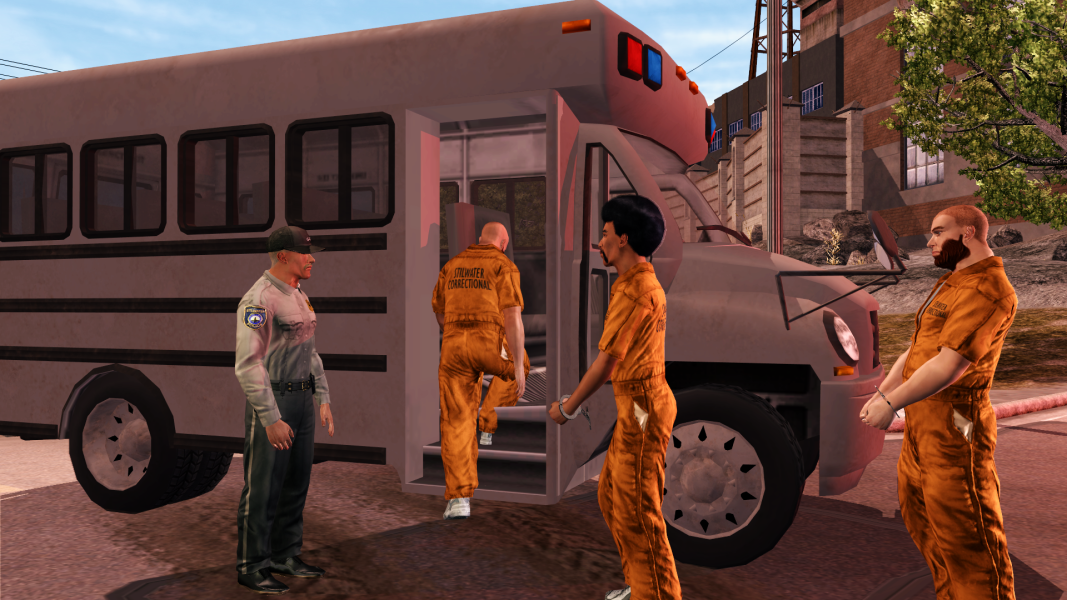
BR08-01 "Early Parole" - Bus Fix v1.4:
This was made before the animations were ported from the Xbox 360 version in Juiced Patch v7.8.5 (Credit: Tervel).
It's essentially the same fix as Cutscene Patch v1.0, but with a new animation which keeps the door open for the Prisoners to walk through.
Unfortunately, this animation also messed with the decals on the side of the Prison Bus, so they had to be removed. Decals/No Decals:
SS06-01 "Clam Baking" & SS10-02 "Sliver" - Clothing Removal:
There is actually an option for this listed in cs_shot_options_list.xtbl called "Hide Player Compnt.". The string refers to the name of a Slot listed in customization_slots.xtbl.
For example; The following would remove a Coat from Playa, if they are wearing one:
Code:
                <Options>
                    <Option>
                        <Name>Hide Player Compnt.</Name>
                        <Type>OptString</Type>
                        <String>coat</String>
                        </Option>
                    </Options>
To restore the removed clothing item, simply enter a Wardrobe or Clothing Store, and the previously worn item will be automatically restored.
For "Ditch The Disguise" (SS10-02), the discarded Jumpsuit was made from snpc_Shaundi_Repair.cvtf. I made a new Variant which only renders the Jumpsuit, and specified it for a new Character in the cutscene file. The Morph specified in the cutscene file is intentionally incorrect, so it uses a default Morph instead of Shaundi's feminine Morph.
RO11-01 "Big Problems in Little China":
Flying Cellphones:
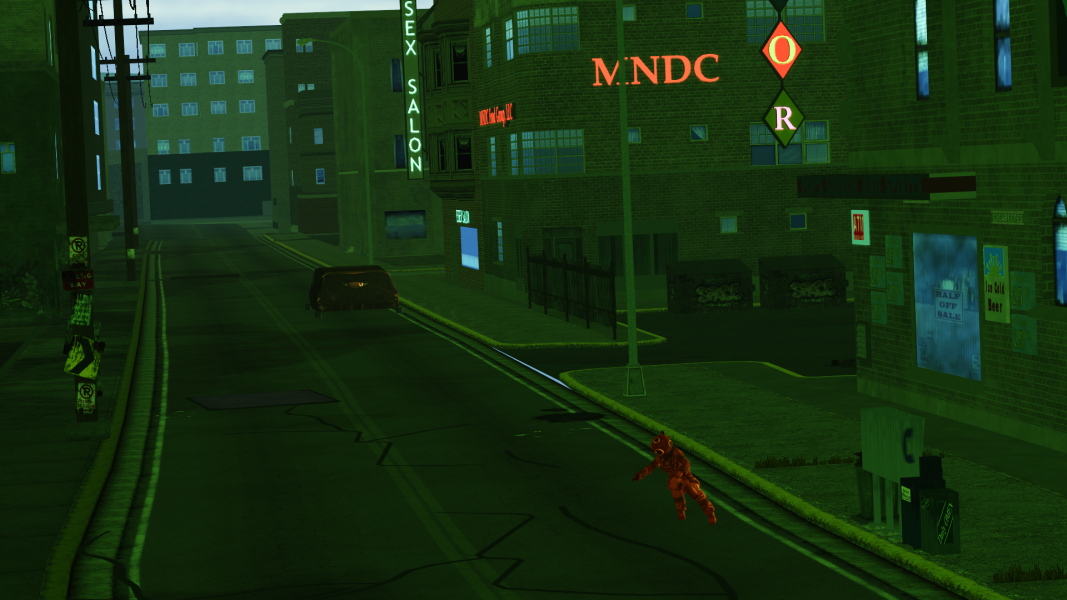
There were all kinds of things wrong with this cutscene. The strangest of which was the presence of a cellphone which would fly through the background throughout the cutscene. This cellphone does not get interacted with by any Character. My guess is that is was originally supposed to be used for Playa, but in the final build, Playa uses the same model as is used in gameplay instead. So the flying cellphone is a leftover. It can even be seen on console if you look carefully enough. Swapped the mesh to make it more obvious:
The other cellphone which the Translator eventually uses also flies through the background in earlier Shots. So does Wong, until he is actually used again later in the cutscene.
Can you spot the Translator's flying cellphone?:
Static Background Characters:
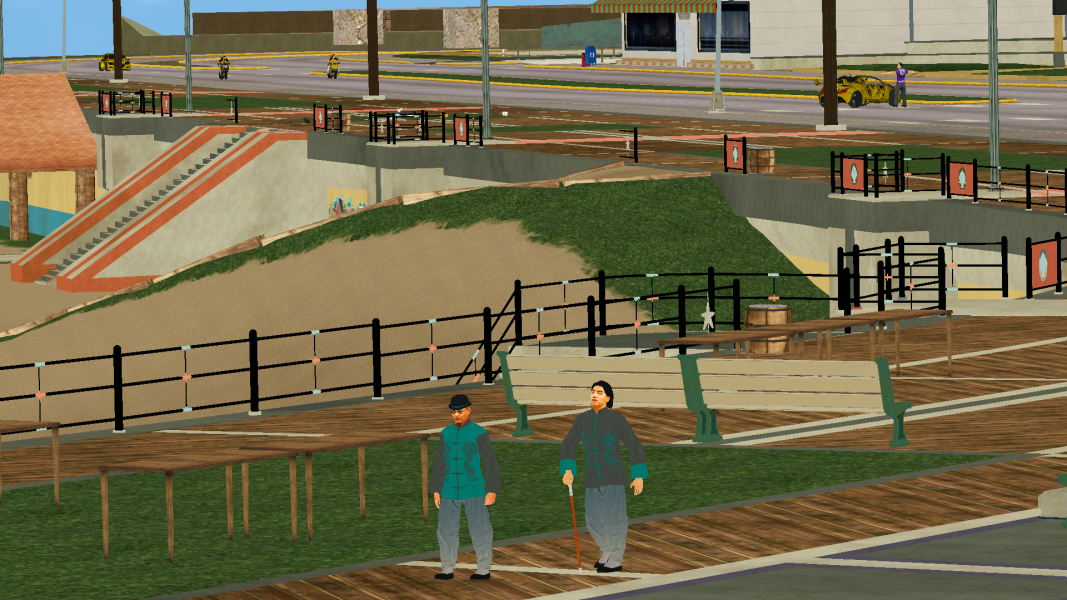
In the face-off between Wong and Kazuo, you can still see Gat and the Ronin in the background if you look carefully enough, but they are unanimated, contradictory to the cutscene's soundtrack. This too can be seen on console. Cutscene Patch hides all Characters in the background of these Shots.
Time Of Day "Progression":
The Vanilla version of this cutscene can take place at any Time Of Day. This doesn't make sense, as the mission script will set the Time Of Day to 20:30 as soon as gameplay starts. The initial fix was to simply set the Time Of Day to 20:30 for the cutscene. But instead, Time Of day progression is now simulated for the duration of the cutscene, ending at 20:30.
In order to simulate the passing of time, each Shot has it's own specified Time Of Day, which has a mathematically calculated time differential from the previous Shot, scaled down to in-game minutes (1 second = 1 minute). Whenever a new Time Of Day is set (every new Shot), there is a chance for a new type of Weather to start. So it could possibly start raining in the middle of the cutscene. Which was an unintended, but happy outcome.
Off-Camera Lights:
This isn't an issue that was fixed in Cutscene Patch because it's off-camera anyway. But if you were to use "Slew Mode" to look towards the Hotel buildings (behind the Volition studios hidden room), you'll find a bunch of unused lights.
TSSE04-03 "End Game":
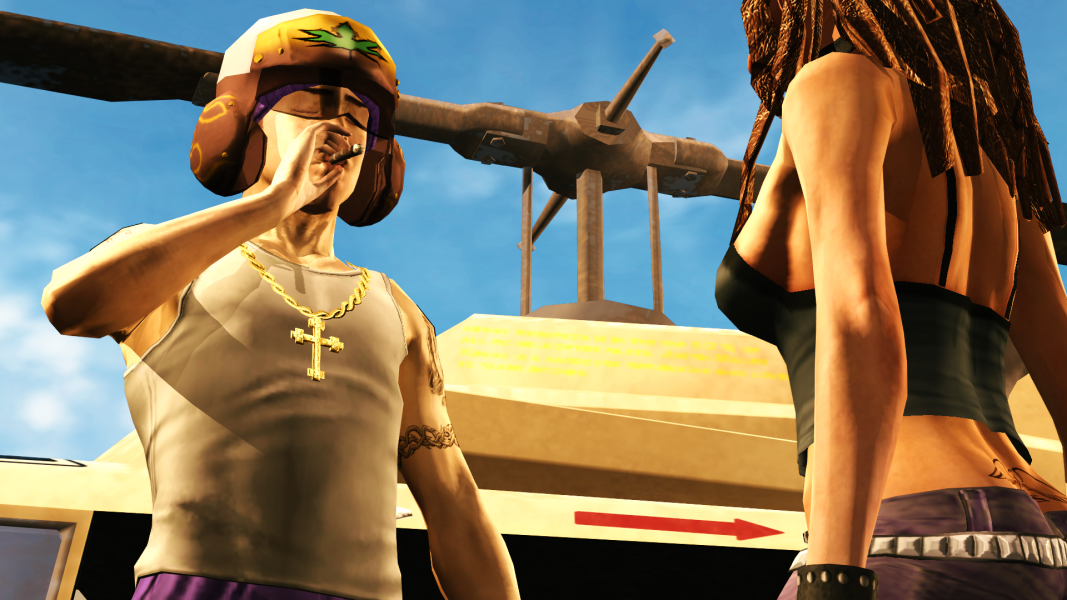
Tobias' Helmet:
Tobias' flight helmet is now a separate Character in this scene. This has no visual difference by default, but if one wanted to replace Tobias' Character's model in this cutscene file, the helmet will still remain for the replacement model:
Vogel's Limo Destroyed:
Placing an explosion Effect over the Limo was simple enough, but I wanted to have the explosion throw Vogel back up into the air. Fortunately, there is one animation which starts high in the air and has the Character fall to the ground; "PML1_ChuteFail_Fall.anim_pc", which is used for the failed parachute jumpers who randomly fall out of the sky around Stilwater.
I made Vogel's regular animation for that Shot finish earlier, and blended in the Parachute Fail animation, so he gradually teleports to that animation's start position, appearing to fly upwards from the exploding Limo.
Restored Subtitles (disabled Credits):
The cut subtitles attributed to this Cutscene were actually meant to play after the cutscene. It would have been a similar situation to the main menu idle video, where someone is changing through TV channels, and each channel airs a snippet of reports of what happened. You can even hear a split second of static noise in the final release when this transition would have happened.
Seeing as the cutscene length can't be extended (I assume because of the Camera Script), and the Credits file isn't really practical for hosting the cut subtitles, they have instead been restored during the last few Shots from when the helicopter takes off. Disabling the Credits actually extended the cutscene length slightly, which, though obviously not ideal, was needed because there are so many subtitles to read through.
Miscellaneous:
Even More "Wobbly" Animations:
In the previous Behind The Scenes, I showcased issues with some animations which could not be fixed. One of those showed a strange issue where Playa's breasts would move around in a circle. As it turns out, this is actually quite common throughout the game's cutscene animations, and when it happens, it tends to happen to all characters' animations at the same time.
Here are just a few instances:
TSSP-INTRO2 "Vacation's Over": BR05-02 "Proportional Response":
TSSE04-01 "A Brighter Future...":
Trivia:
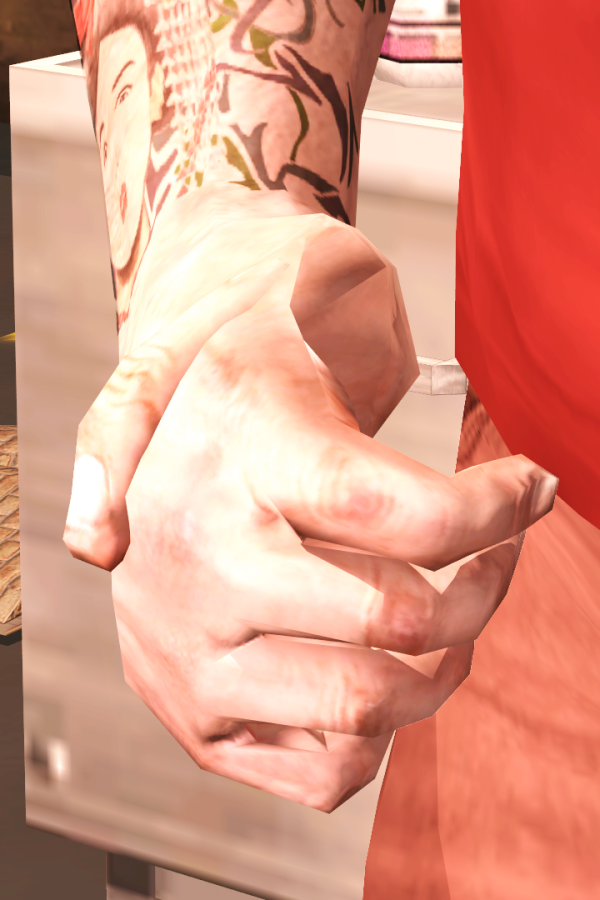
-BR02-02 "Infirm of Purpose": Matt's right thumb is broken horrifically at the beginning of Shot 5 off screen.
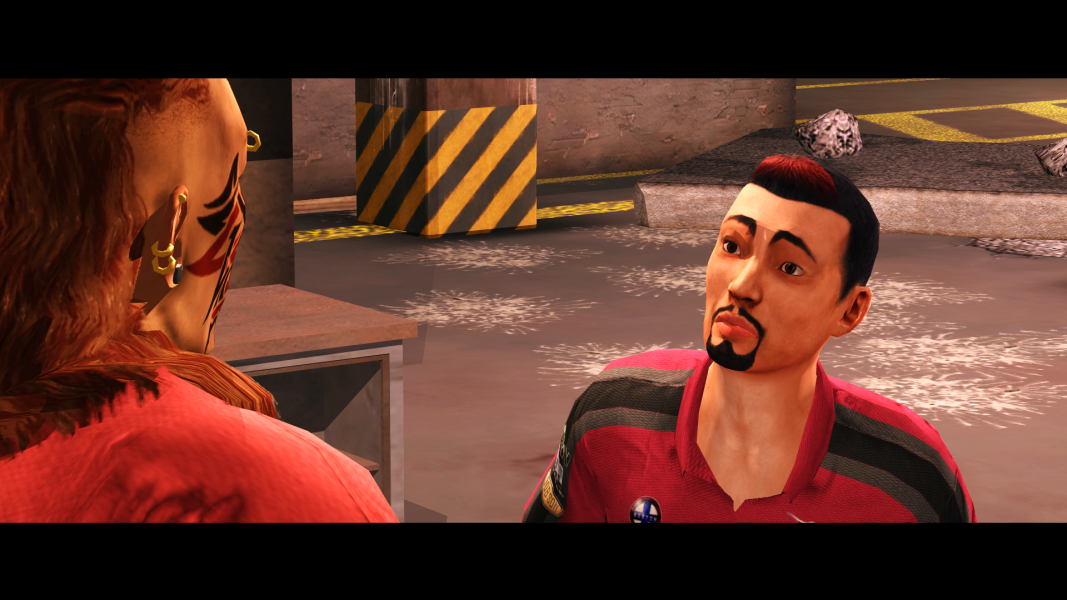
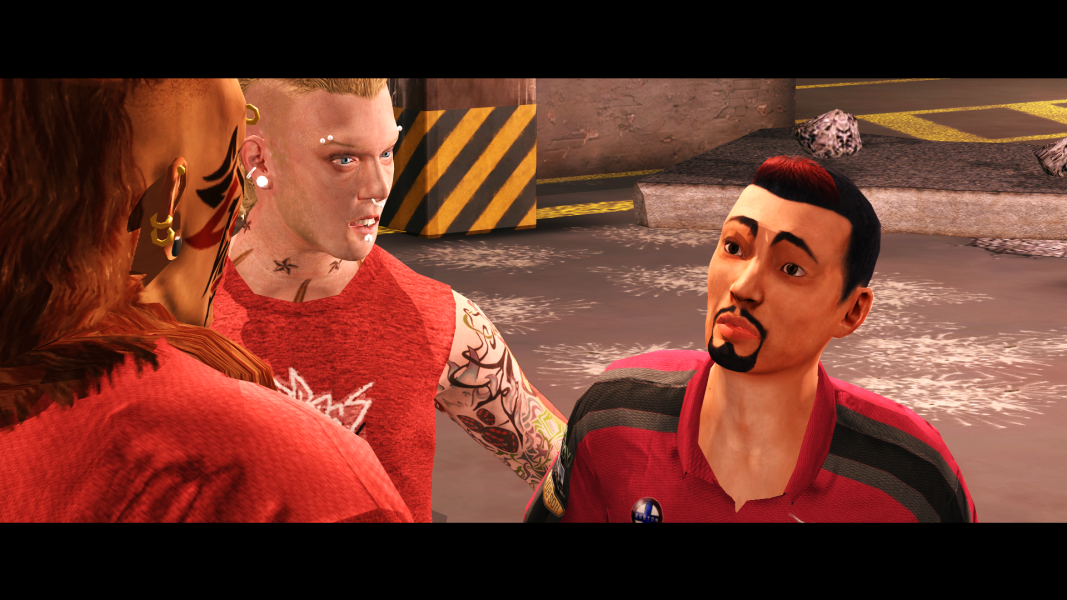
-BR05-02 "Proportional Response": There are two Maeros used in this cutscene for some reason.
-BR07-02 "Business Partners": Jaime the Secretary's subtitles internal names are prefixed with "AFYNG", which indicates she is Asian, Female and Young.
-BR08-02 "Fool Me Once...": The DOORs animation in Shot 20 has the doors resting in a different position to the other Shot animations. This is normally off-camera.
-BR10-02 "It's Not The Fall That Kills You...": There are two Maeros and two Donnies used in this cutscene.
-SS08-02 "Promises": Shaundi's Right Bicep is misshapen when Playa runs away.
Easter Eggs (Off-Camera) Hints:
Cutscene Patch v1.4 features a handful of off-camera Easter Eggs, only discoverable by using "Slew Mode" (F4) in Juiced Patch.
Can you find them all?
Hints:
- "Y'know, a nice Robin Egg Blue would really spruce this place up..." (Prologue)
- Behind every great Dane...
- Uncover your heritage. The legend is real.
Hmmm... That's quite strange. There are 16 versions of this file included in the mod. I've checked all of them in WinMerge and nothing seems amiss. I can't replicate the issue. Does it happen every time?
Could you please send me your "loose.txt" and "cutscene_patch.ini" (mod_file_libraries\cutscene_patch\files_directory\cutscene_patch.ini)?
Hmmm... That's quite strange. There are 16 versions of this file included in the mod. I've checked all of them in WinMerge and nothing seems amiss. I can't replicate the issue. Does it happen every time?
Could you please send me your "loose.txt" and "cutscene_patch.ini" (mod_file_libraries\cutscene_patch\files_directory\cutscene_patch.ini)?
Yeah it happens every time on this cutscene. Pretty sure I'm the only person with this issue tho lol I'll try to disable all mods except this one & start a new game.
Yeah it happens every time on this cutscene. Pretty sure I'm the only person with this issue tho lol I'll try to disable all mods except this one & start a new game.
Nothing seems wrong with either of those files... Are you using the latest version of Juiced Patch (v8.0.2)? It appears there are a few people reporting bugs with it related to memory, so it could be that. If so, you could try downgrading to the previous version (v7.9.5).
This site uses cookies to help personalise content, tailor your experience and to keep you logged in if you register.
By continuing to use this site, you are consenting to our use of cookies.