Hello what happened to the no letterbox version of this patch, i can't seem to find it?
Hi, Jose. I did mean to archive it when v1.3 released, but forgot all about it. So I'll archive it here.

"No Letterbox Edition" archive:
This is the now obsolete "No Letterbox Edition" of Cutscene Patch which released alongside Cutscene Patch v1.2. It does not (and will not) include any fixes or features from later versions of Cutscene Patch. If for some reason you are not using Juiced Patch to more effectively remove the letterbox, you could use this instead:
 

Attachments

The ".csc" files are the camera scripts. These files can't really be edited anyway (to my knowledge). But the hex code is different between Xbox and PC. The table files - including lightsets - are identical between Xbox and PC. So the issue seems to be more about how the Xbox version reads those files, since it expects them to be a certain way.

So far we've tested changing various individual aspects of a cutscene, to no success. A Xenia port of Cutscene Patch is, unfortunately, looking unlikely. Unless whatever's causing this issue becomes understood, and a work around can be achieved.

NPC .cvtf files do differ from each other between Xbox and PC. But no files referenced in a cutscene table file distinguish between Xbox or PC. This is why files are listed as (for example) ".cscx", instead of ".csc_xbox2" or ".csc_pc". ".cscx" means either can be used, so the same table file can be used for both Xbox and PC versions.

Sadly, no. Unless whatever's causing this issue becomes understood, and a work around can be achieved. Then maybe.
Wow i wish in future we can edit the cutscenes for DLC too so we can made our alternate ending where the boss finally chasing down dex... With unexpected plot twist 😃.
 
ive been having a problem regarding characters t-posing in cutscenes for a while, i dont think its caused by this mod but i cant find anything else regarding it on the internet. anybody got an idea as to why it happens?
 
ive been having a problem regarding characters t-posing in cutscenes for a while, i dont think its caused by this mod but i cant find anything else regarding it on the internet. anybody got an idea as to why it happens?
That sounds very strange. Does this happen for every character in every cutscene? Could you send a screenshot?

Cutscenes load animations directly. They don't need to be preloaded, so that shouldn't be the issue.

Are the characters stationary, or do they still move around while T-posing? If they move, maybe it's something to do with character rigging. The character rigs do need to be preloaded. Do you have a modded preload.tbl file?
 
CSP v1.4 Teaser.gif
 

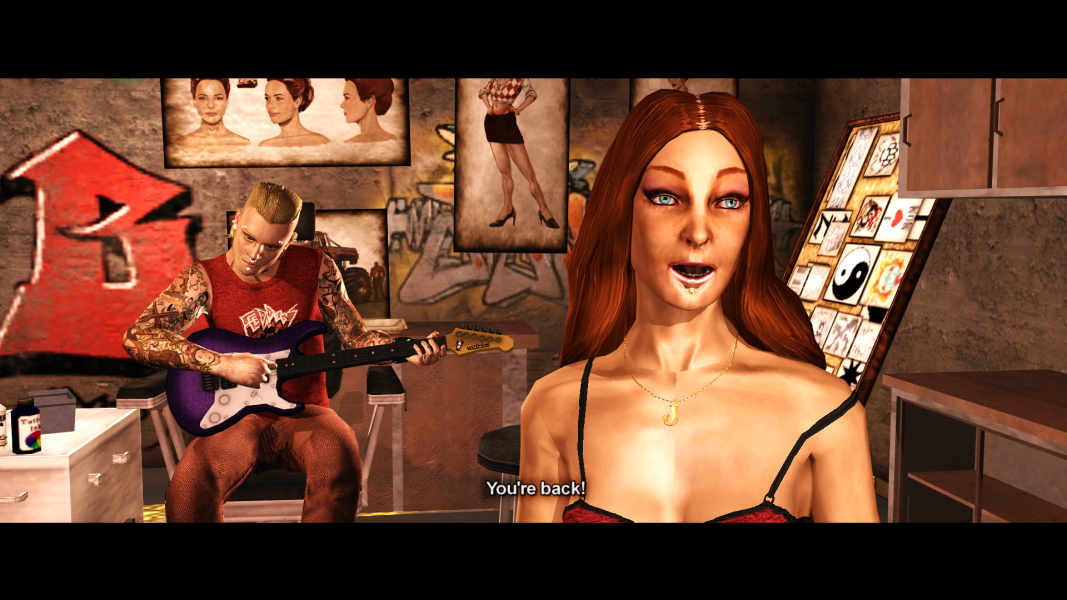
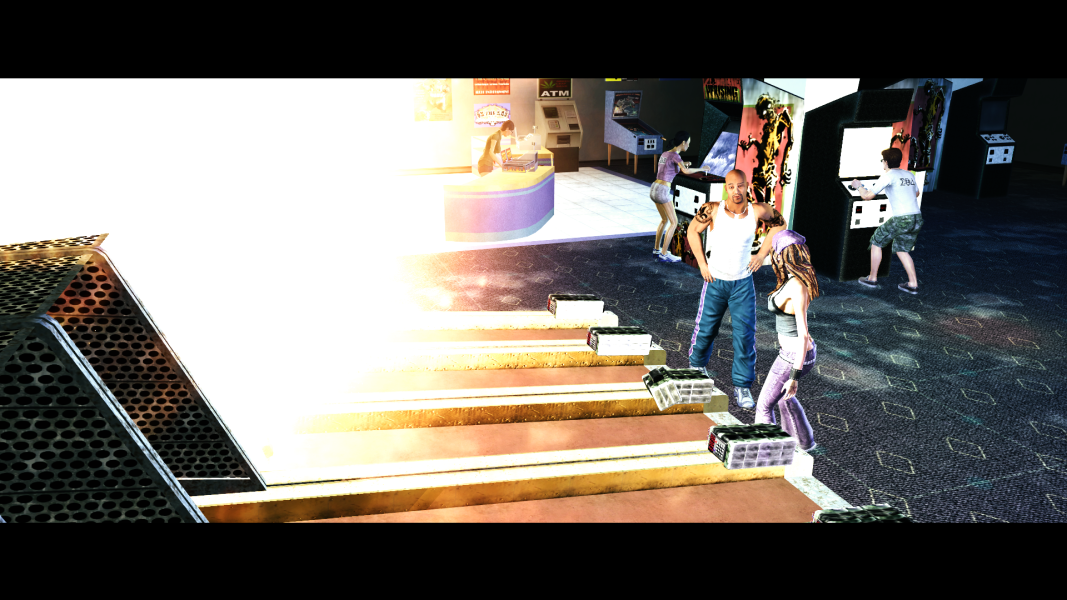
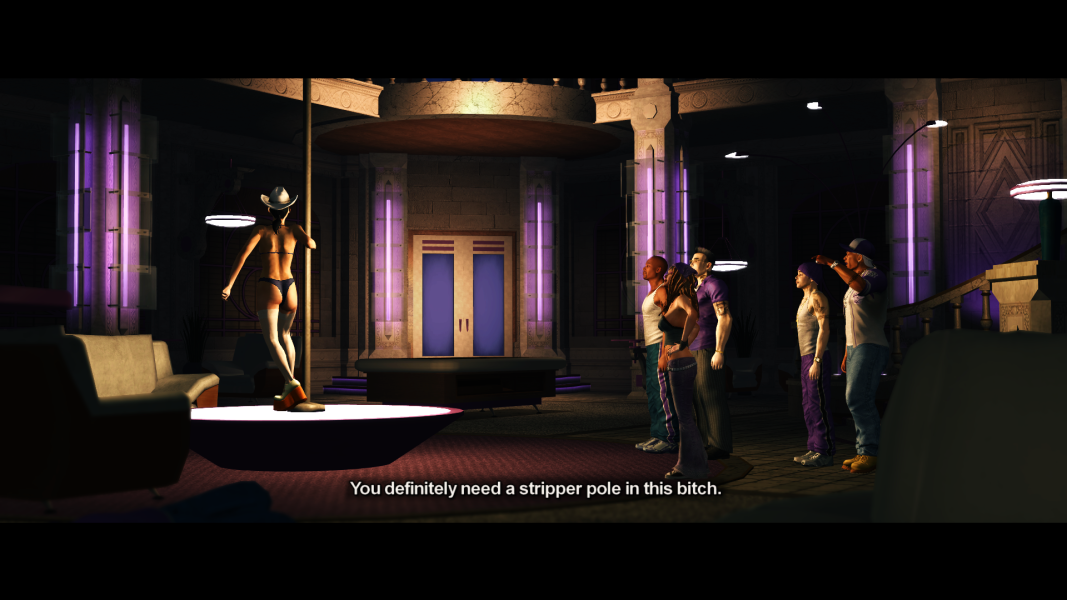
Here are just a couple of highlights from this mega-update! (see the main post for more):
br01_02_CSP_JessicasLongHair.pngbr09_01_CSP_ExplosiveSkeeball.pngtssp04_02_CSP_HQ3PoleDancer.png

This update sees a total expansion and overhaul of the mod! Due to the sheer amount of new content, Cutscene Patch now operates from a new GotR-like Batch menu!
CSP_BatchMenu.png
This new Batch file will even directly install the files to your game, for minimal modding effort! (Juiced Only.)​


The full changelog is now too long to justify including in the main post
The full Changelog is now available in the Main Post!
It can also found as a .txt file in the download ("mod_file_libraries\cutscene_patch\Changelog (Cutscene Patch).txt").


What are you waiting for? Check out the new update in the main post!​
 
Last edited:
so with this new Cutscene Patch, I can no longer use it with GoTR/CGoTR (by dropping files into "modders" folder) and have to put this separately from them?
 
nevermind I just read the readme and now I have to manually delete those files from 1.3 :sadge: (will there be a conflict from "file clash" (i guess?) between 1.3 and 1.4.?)

edit: just found out SeaboundSaint left the .bat uninstaller file in 1.3. I followed it and the .bat file removed every 1.3 files for me at once automatically. Thanks guys for make this mod user-friendly. I will leave this on for newcomers to know about. Have a wonderful day. 💜
 
Last edited:
so with this new Cutscene Patch, I can no longer use it with GoTR/CGoTR (by dropping files into "modders" folder) and have to put this separately from them?
There are instructions for GotR and SR2ModManger in the main post. They are in a "Spoiler" to save space, as Juiced is what the new .bat system was ultimately designed for. But Cutscene Patch v1.4 can still be used externally of the game directory. You just have to create a New Folder to extract it into, then manually copy the files from "mods\Cutscene Patch" after going through the .bat menu.

Here are the GotR and SR2ModManger Installation Instructions:
via Gentlemen Of The Row (Patch Builder):
1. Create a new folder. Name it "Cutscene Patch v1.4".
2. Download and extract "Cutscene Patch v1.4.7z" into the new folder you just created.
3. Run "_Build_Cutscene_Patch.bat" and browse the menus for any Extras you wish to install.
4. Press "P" to build your Cutscene Patch! All files (based on your selections) will be installed to the "mods\Cutscene Patch" folder.
5. COPY ALL files from the "mods\Cutscene Patch" folder.
6. PASTE into "Gentlemen_of_the_Row_Saints_Row_2_Super_Mod_v1.9.2\optional_mod_stuff\1-MODDERS_-_PUT_YOUR_OWN_PERSONAL_MODS_HERE".
7. Rebuild your Gentlemen Of The Row custom patch by double-clicking "Create_Custom_GotR_v1.9.2.bat" and following the instructions.
8. Move the newly created contents of "MY_CUSTOM_PATCH" into your Saints Row 2 root directory (Where "SR2_pc.exe" is located.).
9. COPY the "videos" folder included with Cutscene Patch v1.4 into your Saints Row 2 root directory.
10. Launch Saints Row 2, and enjoy an improved cinematic experience!

Uninstallation: "_CSP_GotR_Uninstaller.bat" can be found in the "mod_file_libraries\cutscene_patch\GotR Uninstaller" folder, accompanied with instructions.


via SR2ModManager:
1. Create a new folder. Name it "Cutscene Patch v1.4".
2. Download and extract "Cutscene Patch v1.4.7z" into the new folder you just created.
3. Run "_Build_Cutscene_Patch.bat" and browse the menus for any Extras you wish to install.
4. Press "P" to build your Cutscene Patch! All files (based on your selections) will be installed to the "mods\Cutscene Patch" folder.
5. COPY the "Cutscene Patch" folder (from inside the "mods" folder).
6. PASTE into "SR2ModManager_v2.07\mods".
7. Run "SR2ModManager.exe" and tick the "Cutscene Patch" folder.
8. Compile your "patch.vpp_pc" and move it from "SR2ModManager_v2.07\patch_vpp_pc_new" into your Saints Row 2 root directory (Where "SR2_pc.exe" is located).
9. COPY the "videos" folder included with Cutscene Patch v1.4 into your Saints Row 2 root directory.
10. Launch Saints Row 2, and enjoy a smoother cinematic experience!

just found out SeaboundSaint left the .bat uninstaller file in 1.3. I followed it and the .bat file removed every 1.3 files for me at once automatically. Thanks guys for make this mod user-friendly. I will leave this on for newcomers to know about.
Correct. If you are still using v1.3, and are still using GotR, you should use the "Uninstaller (Cutscene Patch).bat" from v1.3 first. Then install v1.4.

v1.4 also has it's own, newly updated "_CSP_GotR_Uninstaller.bat" for GotR.

Have a wonderful day. 💜
You too! 💜
 
Back
Top