

With this mod, you can have your Saints drive any Brotherhood, Ronin, Samedi or Police related vehicle!
23 vehicles have been added in total!
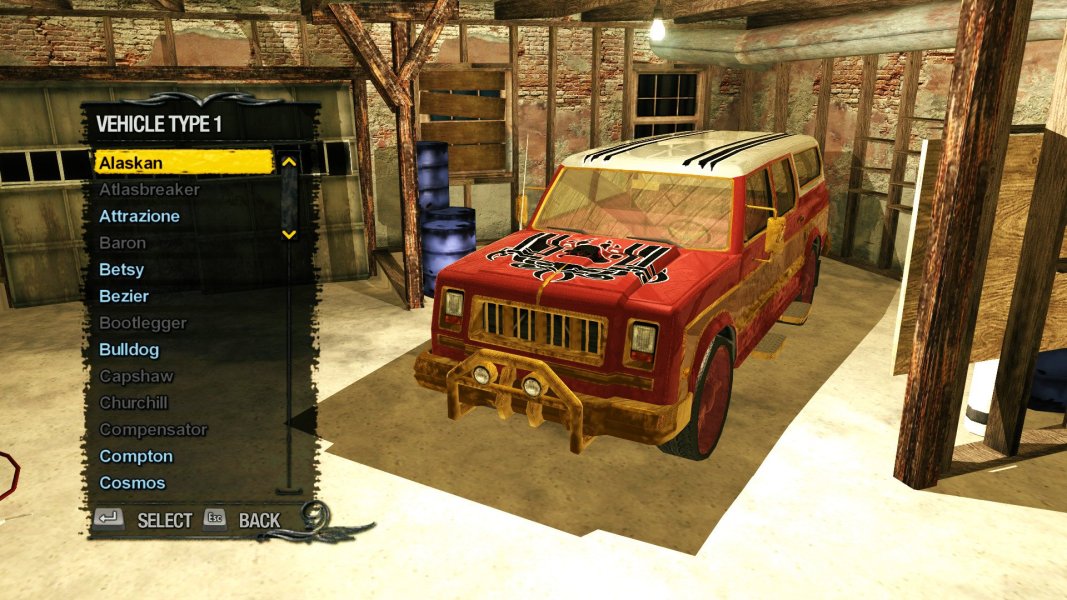
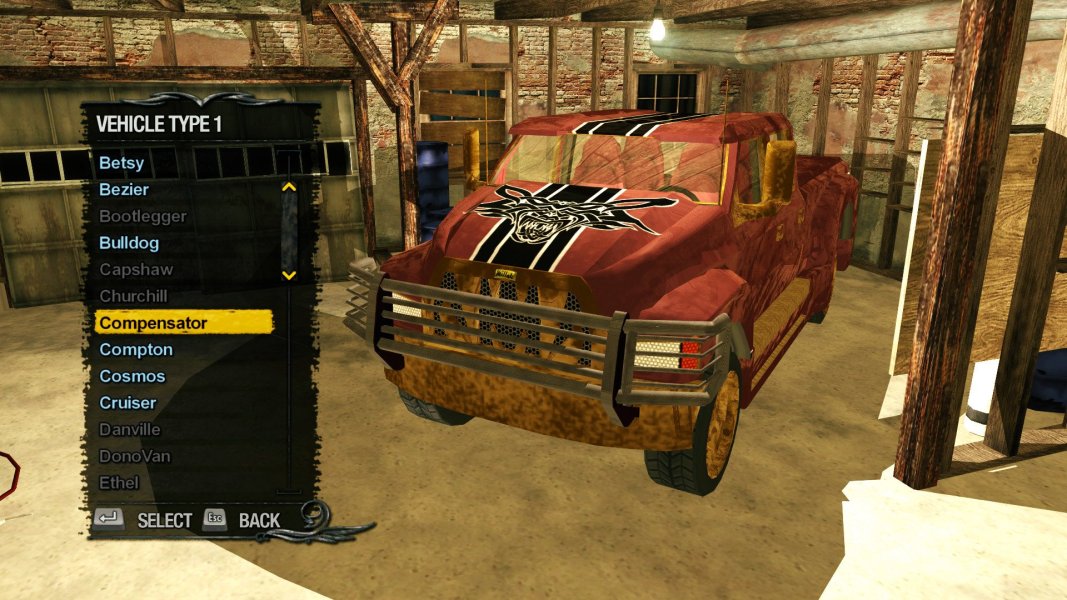
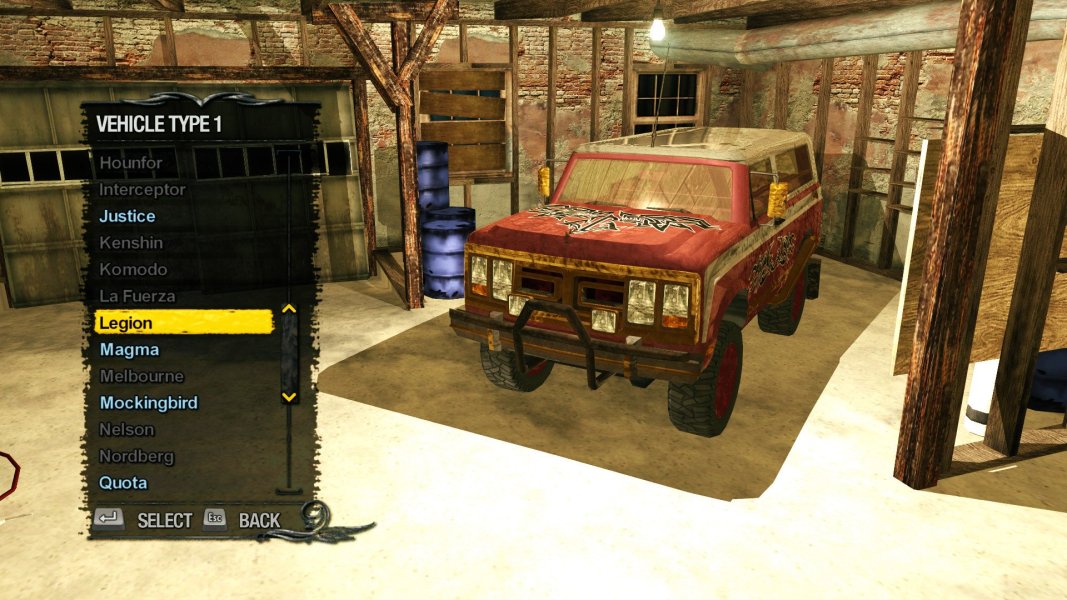
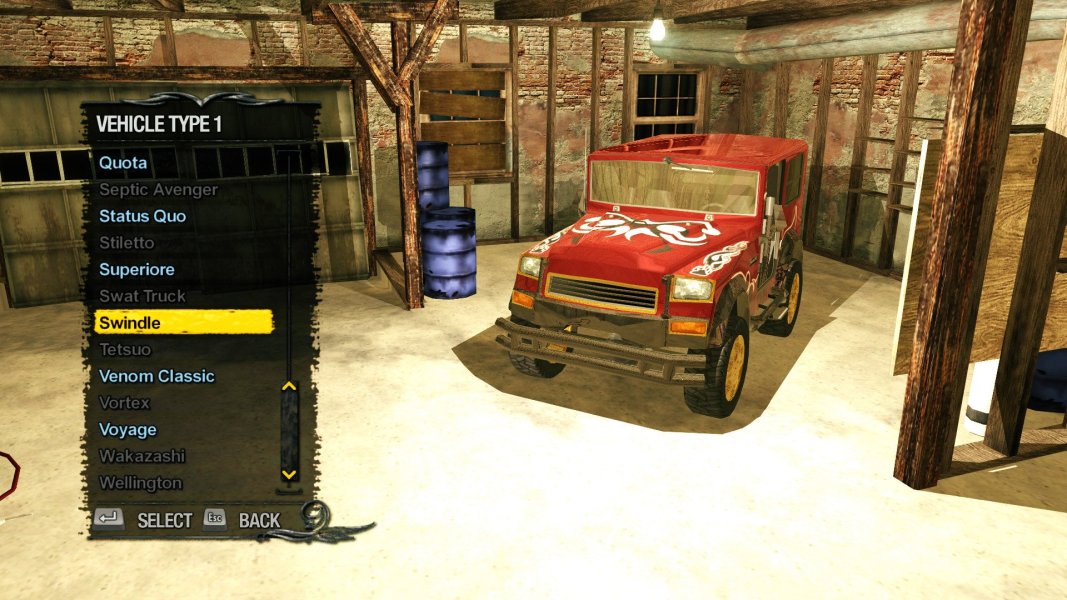
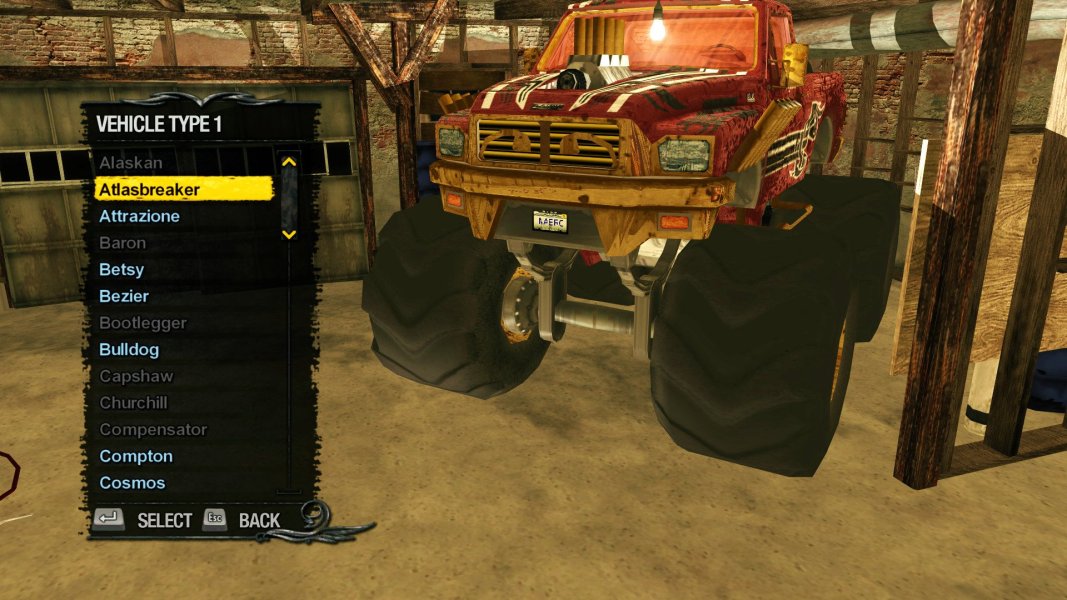
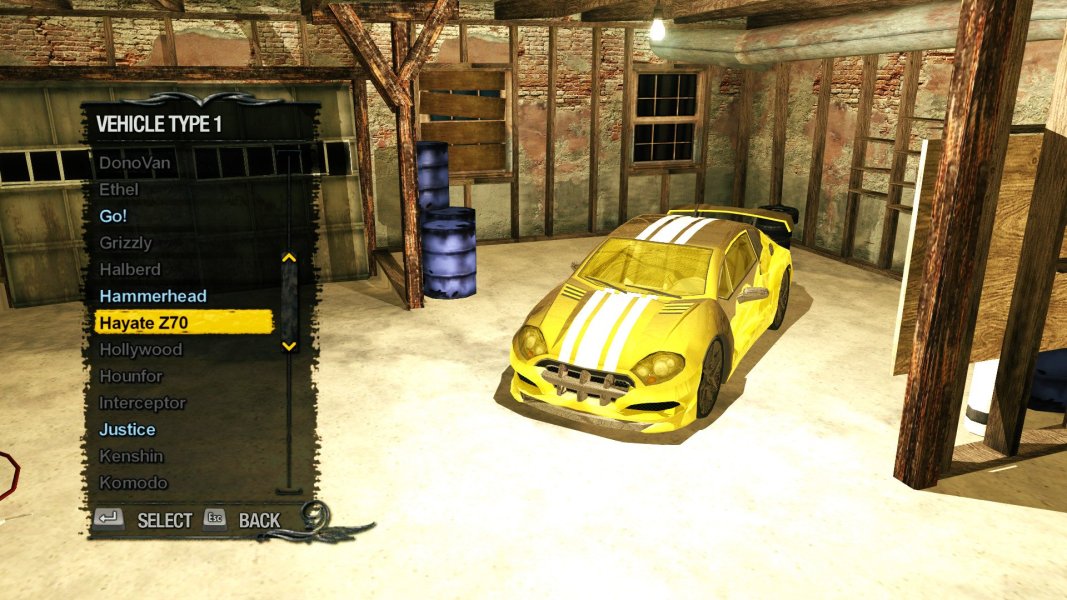
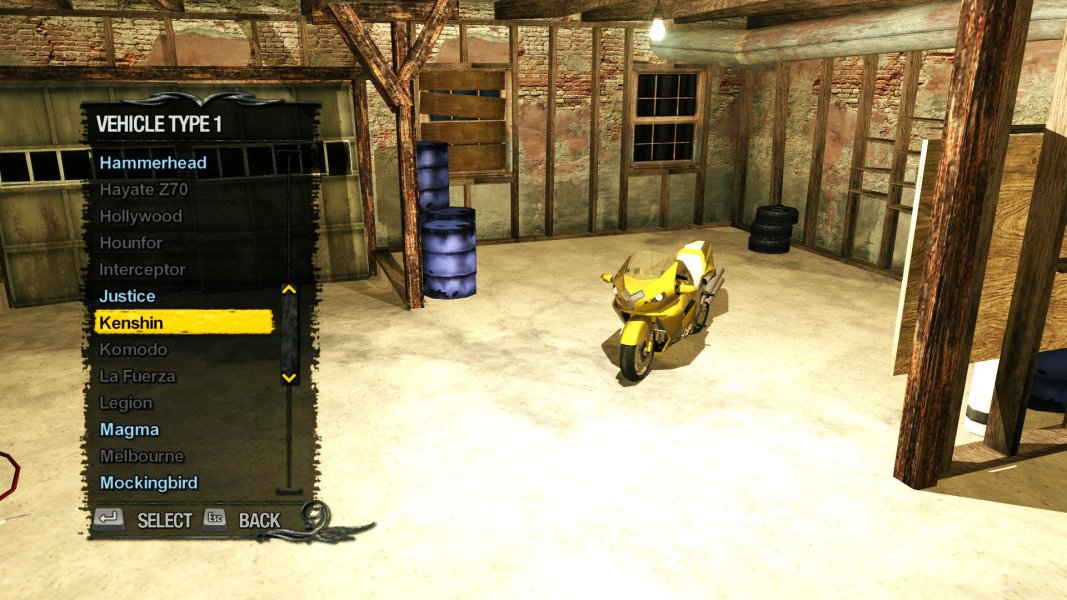

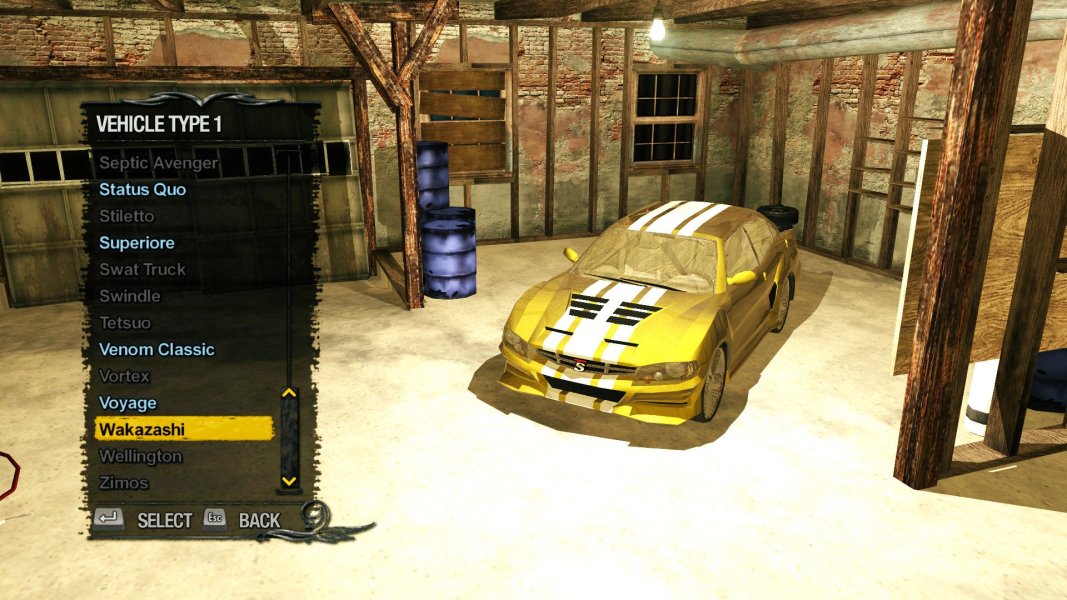
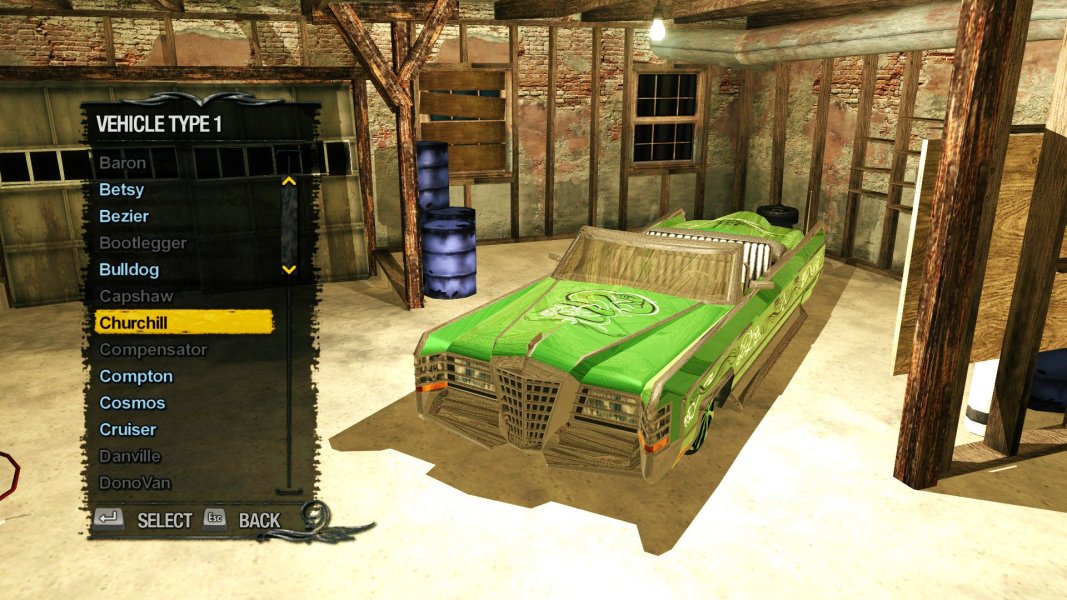
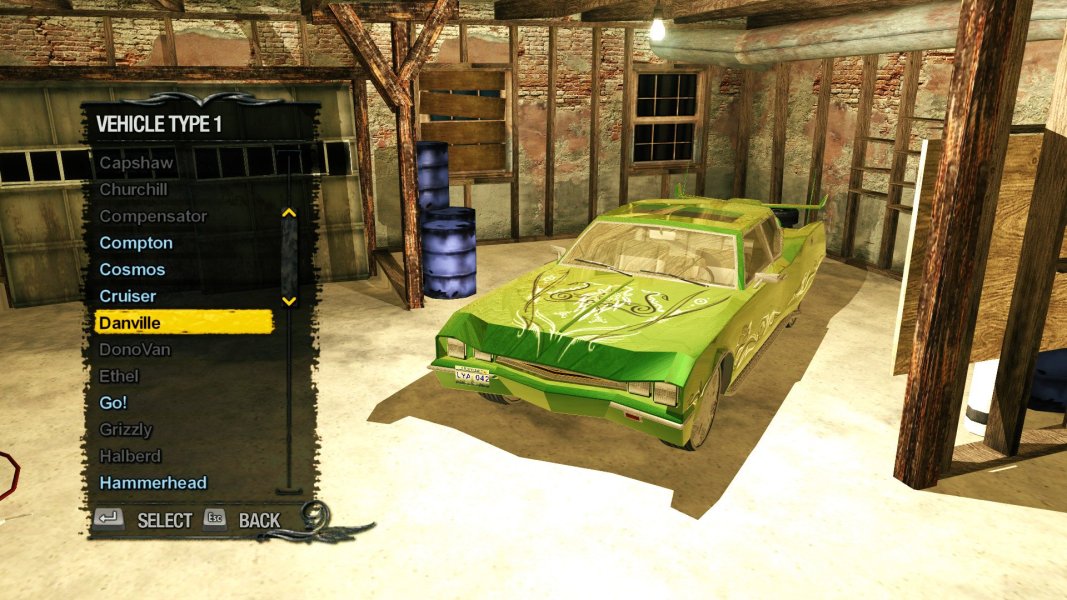
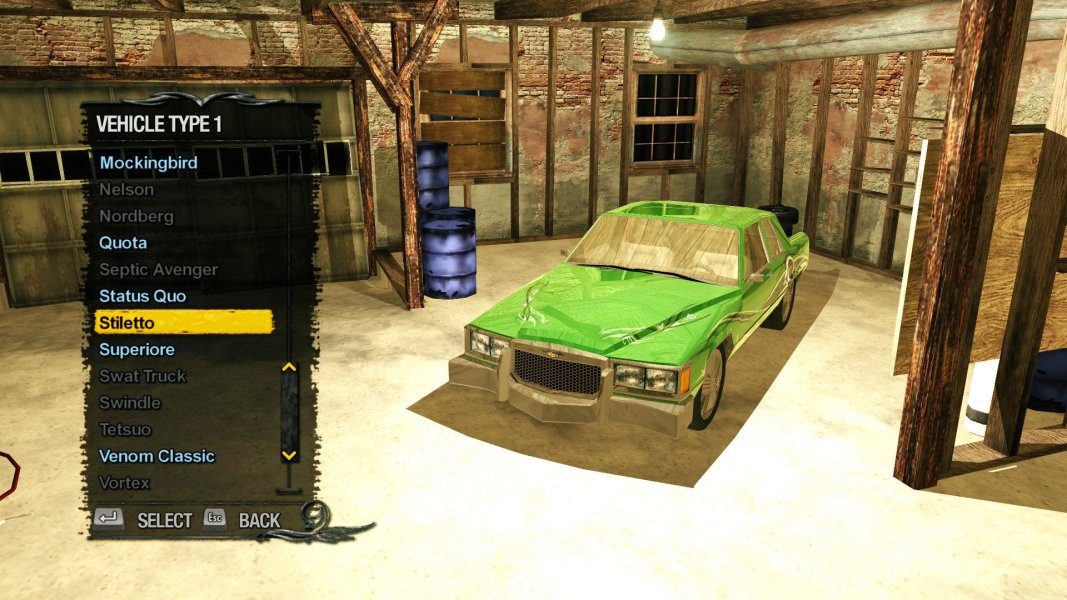
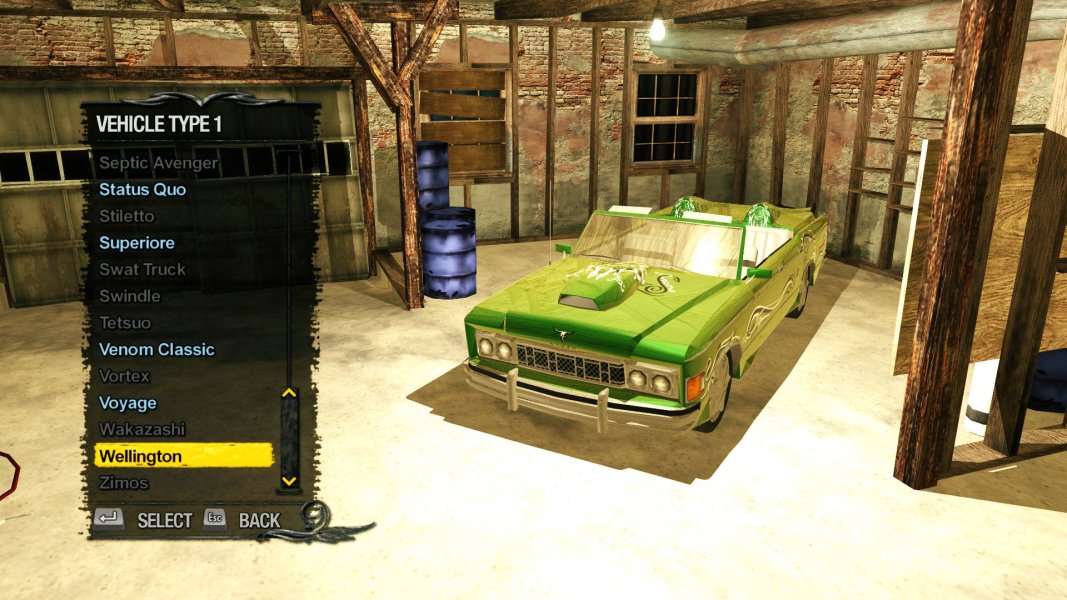
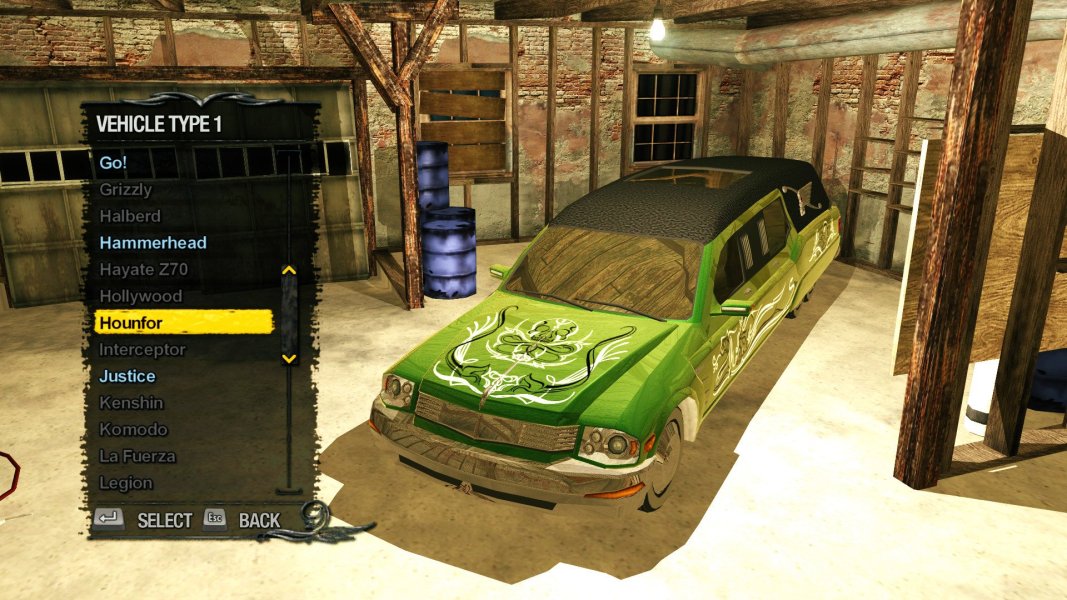
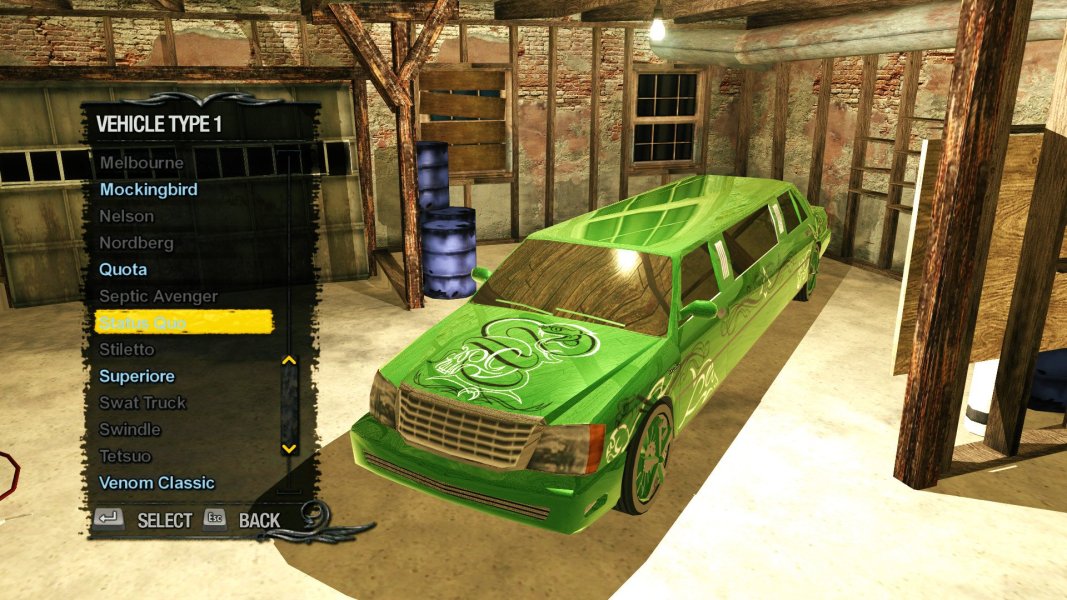
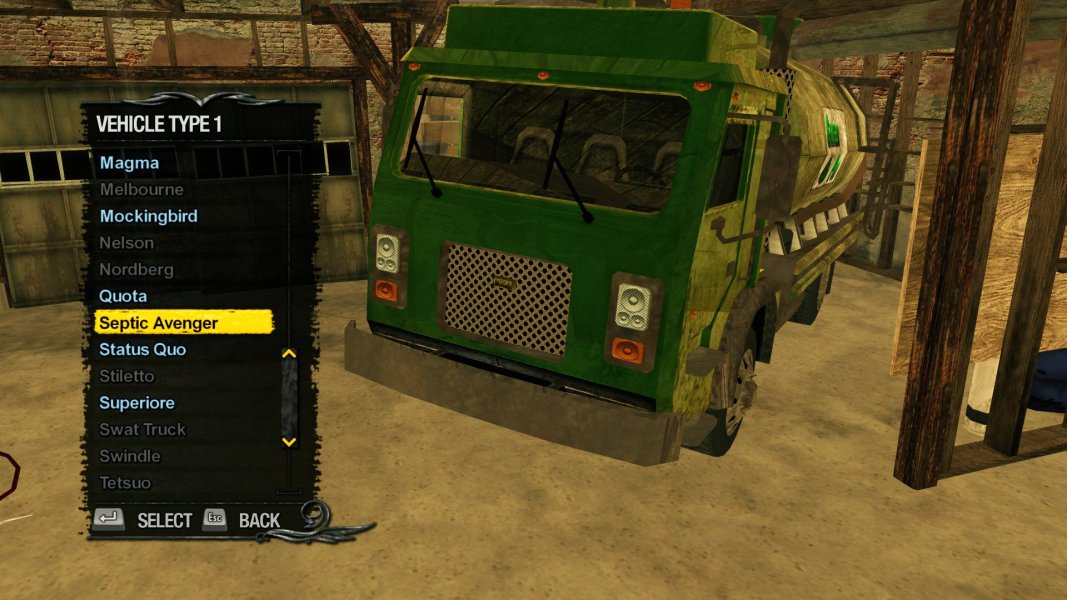
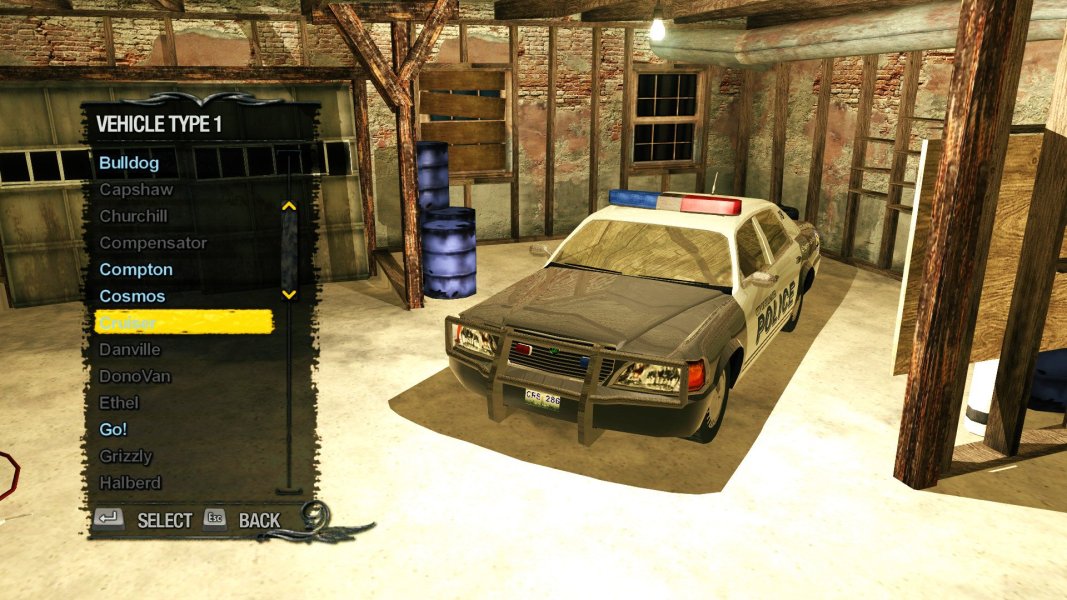
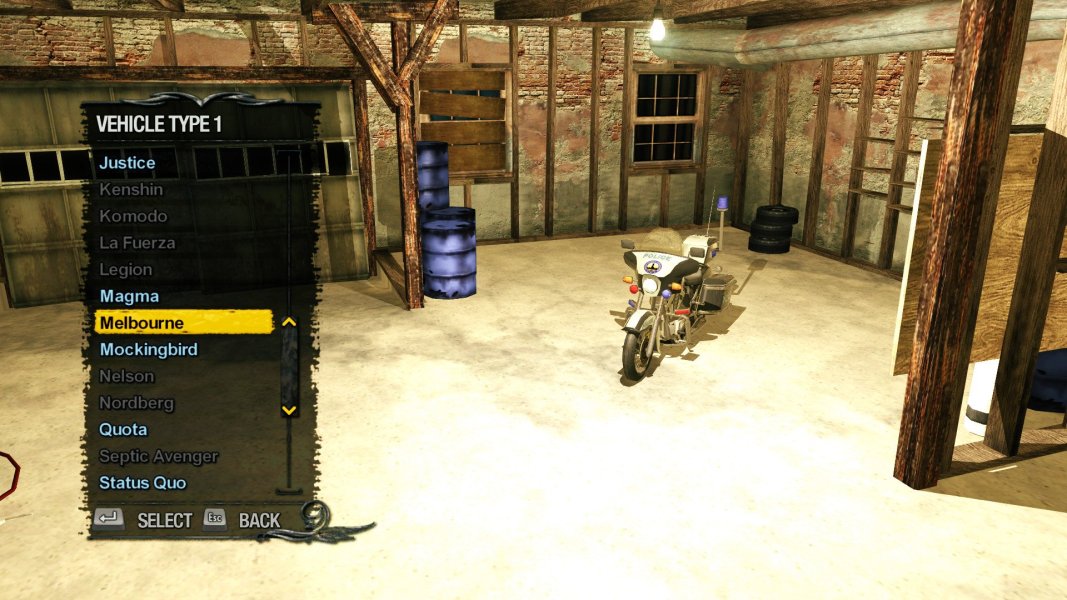
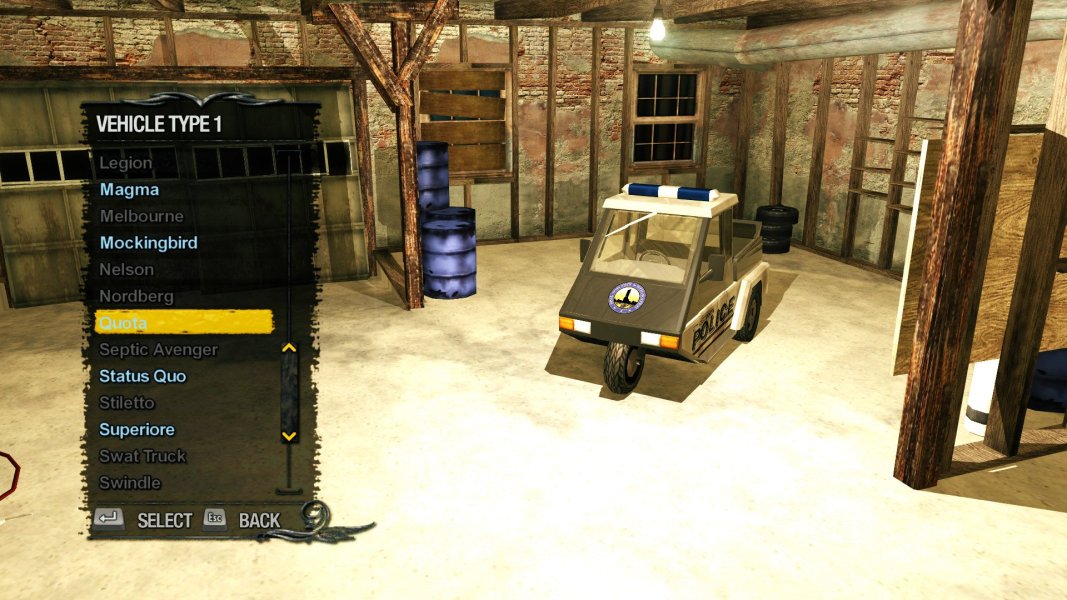
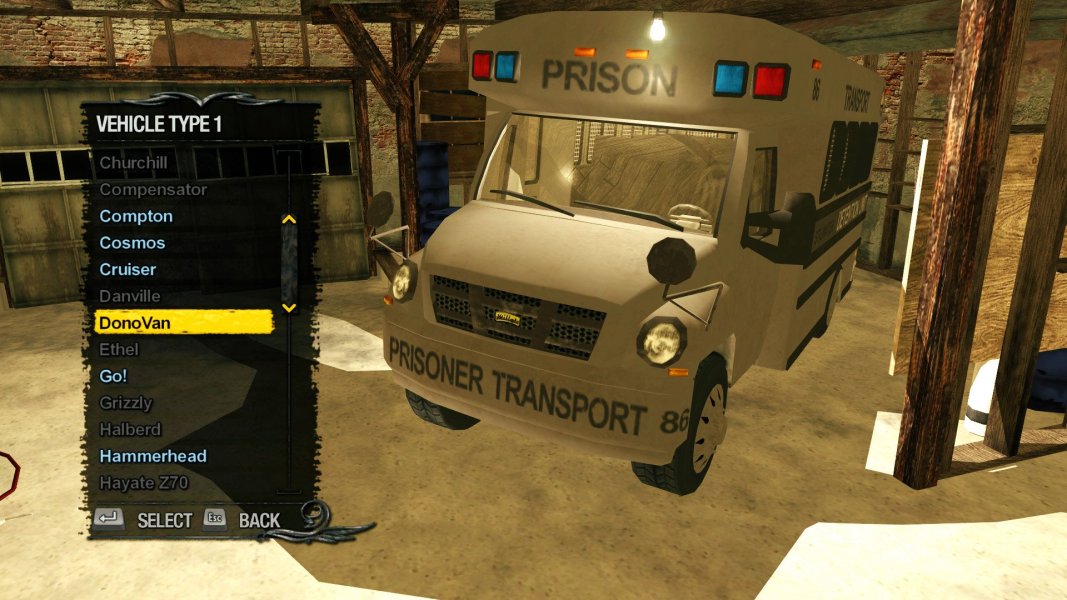
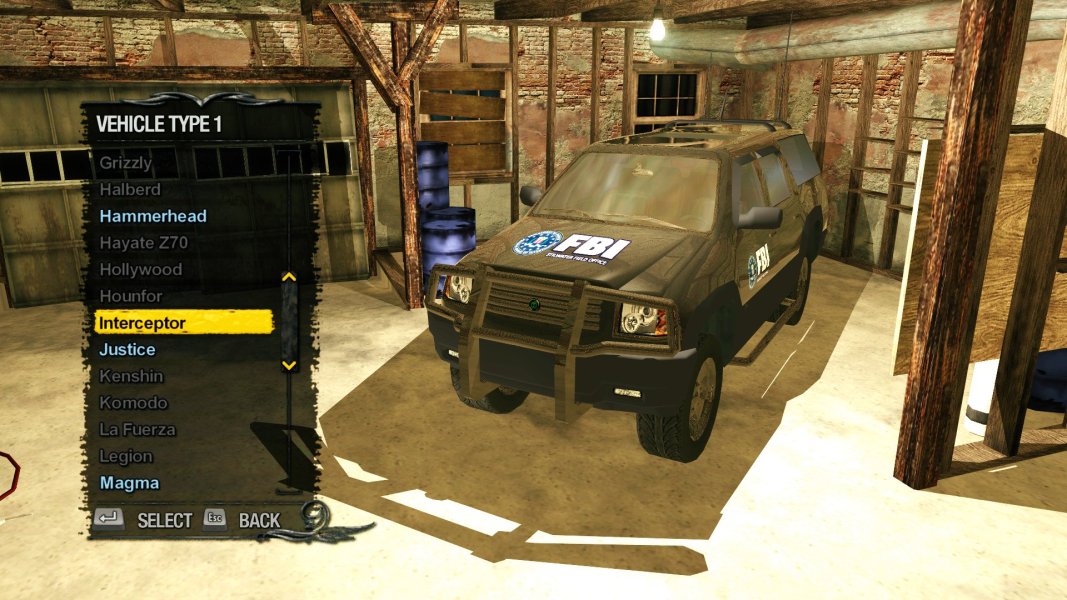
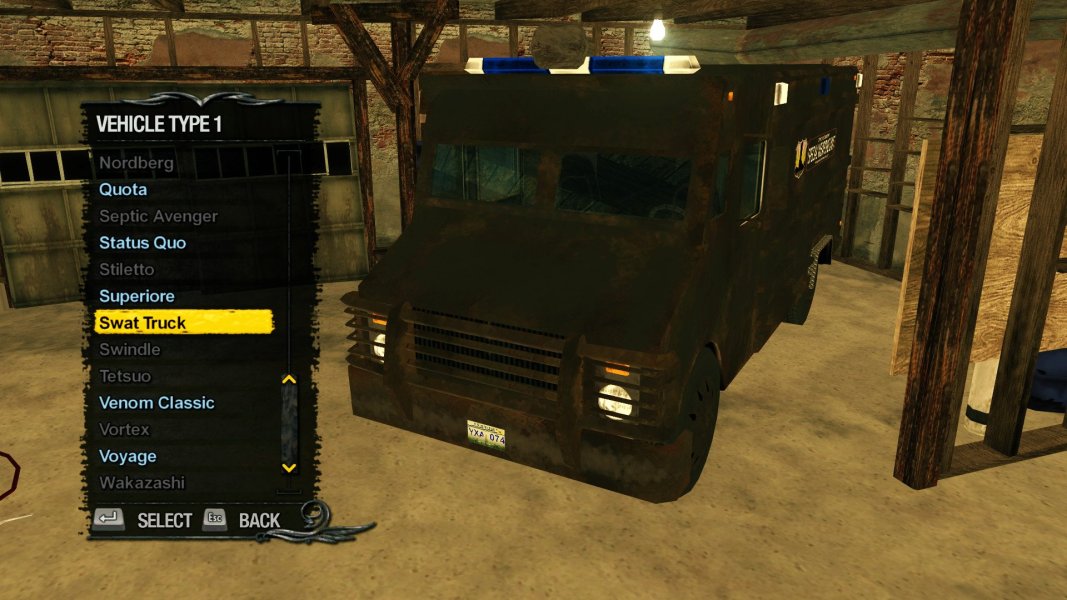
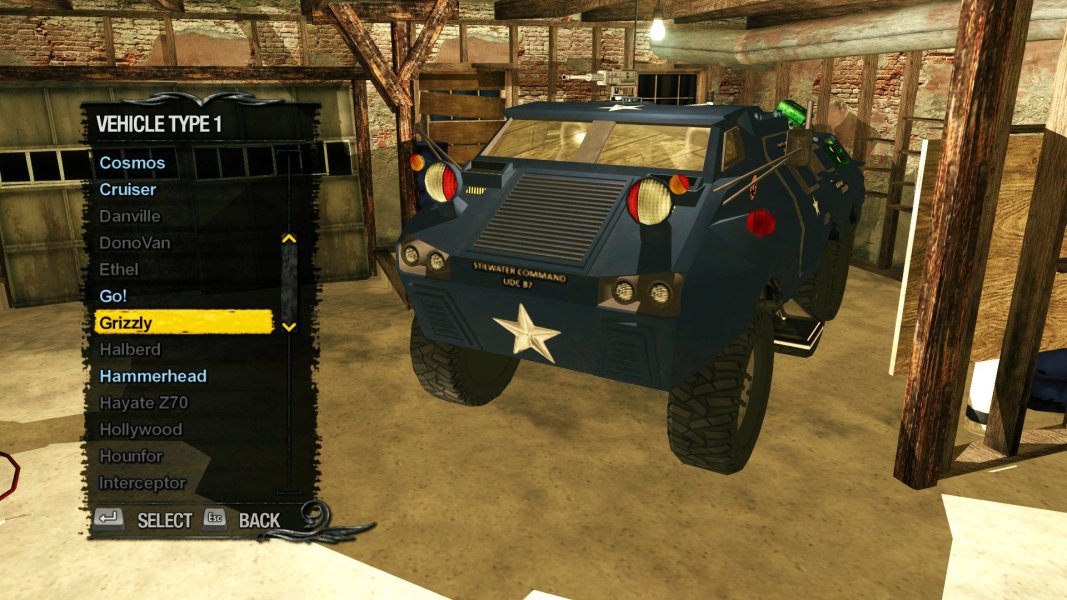
23 vehicles have been added in total!
NOTES:
- Everything in this mod was built on Vanilla files. If you are using another mod which modifies these vehicles, there may be missing Vehicle Variant information for that mod.
- The "gang_customization.xtbl" file is also based on Vanilla. I have included a GotR version, but for other mods (such as FPA+ or Gang Styles+), you will have to use WinMerge to merge the contents of both versions of the file into one.
INSTALLATION:
via Juiced Patch (v7.1.0 or later):
1. Create a new folder inside the "Mods" folder in your Saints Row 2 root directory (where SR2_pc.exe is located). Call it "Enemy Gang Customization Vehicles".
2. Add the following line to "loose.txt": "mods/Enemy Gang Customization Vehicles"
3. COPY all files provided by this mod into the "Enemy Gang Customization Vehicles" folder you just created.
4. Launch Saints Row 2, and find the new vehicles in Gang Customization (Saints HQ)!
via Gentlemen Of The Row (Patch Builder):
1. COPY all files provided by this mod.
2. PASTE into "Gentlemen_of_the_Row_Saints_Row_2_Super_Mod_v1.9.2\optional_mod_stuff\1-MODDERS_-_PUT_YOUR_OWN_PERSONAL_MODS_HERE".
3. Rebuild your Gentlemen Of The Row custom patch by double-clicking "Create_Custom_GotR_v1.9.2.bat" and following the instructions.
4. Move the newly created contents of "MY_CUSTOM_PATCH" into your Saints Row 2 root folder (Where SR2_pc.exe is located.).
5. Launch Saints Row 2, and find the new vehicles in Gang Customization (Saints HQ)!
via SR2ModManager:
1. Create a new folder in "SR2ModManager_v2.07\mods". Call it "Enemy Gang Customization Vehicles".
2. COPY all files provided by this mod into the "Enemy Gang Customization Vehicles" folder you just created.
3. Run "SR2ModManager.exe" and tick the "Enemy Gang Customization Vehicles" folder you created.
4. Compile your "patch.vpp_pc" and move it from "SR2ModManager_v2.07\patch_vpp_pc_new" into your Saints Row 2 root directory (Where SR2_pc.exe is located).
5. Launch Saints Row 2, and find the new vehicles in Gang Customization (Saints HQ)!
via Juiced Patch (v7.1.0 or later):
1. Create a new folder inside the "Mods" folder in your Saints Row 2 root directory (where SR2_pc.exe is located). Call it "Enemy Gang Customization Vehicles".
2. Add the following line to "loose.txt": "mods/Enemy Gang Customization Vehicles"
3. COPY all files provided by this mod into the "Enemy Gang Customization Vehicles" folder you just created.
4. Launch Saints Row 2, and find the new vehicles in Gang Customization (Saints HQ)!
via Gentlemen Of The Row (Patch Builder):
1. COPY all files provided by this mod.
2. PASTE into "Gentlemen_of_the_Row_Saints_Row_2_Super_Mod_v1.9.2\optional_mod_stuff\1-MODDERS_-_PUT_YOUR_OWN_PERSONAL_MODS_HERE".
3. Rebuild your Gentlemen Of The Row custom patch by double-clicking "Create_Custom_GotR_v1.9.2.bat" and following the instructions.
4. Move the newly created contents of "MY_CUSTOM_PATCH" into your Saints Row 2 root folder (Where SR2_pc.exe is located.).
5. Launch Saints Row 2, and find the new vehicles in Gang Customization (Saints HQ)!
via SR2ModManager:
1. Create a new folder in "SR2ModManager_v2.07\mods". Call it "Enemy Gang Customization Vehicles".
2. COPY all files provided by this mod into the "Enemy Gang Customization Vehicles" folder you just created.
3. Run "SR2ModManager.exe" and tick the "Enemy Gang Customization Vehicles" folder you created.
4. Compile your "patch.vpp_pc" and move it from "SR2ModManager_v2.07\patch_vpp_pc_new" into your Saints Row 2 root directory (Where SR2_pc.exe is located).
5. Launch Saints Row 2, and find the new vehicles in Gang Customization (Saints HQ)!
CREDITS:
- Thanks @NinjaSr2 for requesting this mod!
- "Juiced Patch" by the Kobraworks team
- "Gentlemen Of The Row" by IdolNinja (& the GotR team)
- "SR2ModManager" by Masamaru
