Steelport Visible From Stilwater

Singa

Succubus
Forum Staff
Moderator
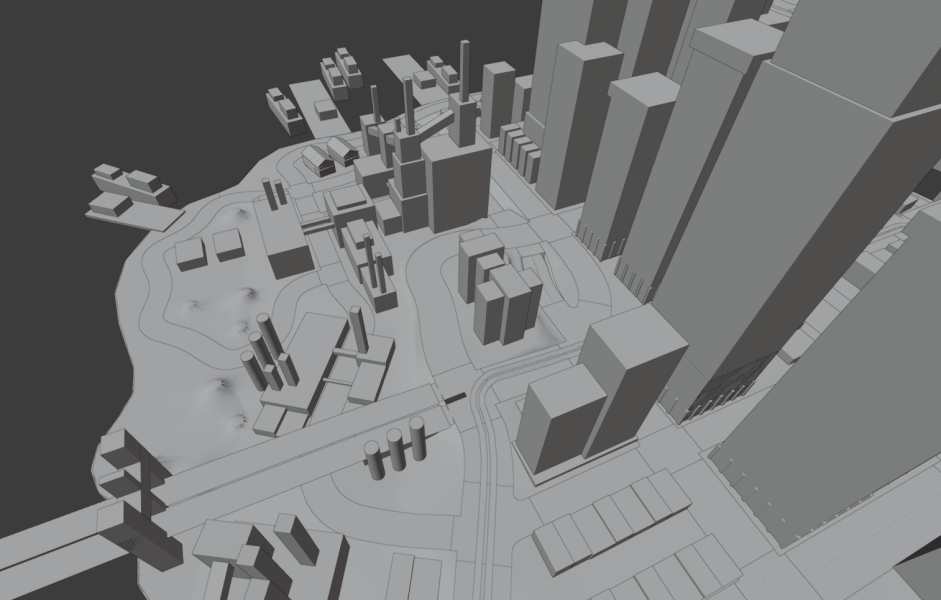
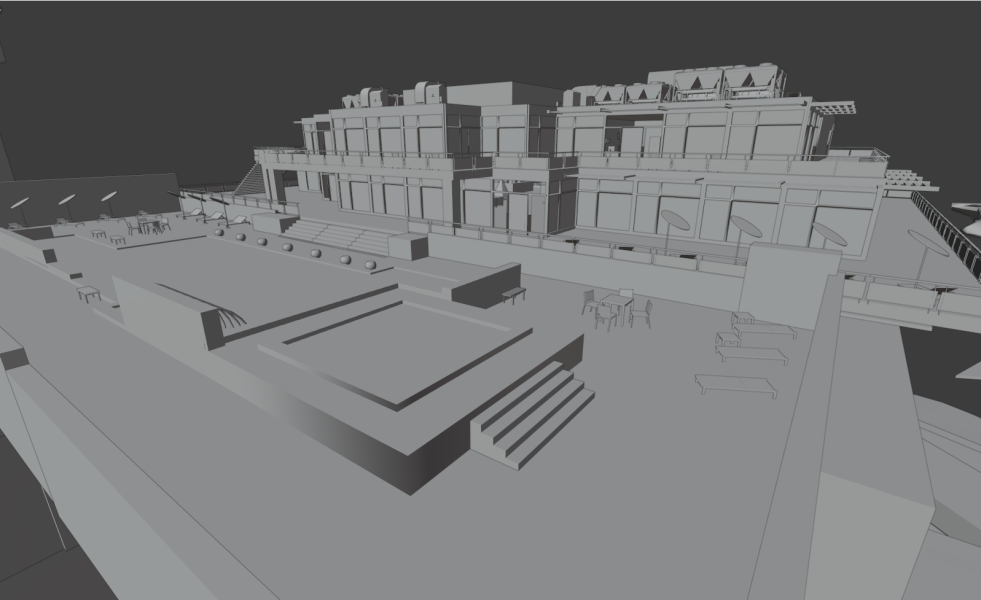
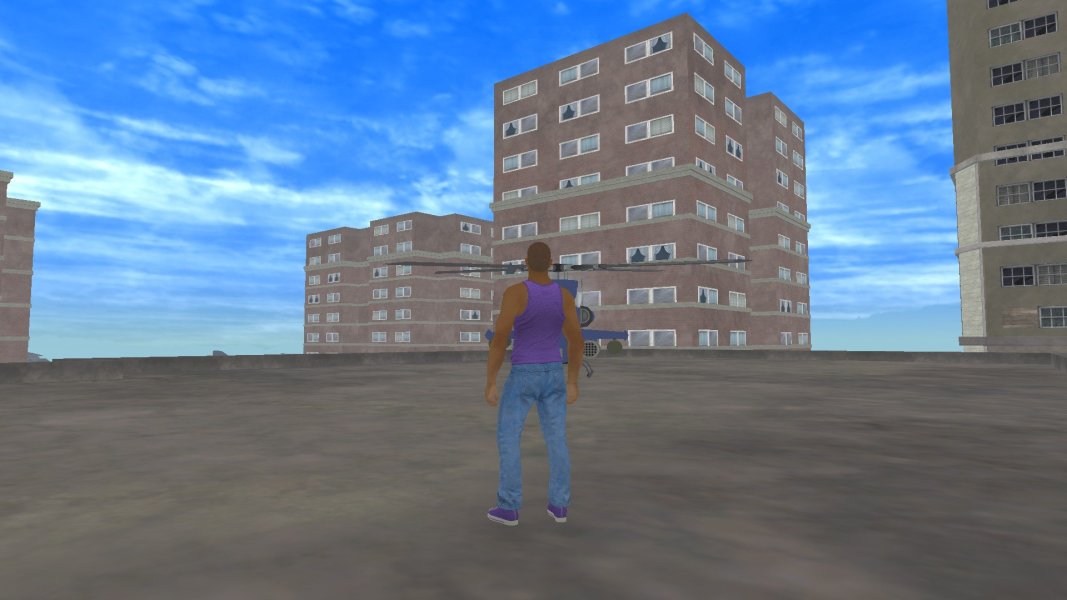
This mod adds Steelport's skyline to the horizon, making it visible from Stilwater.

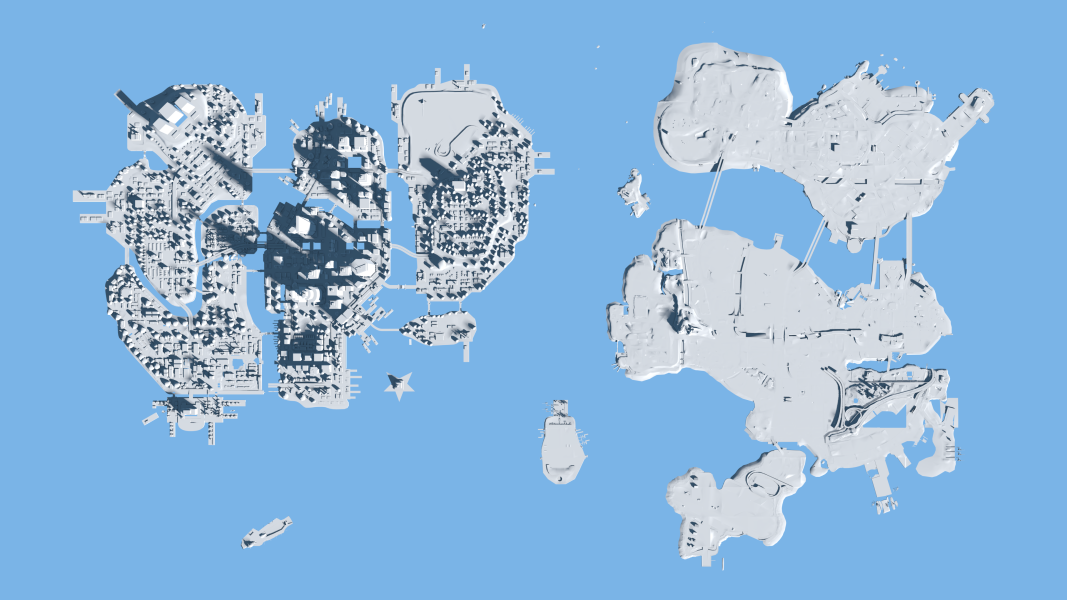
Since the two cities don't seem to be too far apart, I thought it would be cool to see the iconic skyscrapers of the rustbelt city on the horizon.​
skybox_mountains01.tga_0.png
skybox_mountains_tod-tga_0-png.48805


Known issues:

Unfortunately the skybox in Saints Row 2, at least the PC port, is extremely scuffed. Everyone already knows that, despite its textures being present, the moon is never loaded. And since the mountains you see in the distance are in the same archive as the clouds for different weathers, none of the textures are loaded during some weathers. So not only do the clouds disappear in clear and vibrant weather, but also the mountains.

Furthermore, despite a night time texture of the mountains existing with lights scattered across them, the game only ever loads the daytime texture and simply desaturates it.

Here are comparison screenshots of the skybox at day and at night. I wrote day and night on the textures respectively in color to see if and how the game shows them. The texture is also flipped in game hence why the text is backwards.
9480_20260331181820_1.png
9480_20260331181758_1.png

Lastly, the skybox texture doesn't wrap around the map, instead it is loaded four times, once for each cardinal direction, so you also have Steelport's skyline in the north, east, south and west. But you can never have enough Steelport.


Screenshots:

9480_20260331183833_1.png
9480_20260331183940_1.png


Installation:

To install this mod, move all of its files except the .txt file into "Gentlemen Of The Row" > "optional_mod_stuff" > "1-MODDERS_-_PUT_YOUR_OWN_PERSONAL_MODS_HERE", build a new GotR patch and install it as usual.

To uninstall the mod, remove all of its files from "Gentlemen Of The Row" > "optional_mod_stuff" > "1-MODDERS_-_PUT_YOUR_OWN_PERSONAL_MODS_HERE", build a new GotR patch and install it as usual.

If you want to make this mod work with Juiced Patch, feel free. I'm too unc and set in my ways to adapt.


Credits:

Masamaru for his texture tool.

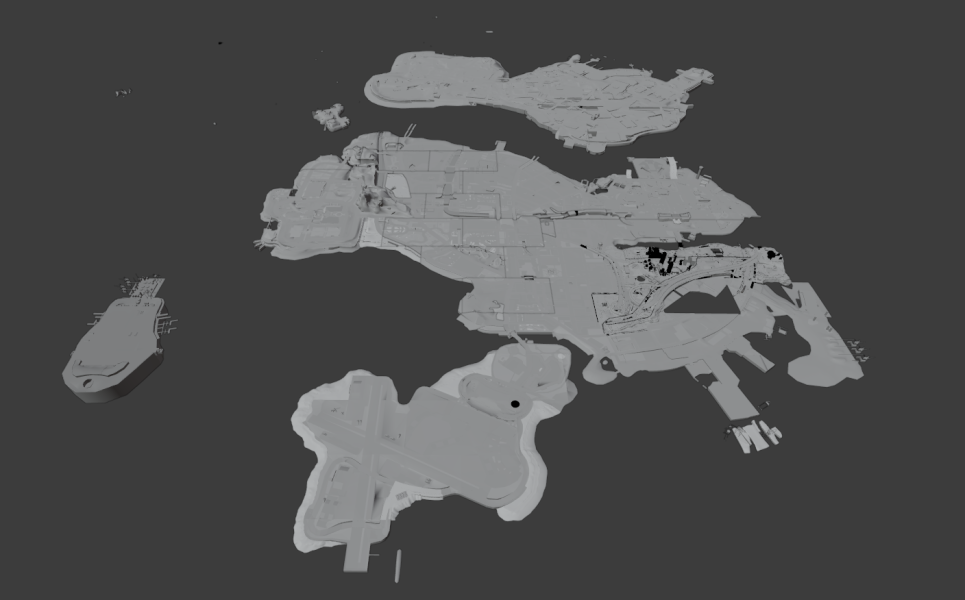
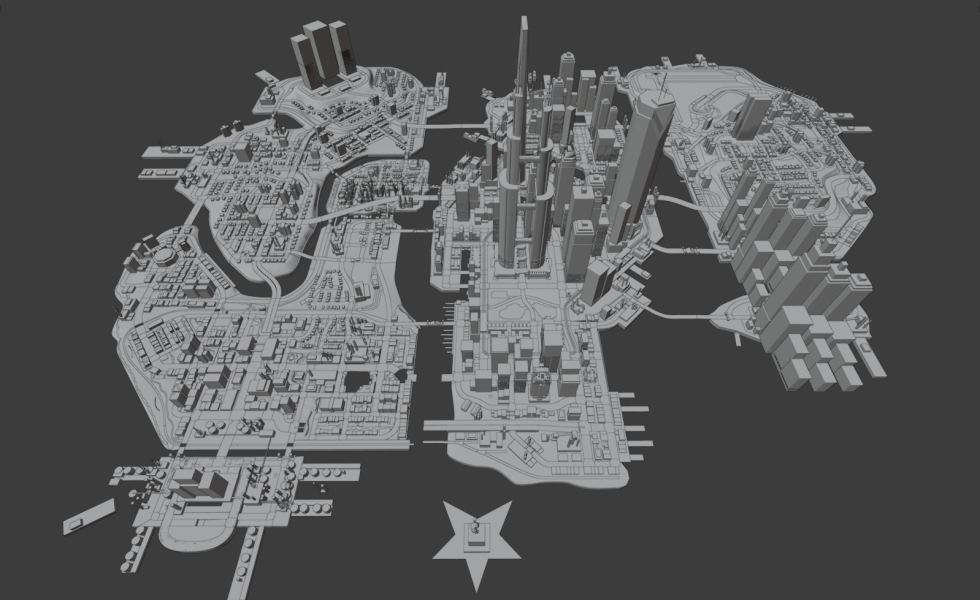
Admixon for helping providing the map renders for the April Fools page.

IdolNinja and the GotR team for making the installation of these textures fairly simple.

Rick for gibbed tools to extract the files.
 

Attachments
  • 1775051262908.png
    1775051262908.png
    906.5 KB · Views: 241
  • 1775051272224.png
    1775051272224.png
    466.2 KB · Views: 227
  • 1775051322043.png
    1775051322043.png
    379.1 KB · Views: 209
  • 1775051336776.png
    1775051336776.png
    440.5 KB · Views: 264
  • Steelport in SR2.rar
    Steelport in SR2.rar
    1.2 MB · Views: 143
  • 1775056731181.png
    1775056731181.png
    3.4 MB · Views: 299
  • skybox_mountains_tod.tga_0.png
    skybox_mountains_tod.tga_0.png
    8.9 KB · Views: 1,121
Last edited:
Known issues:

Unfortunately the skybox in Saints Row 2, at least the PC port, is extremely scuffed. Everyone already knows that, despite its textures being present, the moon is never loaded. And since the mountains you see in the distance are in the same archive as the clouds for different weathers, none of the textures are loaded during some weathers. So not only do the clouds disappear in clear and vibrant weather, but also the mountains.

Furthermore, despite a night time texture of the mountains existing with lights scattered across them, the game only ever loads the daytime texture and simply desaturates it.
Moon doesn't work due to the moon having the wrong position in the skybox - it is always loaded regardless of this, it's also scuffed more because its orbit mover data was mostly missing from the pc version as well and to top that, the skydome also had the wrong position lol, which also needed corrected so the moon will orbit correctly. To the topic of the lights scattered across the mountains. That actually does get loaded and is used, the game layers/blends it on top of the original mountains texture but the mountains get so "saturated" due to a shader that you can hardly see them. They can be seen if you zoom way in at the dead of night, but even then can barely be seen, however during certain tod's it goes funky and may not apply as it should. Now to further explain more in the skybox, sr2 natively does have a moon phases system much like sr1, however again due to shader issues, that too is kinda just broken. The skybox while it is more broken on pc, it's just as broken on console itself. All of these issues are fixed and will be in the next juiced update.

Now to the topic of the clouds all of the clouds are used. They are per weather types more or less, which you did mention but they don't just
disappear, they legit are just not for the current weather loaded. But this could be a misunderstanding on my part on what you meant. The mountains are always present however, no matter the weather loaded.

Using this mod as a example
Here's how it looks with a non modified skybox chunk at all and non modified shaders.
1777453507702.png

Now if you zoom way way in, i'll center steelport here for this reference, lights are there, just can barely be seen.
1777453577679.png


And here is how it looks with fix's applied
1777453341147.png

To note - this is more or less a collaborated effort to fix the skybox
Clippy: Mover fix.
Tervel: Moon phase, and mountain lights fix.
Me: Moon and Skydome pos fix, which also corrects orbit path for the moon.
Moyh: Black void fix
 
Last edited:
Back
Top