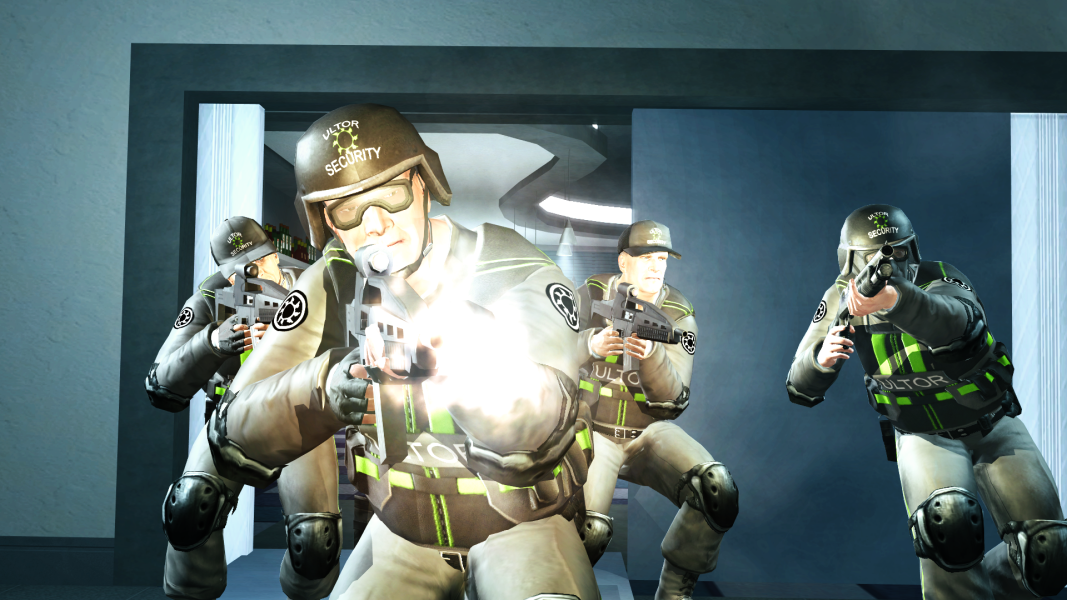
"Masako Multinational" were a concept enemy gang for the Saints Row 2022 Reboot,
which would have fulfilled the role of Marshall.
(More info)


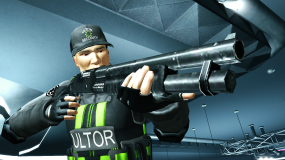
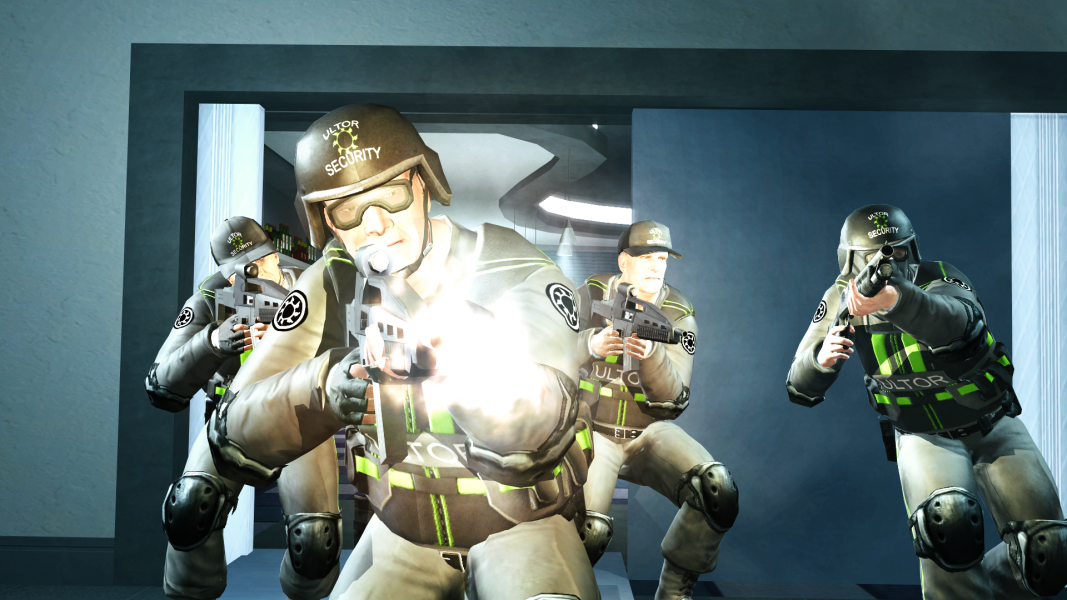
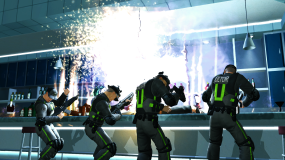
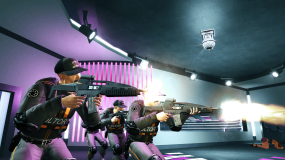
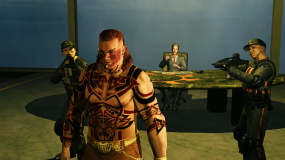
This mod replicates the concept art for the Masako Multinational Guards,
replacing the Masako Soldiers in Saints Row 2.

which would have fulfilled the role of Marshall.
(More info)
This mod replicates the concept art for the Masako Multinational Guards,
replacing the Masako Soldiers in Saints Row 2.
Two colourways are available:
1. Green - This is what was intended for the reboot.
2. Orange - To better suit Saints Row 2's Ultor.
v1.1 Changes:
- Added head gear Variation:
- Masako will spawn wearing either a cap, helmet, or helmet with ski mask.
- Specific head gear can be forced via a Preset file if you only want one appearance.
- Without Cutscene Patch v1.4, only "Caps" will work in cutscenes.
INSTALLATION:
via Juiced Patch (v7.1.0 or later):
1. Create a new folder inside the "mods" folder in your Saints Row 2 root directory (where SR2_pc.exe is located). Call it "Masako Multinational".
2. COPY the desired .cvtf files provided by this mod into the folder you just created.
3. COPY a desired Preset file provided by this mod into the folder you just created.
4. In "loose.txt" (in your Saints Row 2 root directory); Add the following line: "mods/Masako Multinational".
5. Launch Saints Row 2!
via Gentlemen Of The Row (Patch Builder):
1. COPY the desired .cvtf files provided by this mod.
2. PASTE into "Gentlemen_of_the_Row_Saints_Row_2_Super_Mod_v1.9.2\optional_mod_stuff\1-MODDERS_-_PUT_YOUR_OWN_PERSONAL_MODS_HERE".
3. COPY a desired Preset file provided by this mod.
4. PASTE into "Gentlemen_of_the_Row_Saints_Row_2_Super_Mod_v1.9.2\optional_mod_stuff\1-MODDERS_-_PUT_YOUR_OWN_PERSONAL_MODS_HERE".
5. Rebuild your Gentlemen Of The Row custom patch by double-clicking "Create_Custom_GotR_v1.9.2.bat" and following the instructions.
6. Move the newly created contents of "MY_CUSTOM_PATCH" into your Saints Row 2 root folder (Where SR2_pc.exe is located).
7. Launch Saints Row 2!
via SR2ModManager:
1. Create a new folder inside the "SR2ModManager_v2.07\mods" folder. Call it "Masako Multinational".
2. COPY the desired .cvtf files provided by this mod.
3. PASTE into the "Masako Multinational" folder you just created.
4. COPY a desired Preset file provided by this mod.
5. PASTE into the "Masako Multinational" folder you just created.
6. Run "SR2ModManager.exe" and tick the "Masako Multinational" folder you just created.
7. Compile your "patch.vpp_pc" and move it from "SR2ModManager_v2.07\patch_vpp_pc_new" into your Saints Row 2 root directory (Where SR2_pc.exe is located).
8. Launch Saints Row 2!
CREDITS:
- @mrsaintsgodzilla21 - For sharing pre-release information of Saints Row (2022)'s (tragic) development on his YouTube channel.
- "Juiced Patch" by the Kobraworks team
- "Gentlemen Of The Row" by IdolNinja (& the GotR team)
- "SR2ModManager" by Masamaru
- @saints233 for requesting head gear variations in v1.1.
Attachments
Last edited: