
You are using an out of date browser. It may not display this or other websites correctly.
You should upgrade or use an alternative browser.
You should upgrade or use an alternative browser.
Saints Row 1.5 Lighting
- Thread starter BandiG
- Start date


For anyone wanting to use this with Juiced Patch, I've made a fork with additional tweaks below (shader overrides not compatible with Juiced and thus not carried over, tweaks to make lighting resemble SR1 better, etc)
Just drag the SR1 Weather Folder from your extractor to your SR 2 /mods/ folder and add mods/SR1 Weather to your loose.txt. Also check that the "DisableSkyRefl" flag in your Juiced.ini is set to 1 for extra authenticity.
Just drag the SR1 Weather Folder from your extractor to your SR 2 /mods/ folder and add mods/SR1 Weather to your loose.txt. Also check that the "DisableSkyRefl" flag in your Juiced.ini is set to 1 for extra authenticity.
Attachments
going into car tunnels with this mod makes the game almost pitch black, bug or intended?For anyone wanting to use this with Juiced Patch, I've made a fork with additional tweaks below (shader overrides not compatible with Juiced and thus not carried over, tweaks to make lighting resemble SR1 better, etc)
Just drag the SR1 Weather Folder from your extractor to your SR 2 /mods/ folder and add mods/SR1 Weather to your loose.txt. Also check that the "DisableSkyRefl" flag in your Juiced.ini is set to 1 for extra authenticity.
Hello everyone
I really liked this amazing mod, but I wanted to improve it a bit. I also adapted it to work with JUICED.
List of changes:
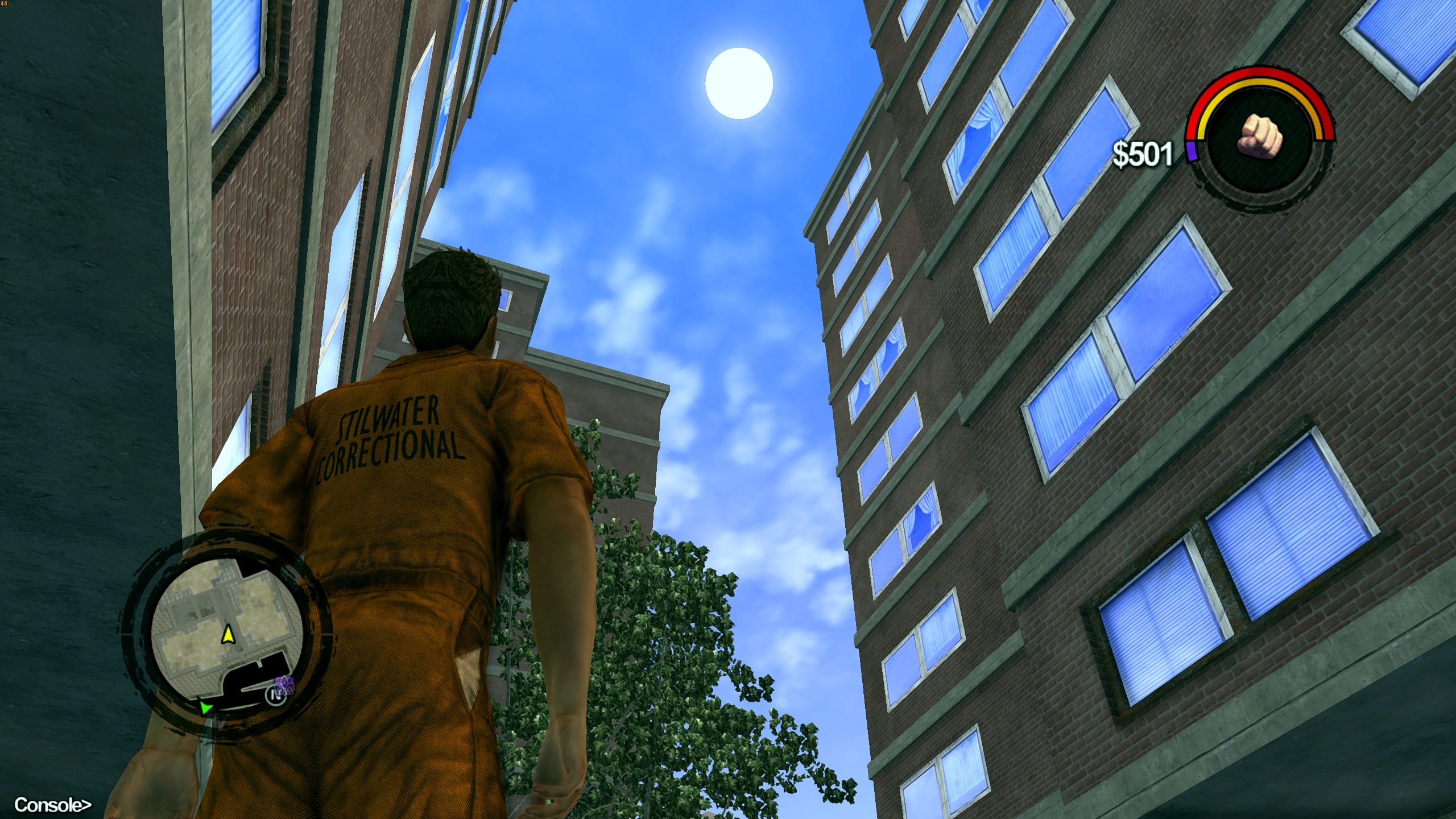
1. The sun and moon no longer change their size throughout the day; their size is fixed.
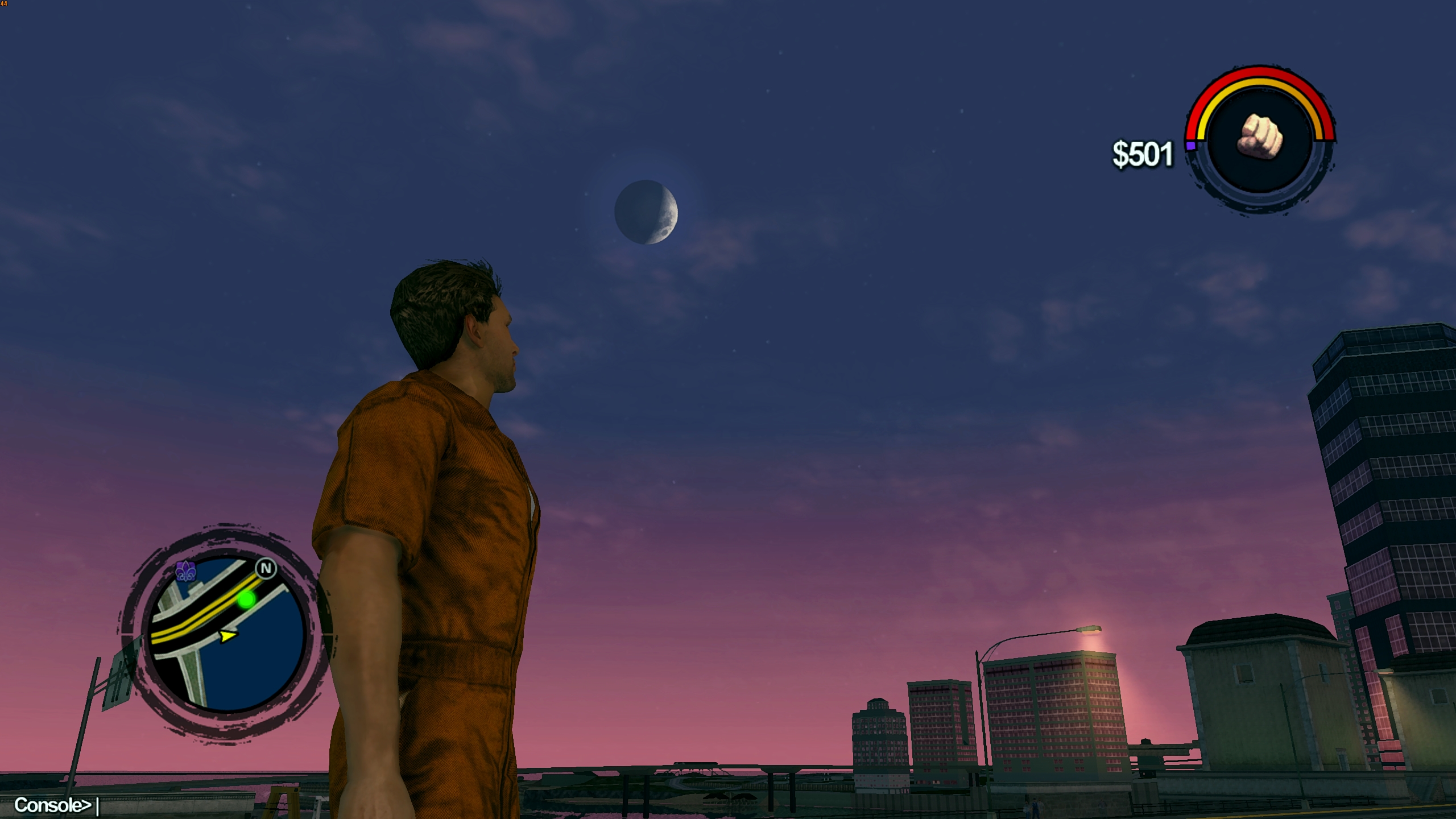
2. The moon appears and disappears smoothly, disappearing during the day and reappearing at night.
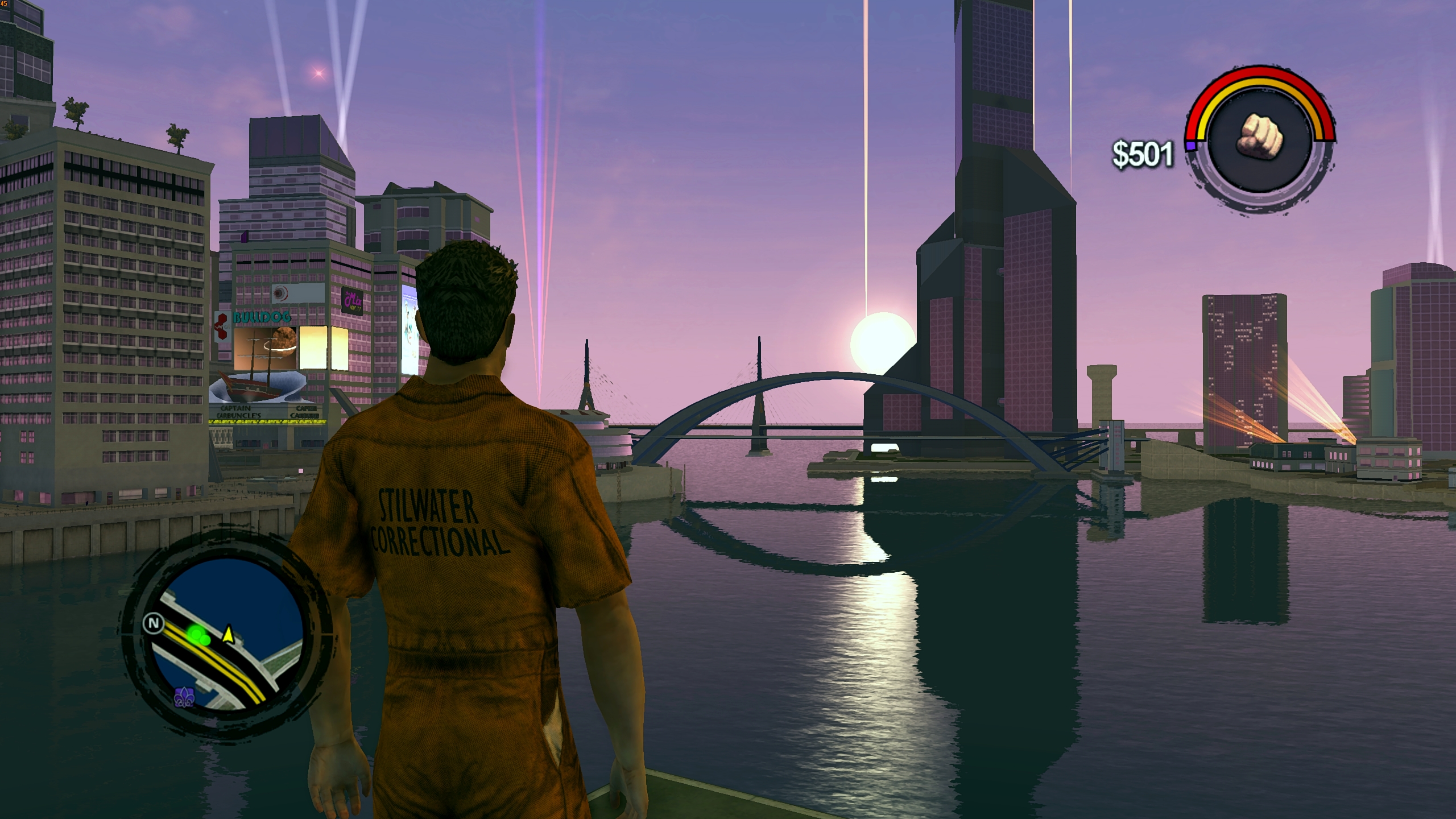
3. The sun is synchronized with dawn. First, a red glow appears, followed by the rising of the sun, and then dawn sets in.
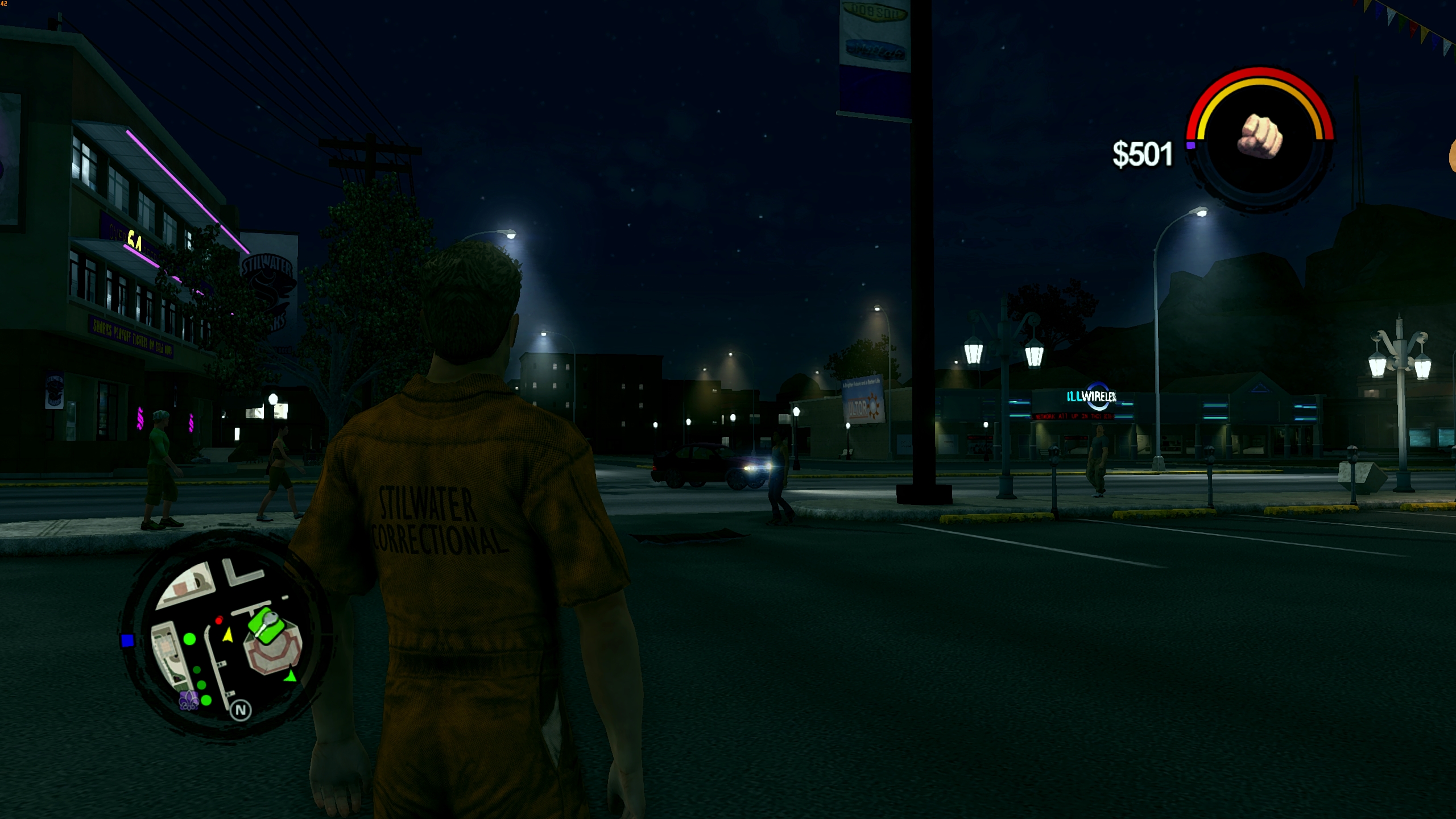
4. The nights are now dark. The darkest time is right after sunset, then the moon starts to shine and it gets a little lighter.
5. My version of Reshade has been added, the red filter/tint has been removed, and self-shadowing/occlusion has been added.
6. The camera has been modified to view over the character's shoulder. For a more immersive experience
INSTALLATION:
1. The easiest way to install this mod is together with JUICED. Unpack the "Files for JUICED" folder into the MODS folder (from JUICED). Drop the "juiced.ini" and "loose.txt" files into the game's root folder and replace the original JUICED files.
2. Unpack the RESHADE folder into the game's root folder.
3. Enjoy
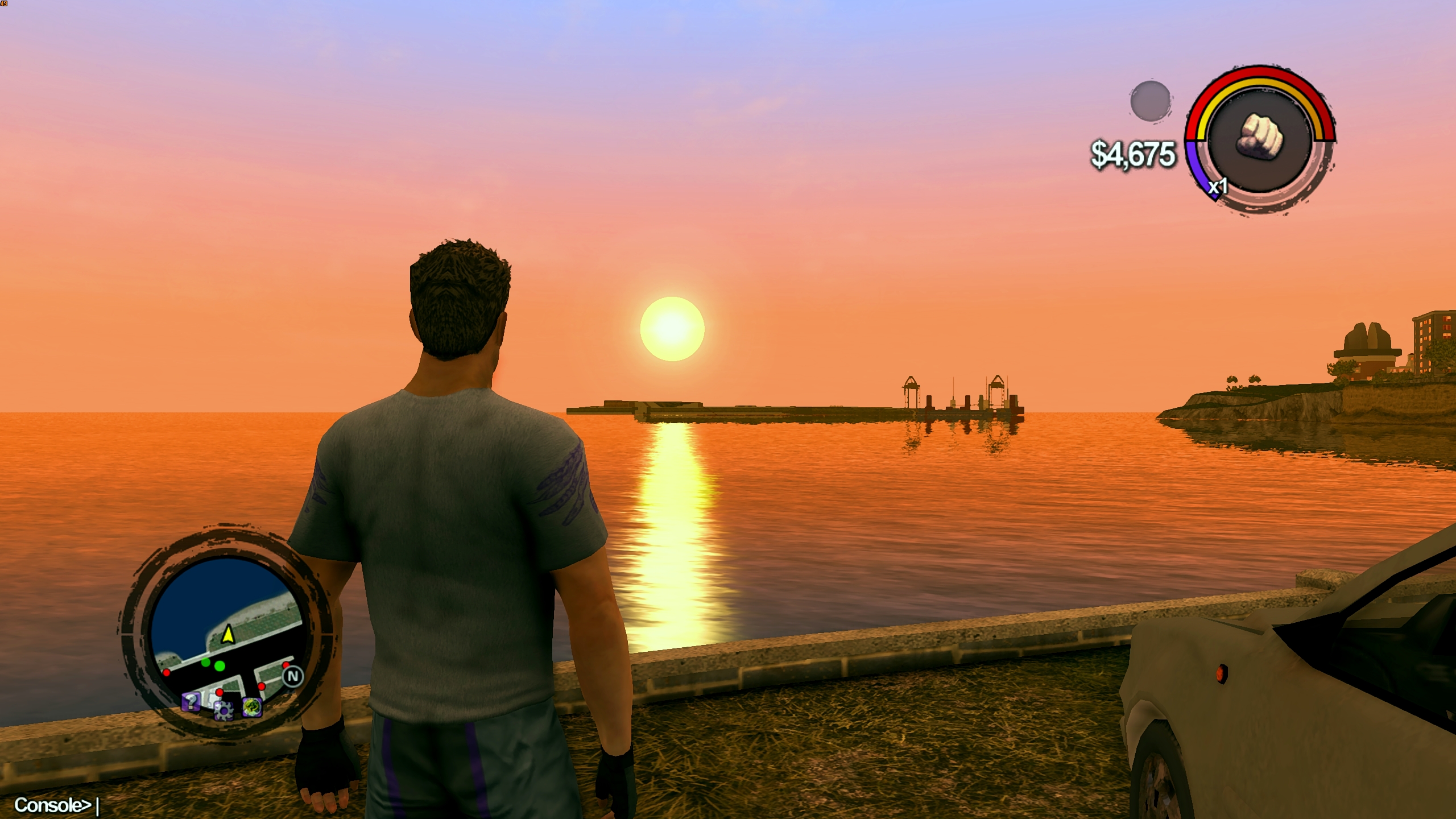
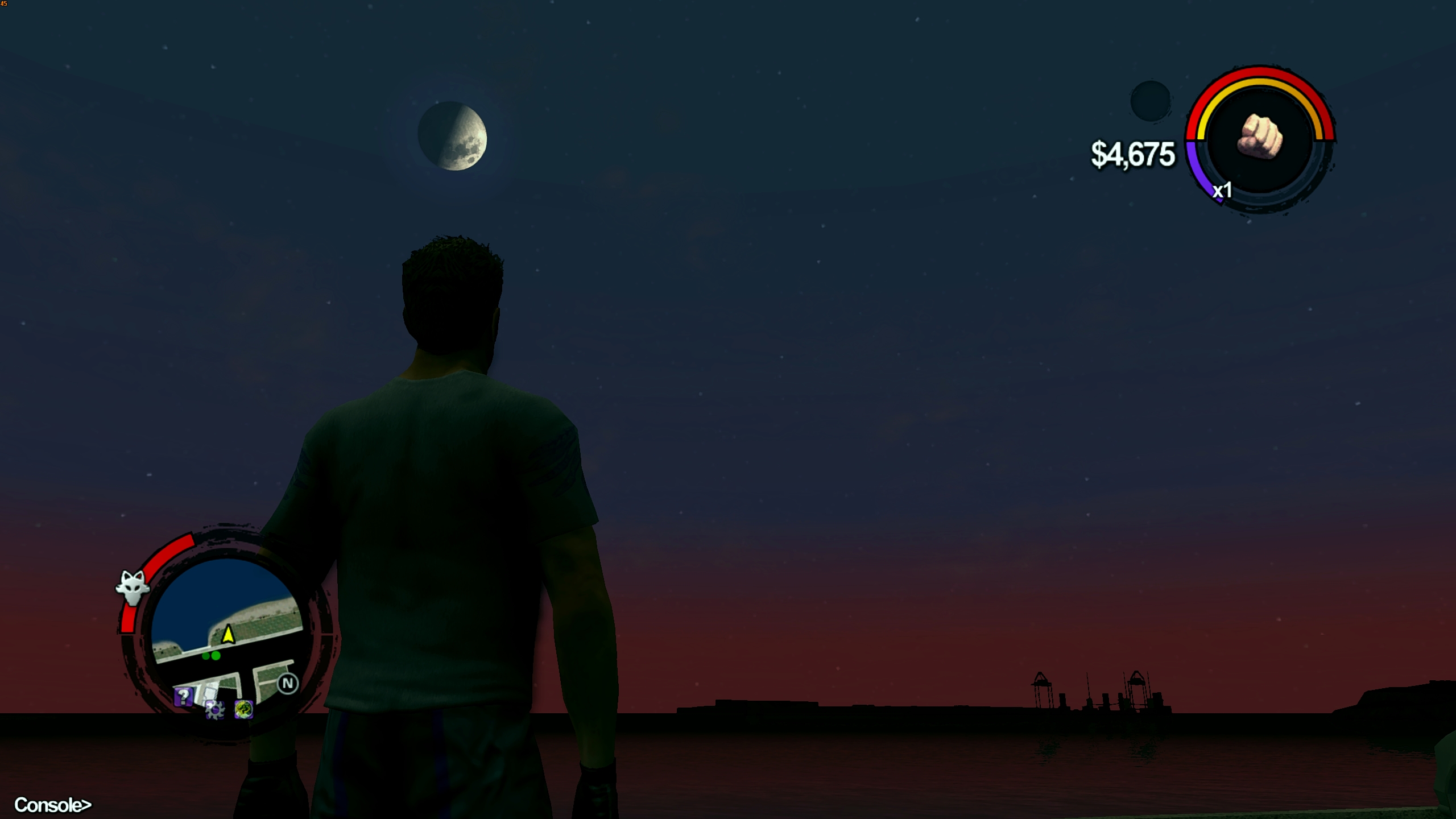
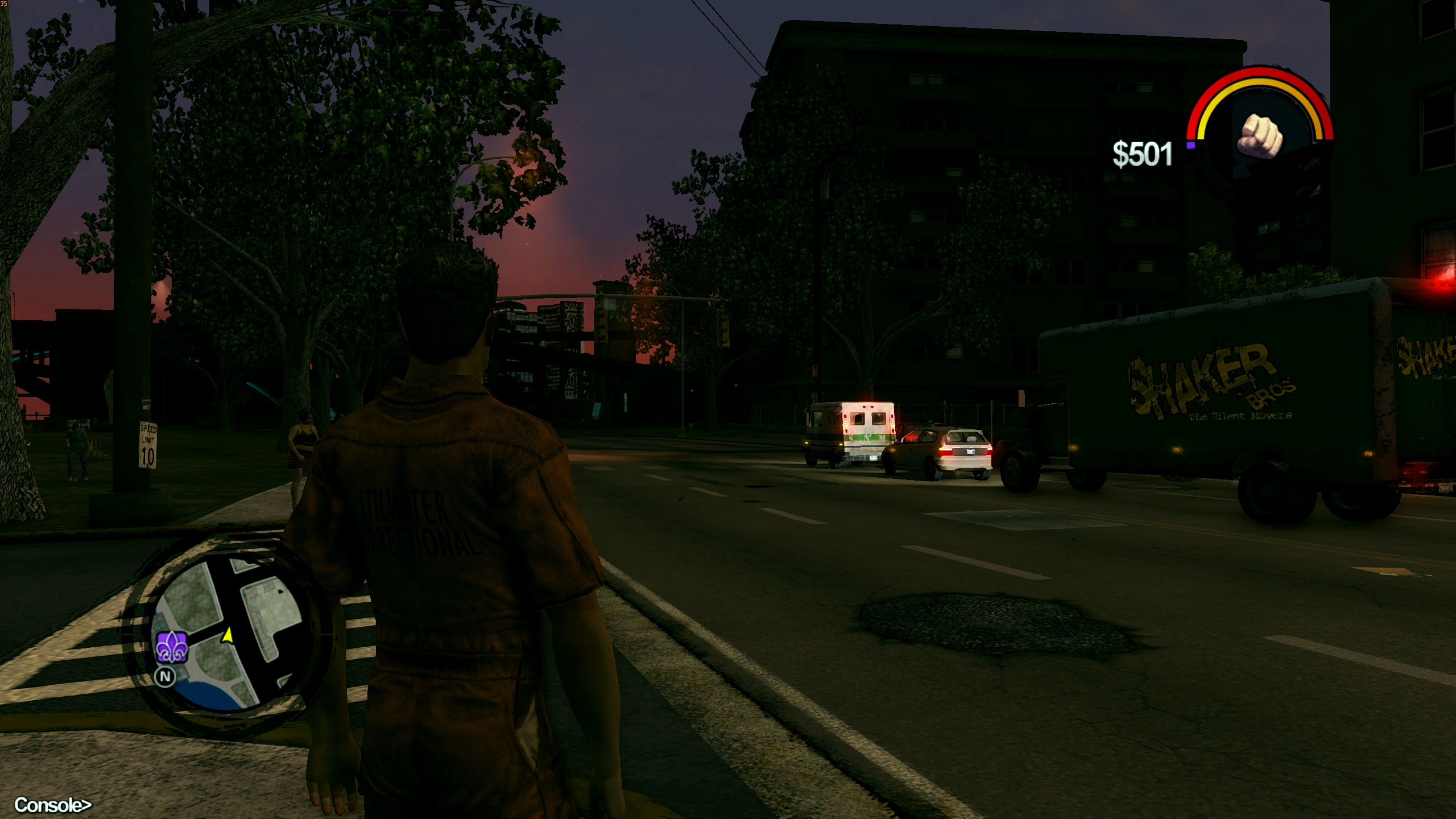
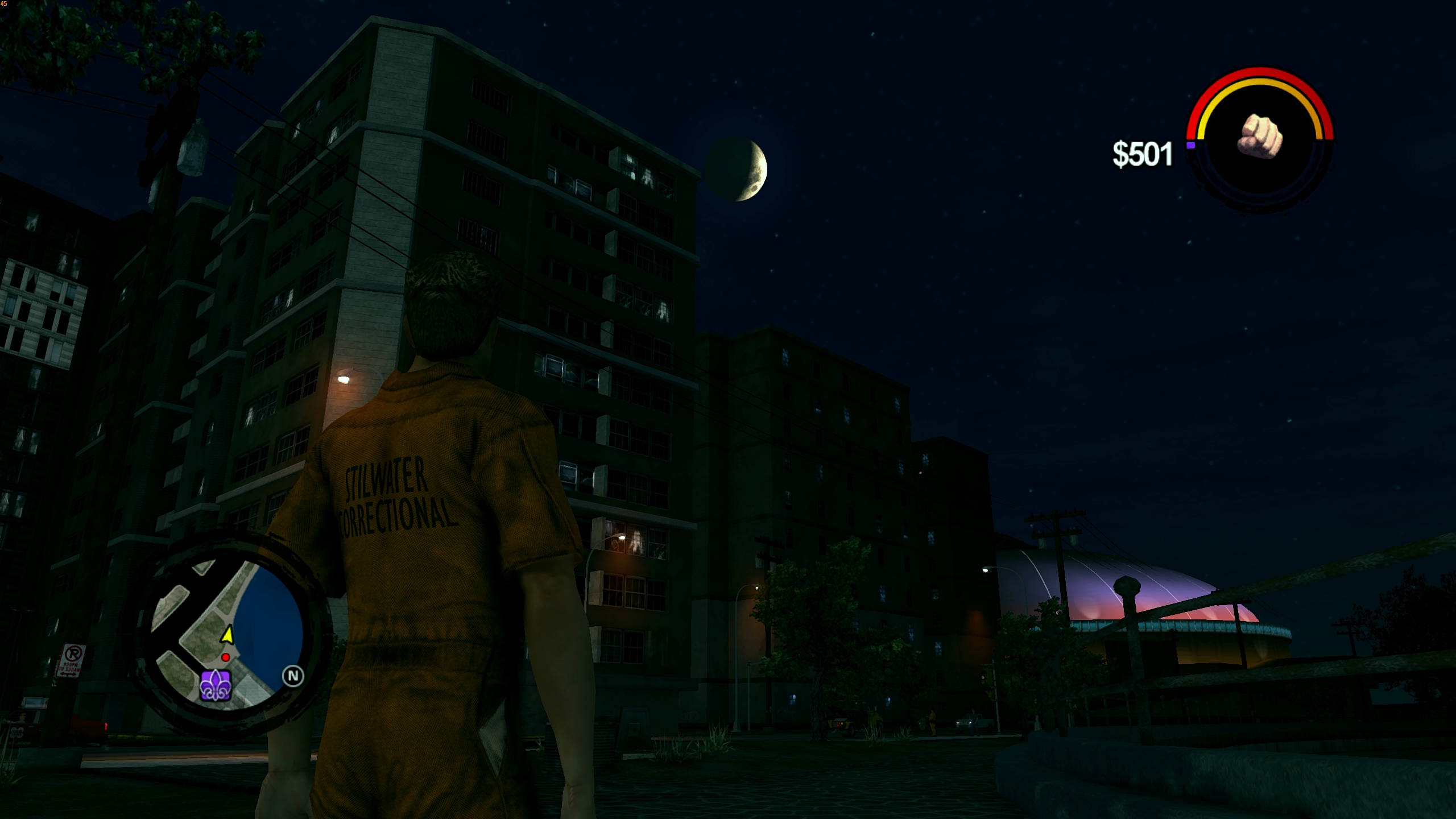
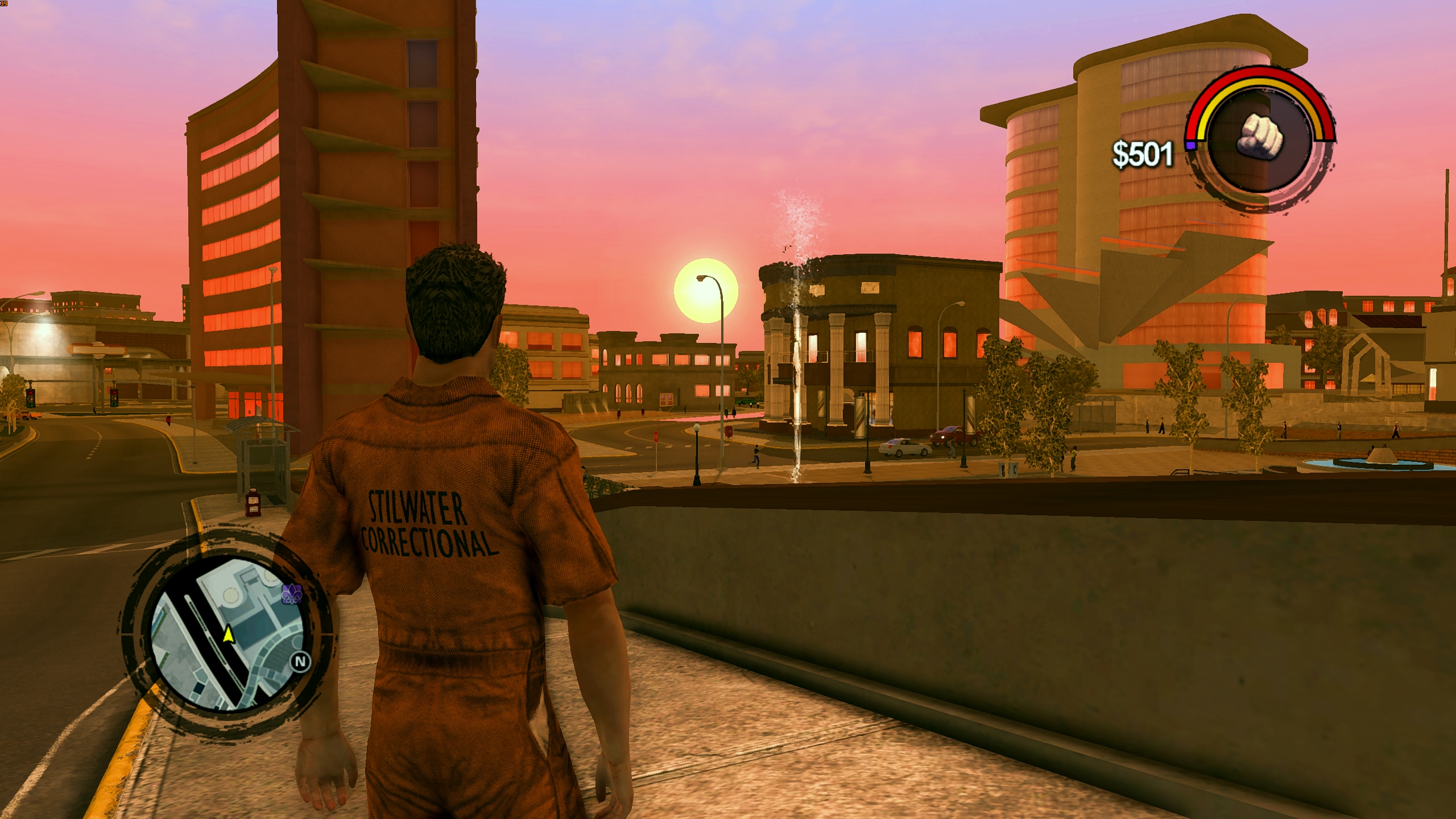
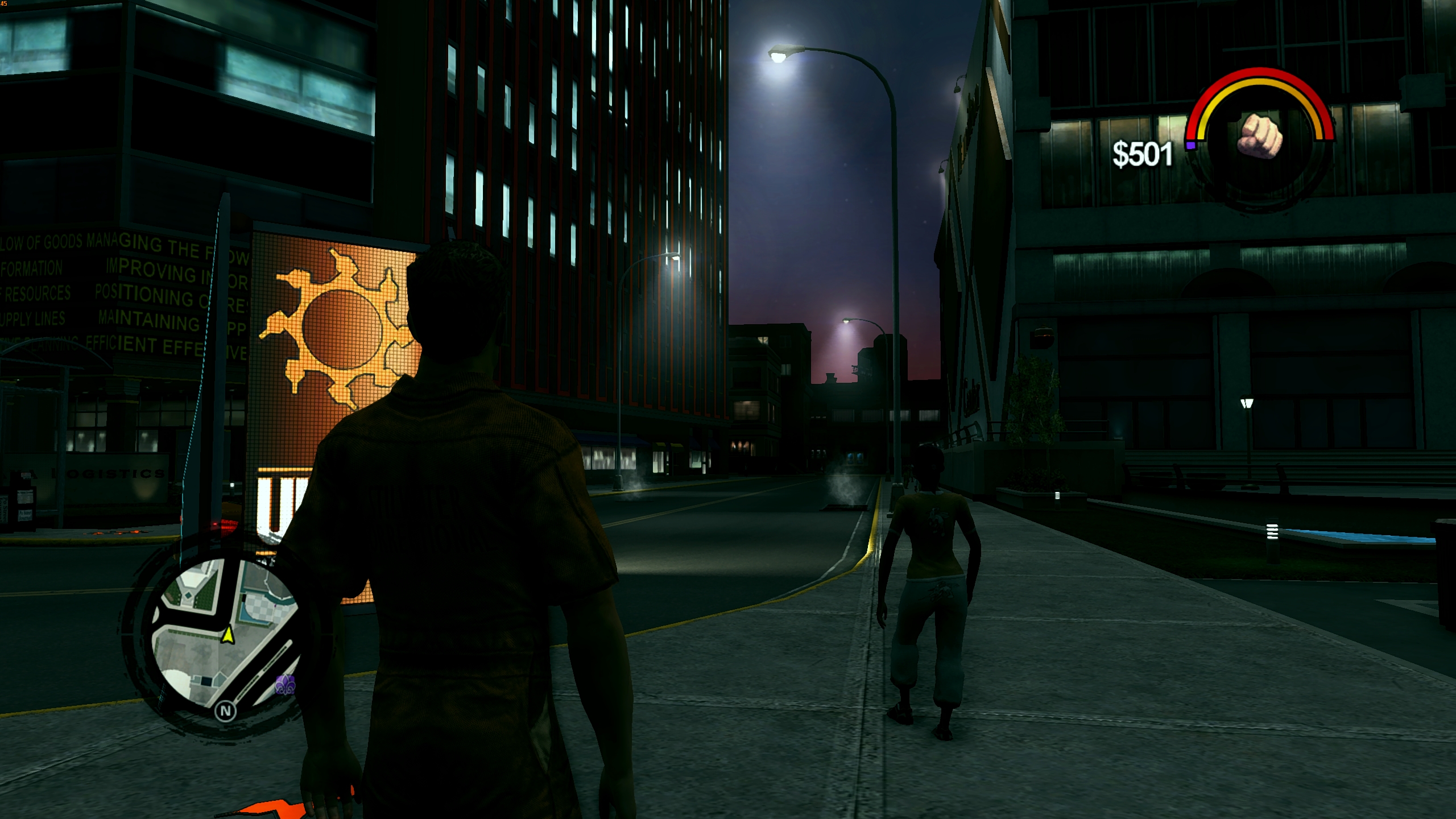
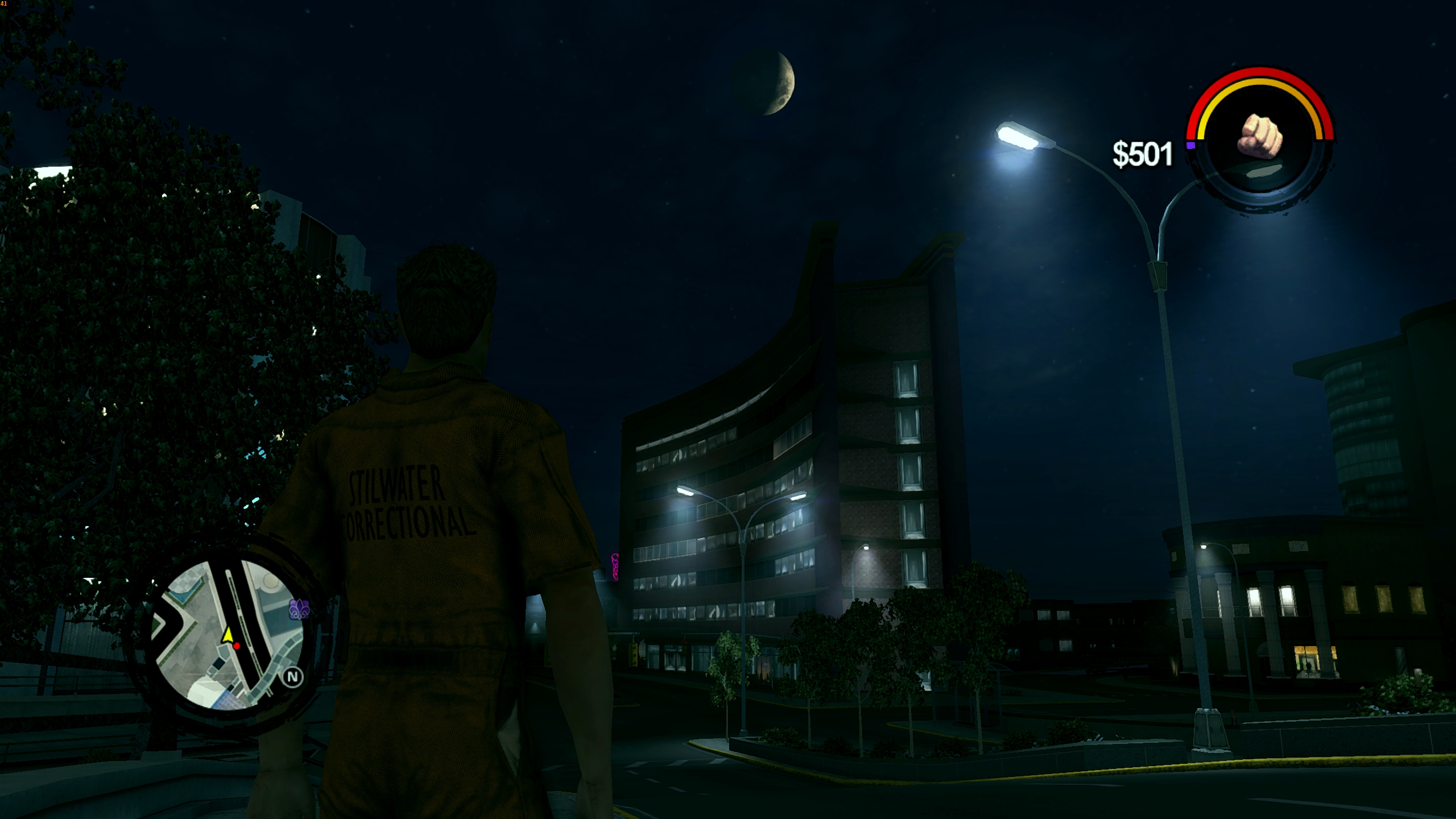
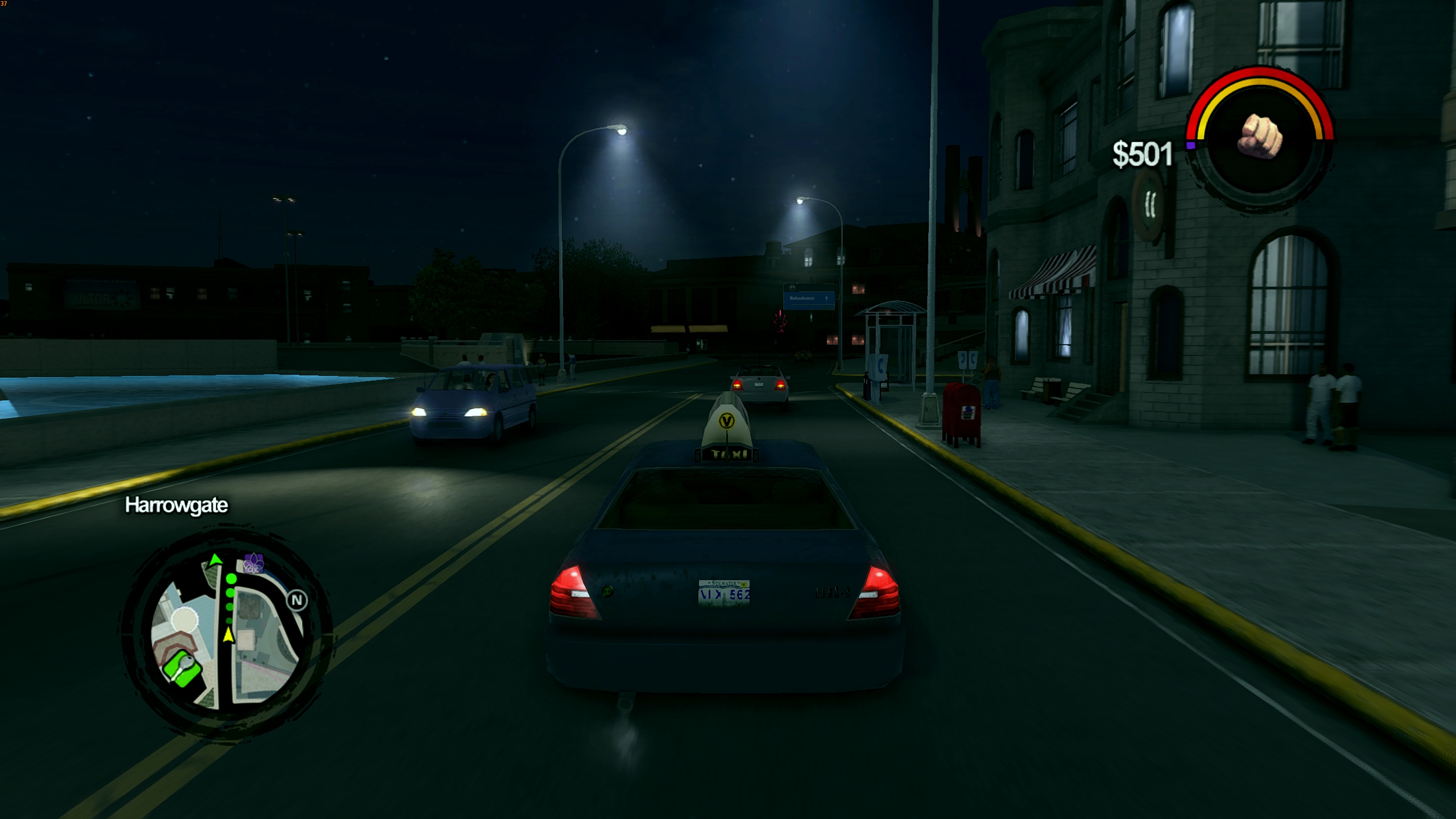
I really liked this amazing mod, but I wanted to improve it a bit. I also adapted it to work with JUICED.
List of changes:
1. The sun and moon no longer change their size throughout the day; their size is fixed.
2. The moon appears and disappears smoothly, disappearing during the day and reappearing at night.
3. The sun is synchronized with dawn. First, a red glow appears, followed by the rising of the sun, and then dawn sets in.
4. The nights are now dark. The darkest time is right after sunset, then the moon starts to shine and it gets a little lighter.
5. My version of Reshade has been added, the red filter/tint has been removed, and self-shadowing/occlusion has been added.
6. The camera has been modified to view over the character's shoulder. For a more immersive experience
INSTALLATION:
1. The easiest way to install this mod is together with JUICED. Unpack the "Files for JUICED" folder into the MODS folder (from JUICED). Drop the "juiced.ini" and "loose.txt" files into the game's root folder and replace the original JUICED files.
2. Unpack the RESHADE folder into the game's root folder.
3. Enjoy
Attachments
Hello everyone
I really liked this amazing mod, but I wanted to improve it a bit. I also adapted it to work with JUICED.
List of changes:
1. The sun and moon no longer change their size throughout the day; their size is fixed.
2. The moon appears and disappears smoothly, disappearing during the day and reappearing at night.
3. The sun is synchronized with dawn. First, a red glow appears, followed by the rising of the sun, and then dawn sets in.
4. The nights are now dark. The darkest time is right after sunset, then the moon starts to shine and it gets a little lighter.
5. My version of Reshade has been added, the red filter/tint has been removed, and self-shadowing/occlusion has been added.
6. The camera has been modified to view over the character's shoulder. For a more immersive experience
INSTALLATION:
1. The easiest way to install this mod is together with JUICED. Unpack the "Files for JUICED" folder into the MODS folder (from JUICED). Drop the "juiced.ini" and "loose.txt" files into the game's root folder and replace the original JUICED files.
2. Unpack the RESHADE folder into the game's root folder.
3. Enjoy
I've made a patch for the above distribution, which switches the game from DirectX to Vulkan, removes freezes, and significantly increases FPS.
INSTALLATION:
1) Follow the instructions to install the mod from the above distribution.
2) Copy all the files from this archive (3 files) to the game's root folder and replace them.
If you want to further increase FPS, you can disable unnecessary effects in Reshade by pressing the Home button and turning off all effects except levels, colourfulness, and tonemap. FPS will increase.
The "]" button turns off the reshade completely.