

Note: The Tools.zip contains the NPC Cruncher and the Vehicle Cruncher from Volition. It also contains the sr2_cvtf_helper courtesy of Masamaru and the NPC Cruncher Stuff courtesy of -SeaBound Saint- Thank You to All Of Them.
Tools Needed:
NPC Cruncher
Vehicle Cruncher
Notepad (or other text editor)
Paper
Pen
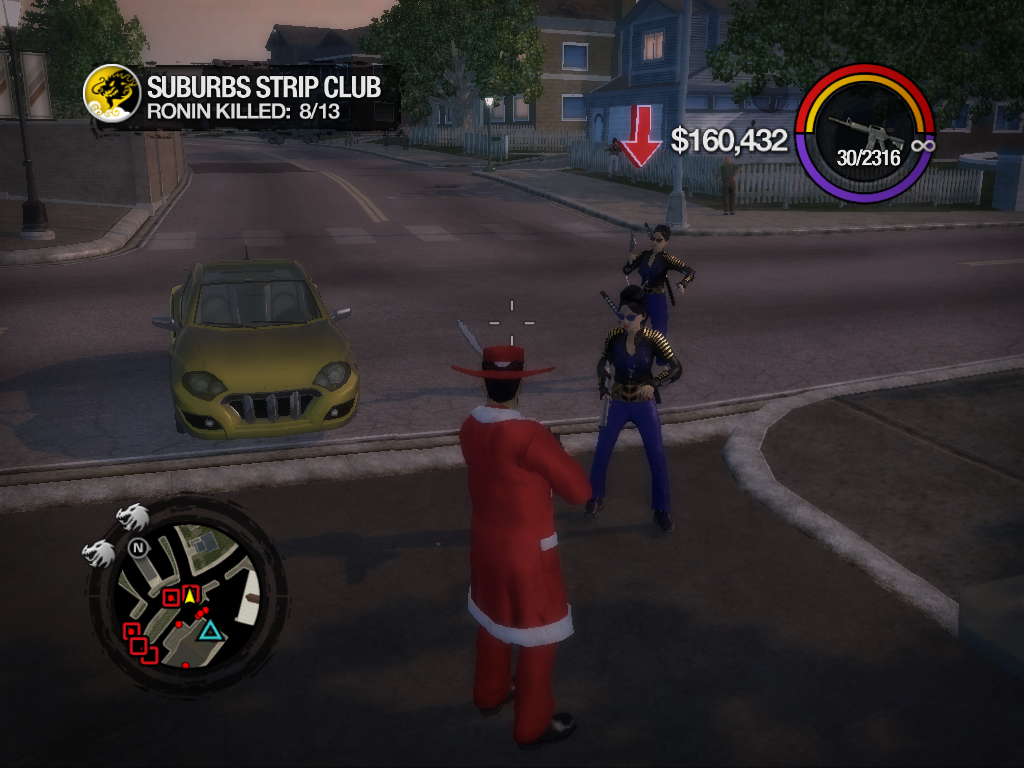
I decided to change the color of the Ronin gang to blue. In order to do so I need to change the color of their clothes
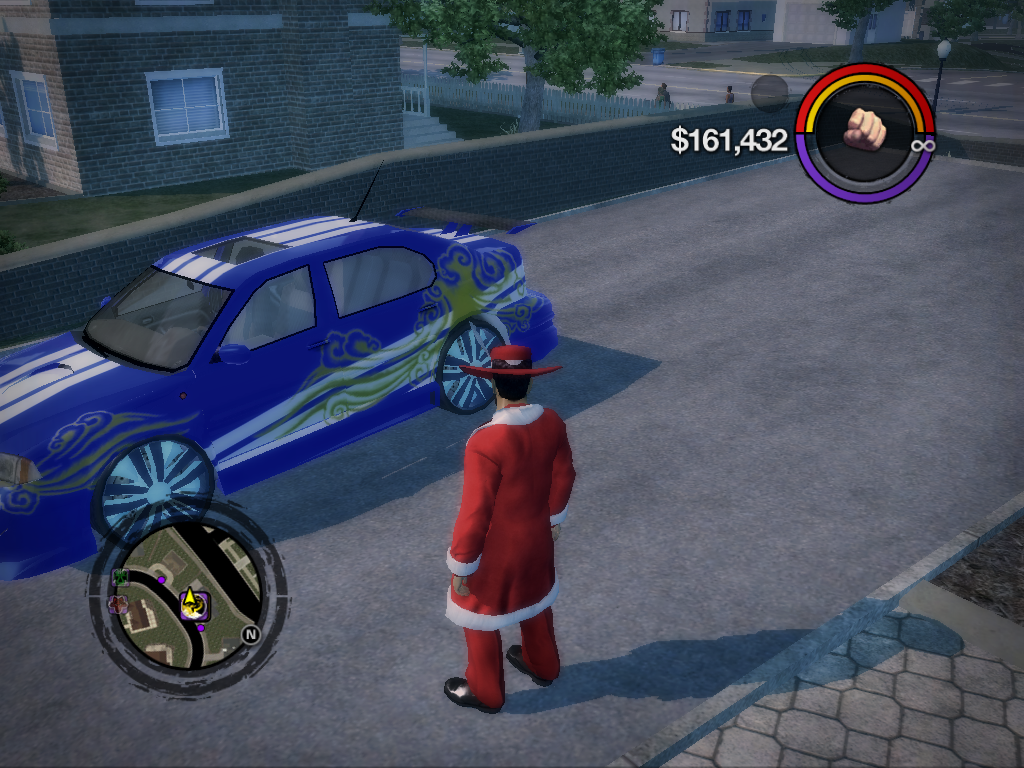
as well as the color of their vehicles.
Step One: Unpack Common.vpp_pc and extract all of the Ronin NPCs
That Includes all of the xtbls that start with npc_ronin. You can ignore the files that include either pre, des, or cha. You only need the NPC's regular xtbl (example: npc_ronin_female_lt.xtbl) Also Jyunichi, Shogo and Kazuo.
You also need their vehicle files specifically the vehicle's standard xtbl and it's _cust.xtbl (example: CAR_4DR_STANDARD02.xtbl, car_4dr_standard02_cust.xtbl) you do not need the _veh file for this. In the case of vehicles that have a cs (cutecene) variant
(such as the Zircon or the Kaneda, you will need to customize those as well
The vehicles are: Hayate Z70, Wakazashi, Kenshin. Tetsuo, Tornado, Kaneda and Zircon.
For vehicle customization take the car that you want to customize to Rim Jobs and mod it to suit you, making sure to write down all your customizations. Once that is done then close the game and open the vehicle.xtbl (example: CAR_4DR_STANDARD02.xtbl)
and locate the variant that you wish to customize. For the Zircon it is Jyunichi. For any car that you do not know the variant name of just search for variant until you find it.
Once you have located the variant then make the changes to suit you then drop the vehicle xtbl and it's _cust file in the
vehicle cruncher folder. Drag the vehicle xtbl (not the _cust file) on top of sr2_cvtf_helper.exe and if there are no errors you will get a new cvtf
file which you can drop in GOTR to add to your next patch.
Do the same thing for the NPC.
Open up the xtbl in notepad and write down the clothes that they are wearing. Then go into the game and dress your player in the same clothes. Now customize the clothes to suit you. Make sure that you write down the colors.
Close the game and open the NPC xtbl again. Scroll down to the section that contains the color information. Now change the colors to suit you.
NOTE: This file will contain all the possible clothing that the NPC can wear so be sure to change colors for all of the clothing.
Once you are done then open the NPC Cruncher Stuff folder and drop the xtbl into the tables folder.
Change the file names in the bat file to the name of your files and then run the bat file. If all goes well then you will create a cvtf file which can be dropped in the GOTR directory and added to your next patch.
Modding vehicles : https://www.saintsrowmods.com/forum/threads/small-mag-customization-tutorial-complete.21491/
Modding Clothing Colors: https://www.saintsrowmods.com/forum/threads/manipulating-the-hitman-missions.21929/
Tools Needed:
NPC Cruncher
Vehicle Cruncher
Notepad (or other text editor)
Paper
Pen
I decided to change the color of the Ronin gang to blue. In order to do so I need to change the color of their clothes
as well as the color of their vehicles.
Step One: Unpack Common.vpp_pc and extract all of the Ronin NPCs
That Includes all of the xtbls that start with npc_ronin. You can ignore the files that include either pre, des, or cha. You only need the NPC's regular xtbl (example: npc_ronin_female_lt.xtbl) Also Jyunichi, Shogo and Kazuo.
You also need their vehicle files specifically the vehicle's standard xtbl and it's _cust.xtbl (example: CAR_4DR_STANDARD02.xtbl, car_4dr_standard02_cust.xtbl) you do not need the _veh file for this. In the case of vehicles that have a cs (cutecene) variant
(such as the Zircon or the Kaneda, you will need to customize those as well
The vehicles are: Hayate Z70, Wakazashi, Kenshin. Tetsuo, Tornado, Kaneda and Zircon.
For vehicle customization take the car that you want to customize to Rim Jobs and mod it to suit you, making sure to write down all your customizations. Once that is done then close the game and open the vehicle.xtbl (example: CAR_4DR_STANDARD02.xtbl)
and locate the variant that you wish to customize. For the Zircon it is Jyunichi. For any car that you do not know the variant name of just search for variant until you find it.
Once you have located the variant then make the changes to suit you then drop the vehicle xtbl and it's _cust file in the
vehicle cruncher folder. Drag the vehicle xtbl (not the _cust file) on top of sr2_cvtf_helper.exe and if there are no errors you will get a new cvtf
file which you can drop in GOTR to add to your next patch.
Do the same thing for the NPC.
Open up the xtbl in notepad and write down the clothes that they are wearing. Then go into the game and dress your player in the same clothes. Now customize the clothes to suit you. Make sure that you write down the colors.
Close the game and open the NPC xtbl again. Scroll down to the section that contains the color information. Now change the colors to suit you.
NOTE: This file will contain all the possible clothing that the NPC can wear so be sure to change colors for all of the clothing.
Once you are done then open the NPC Cruncher Stuff folder and drop the xtbl into the tables folder.
Change the file names in the bat file to the name of your files and then run the bat file. If all goes well then you will create a cvtf file which can be dropped in the GOTR directory and added to your next patch.
Modding vehicles : https://www.saintsrowmods.com/forum/threads/small-mag-customization-tutorial-complete.21491/
Modding Clothing Colors: https://www.saintsrowmods.com/forum/threads/manipulating-the-hitman-missions.21929/
Attachments
Last edited:
