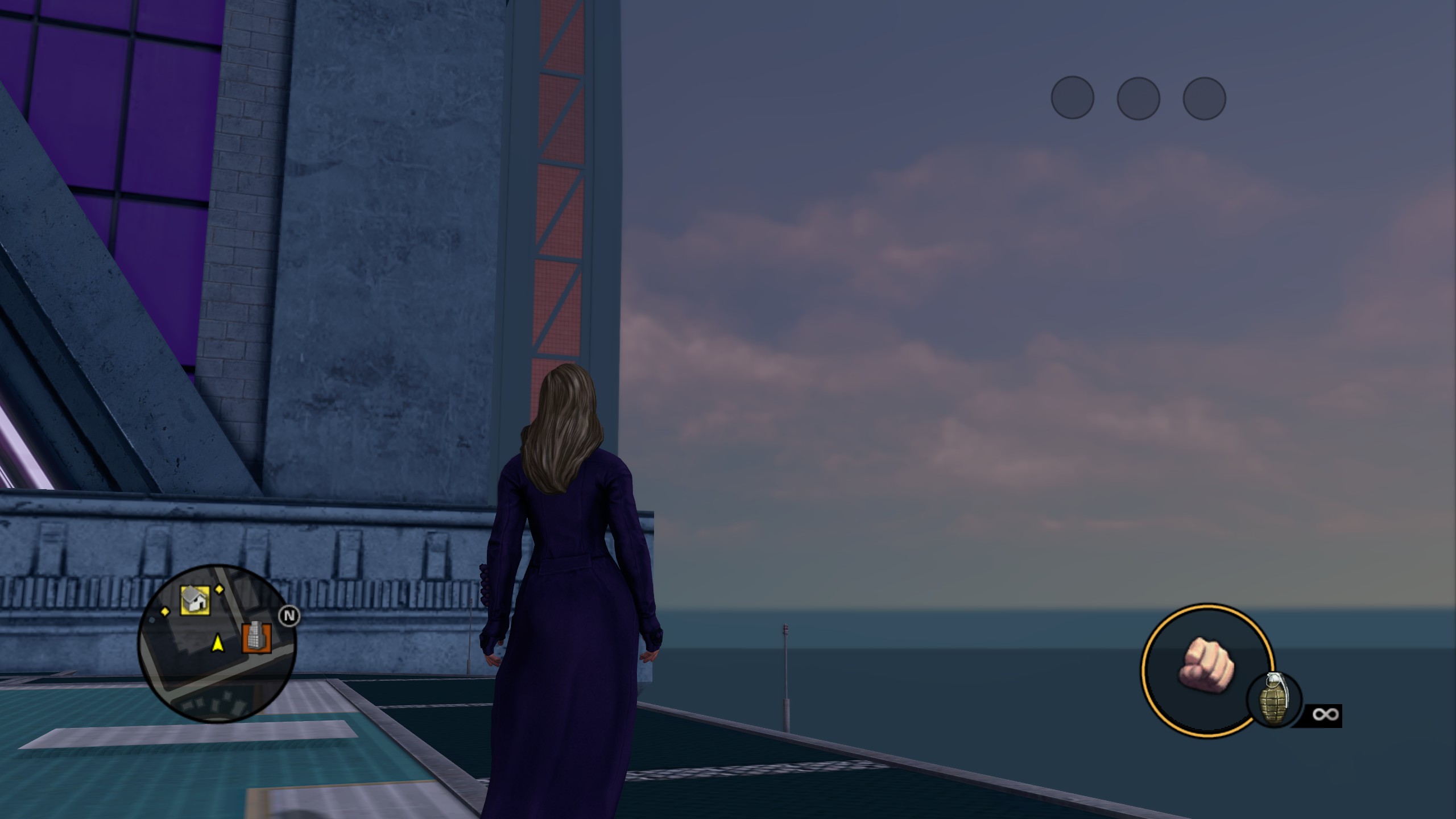
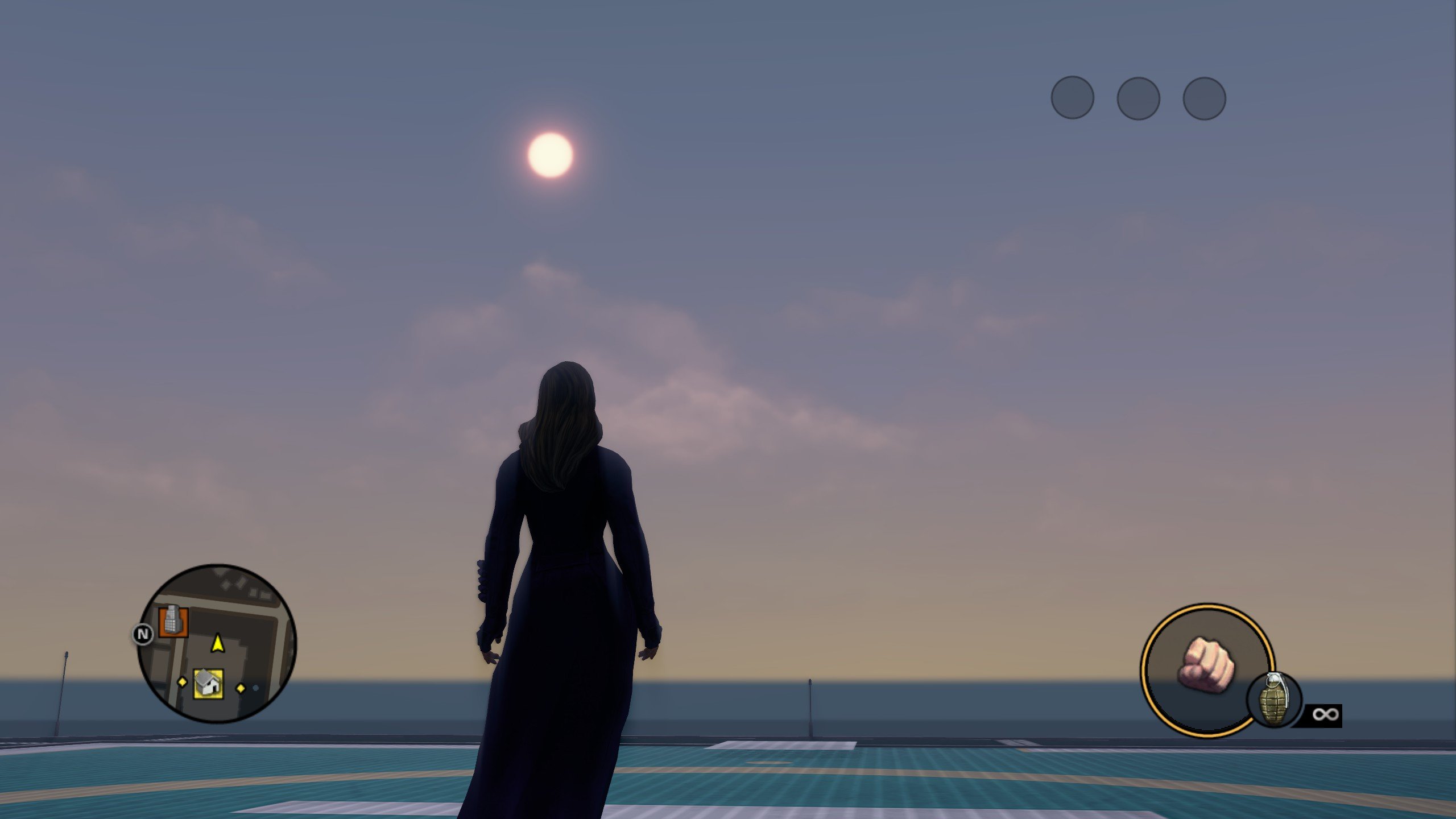
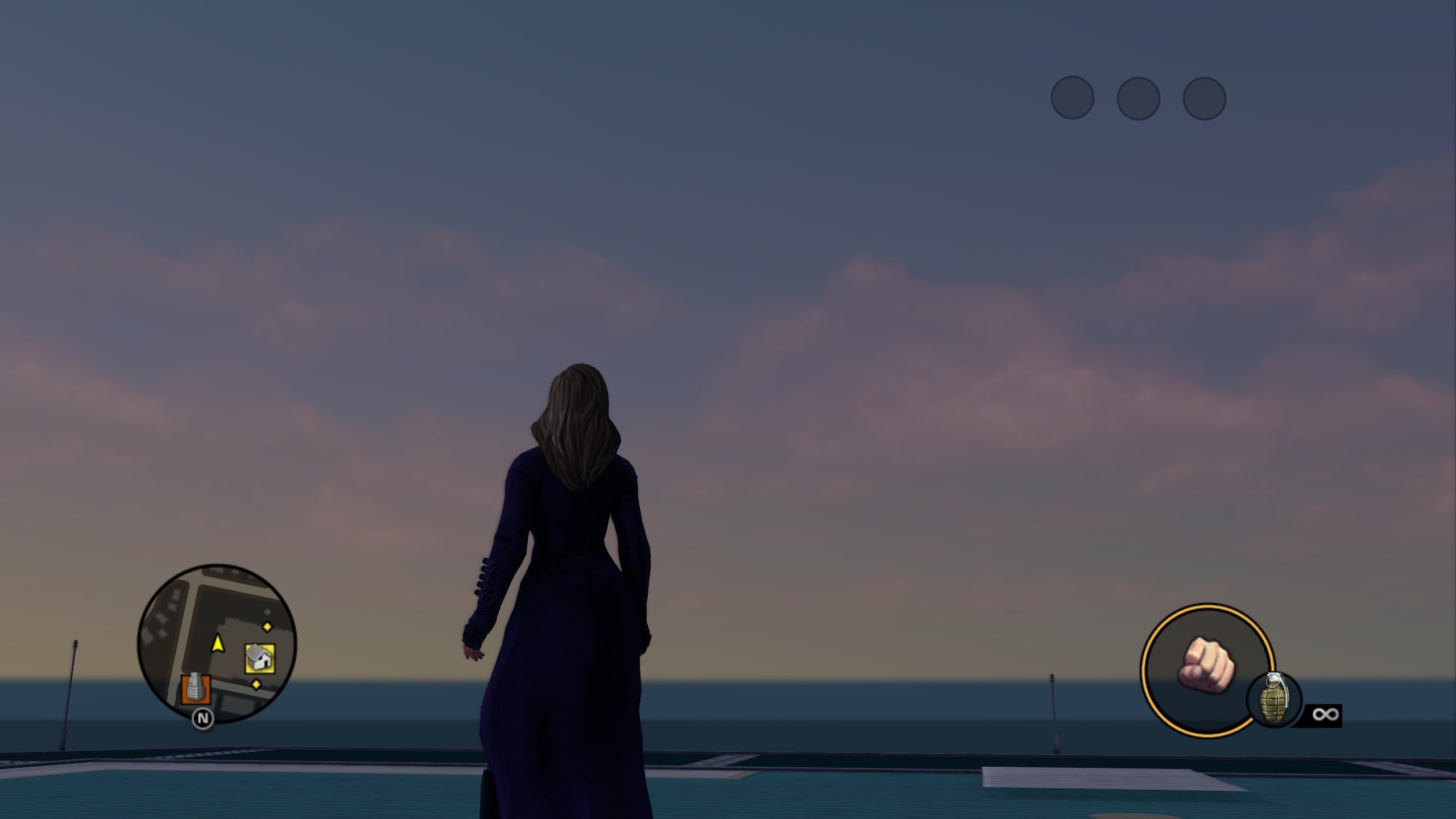
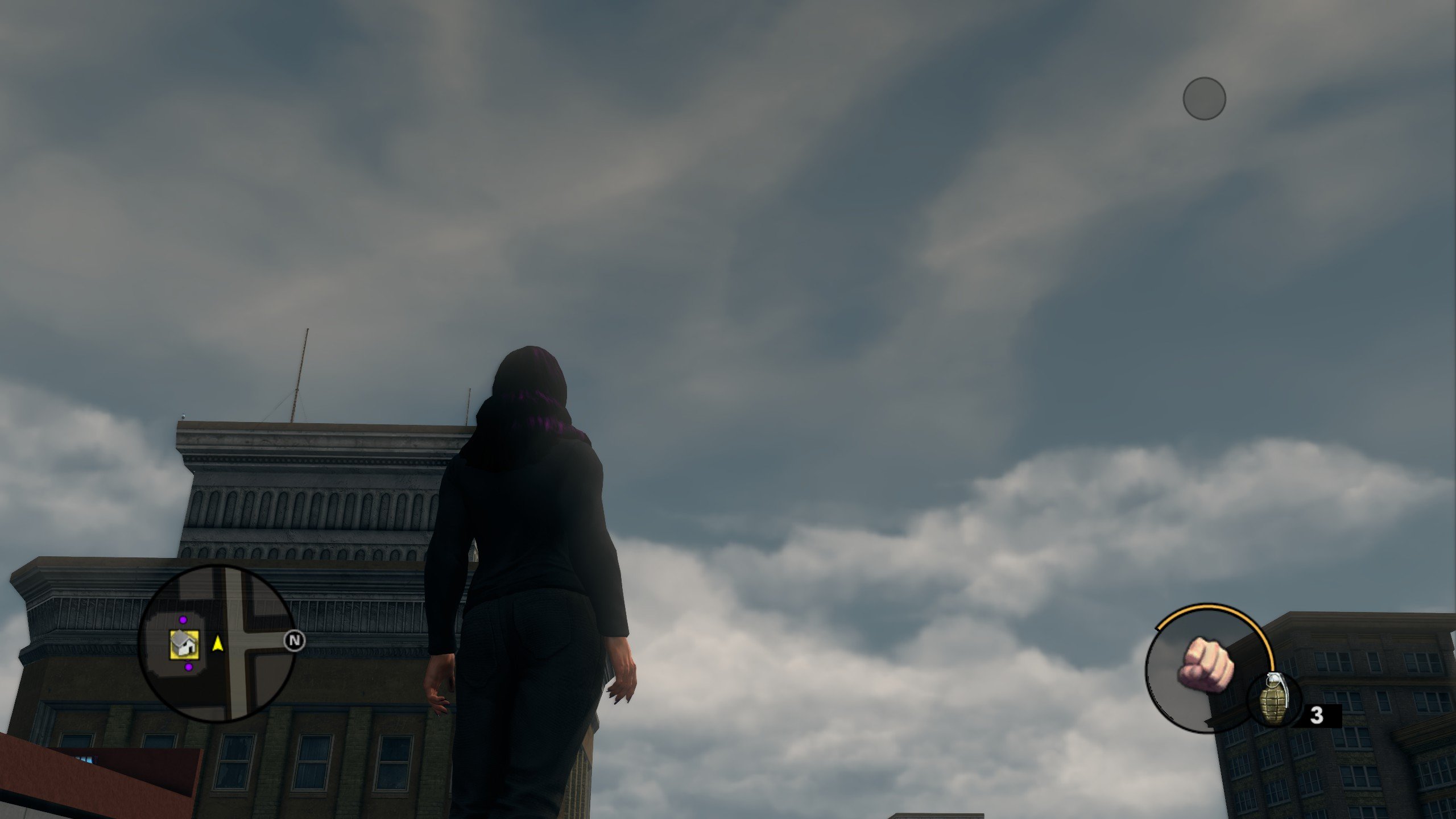
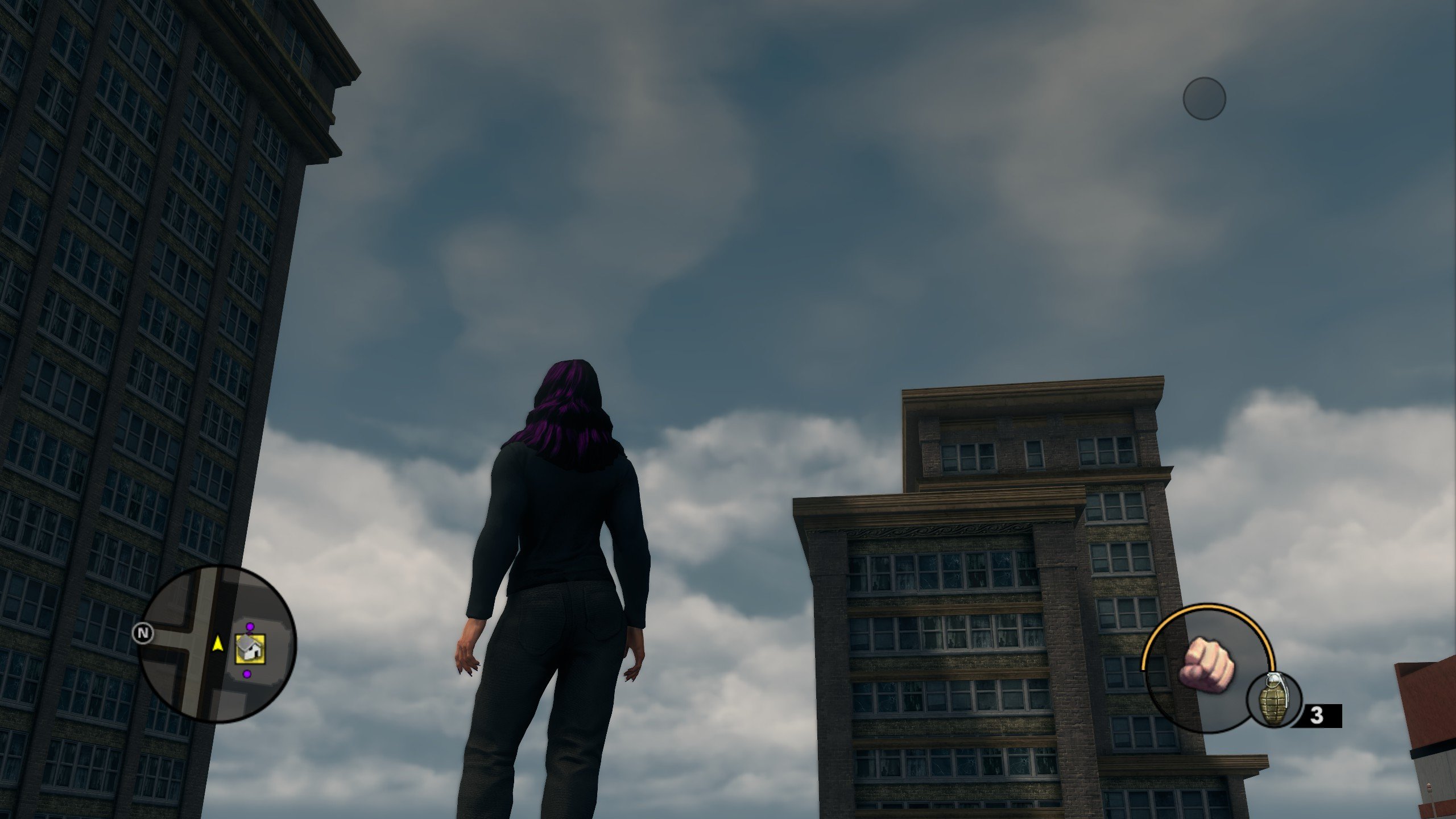
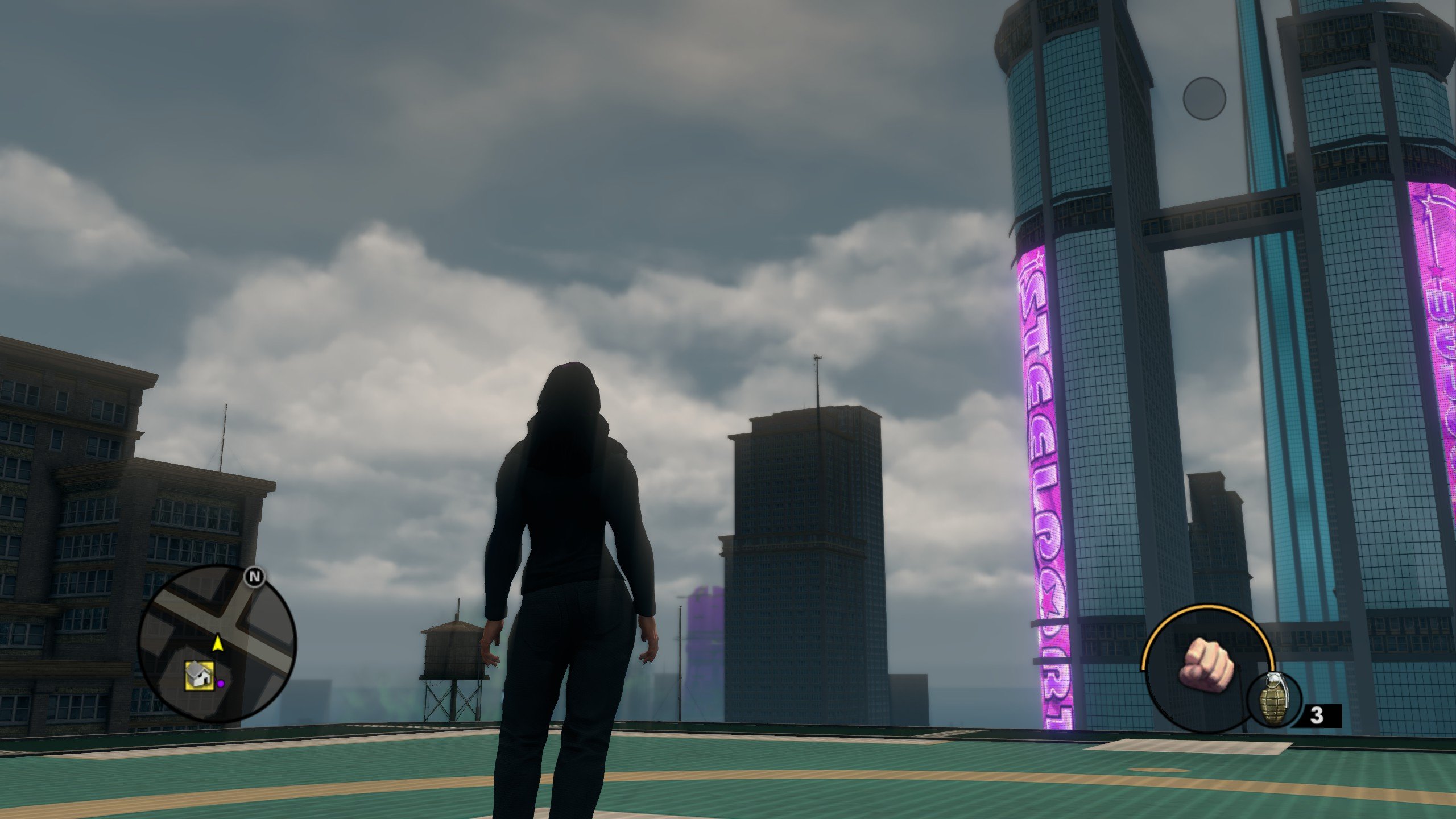
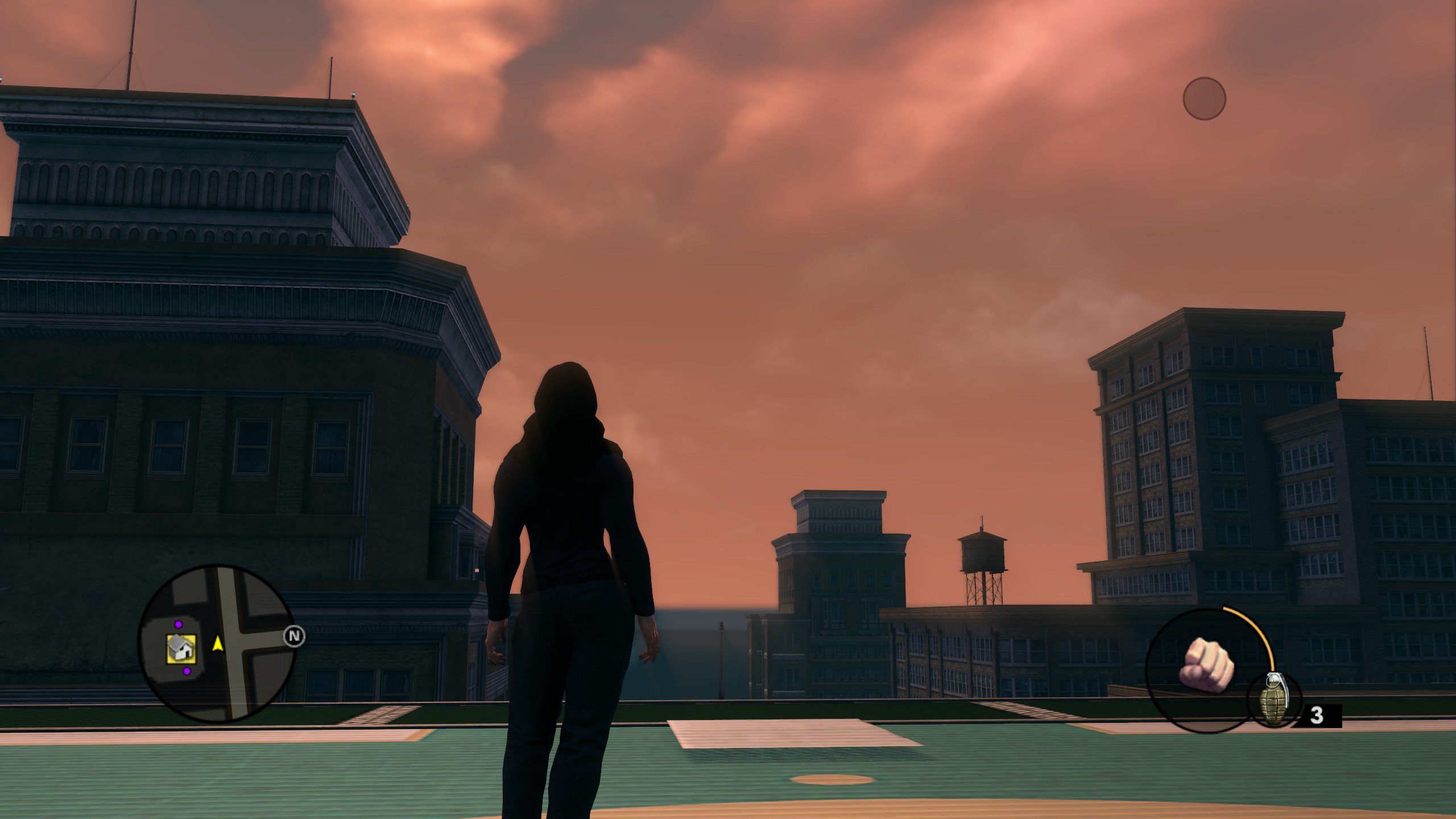
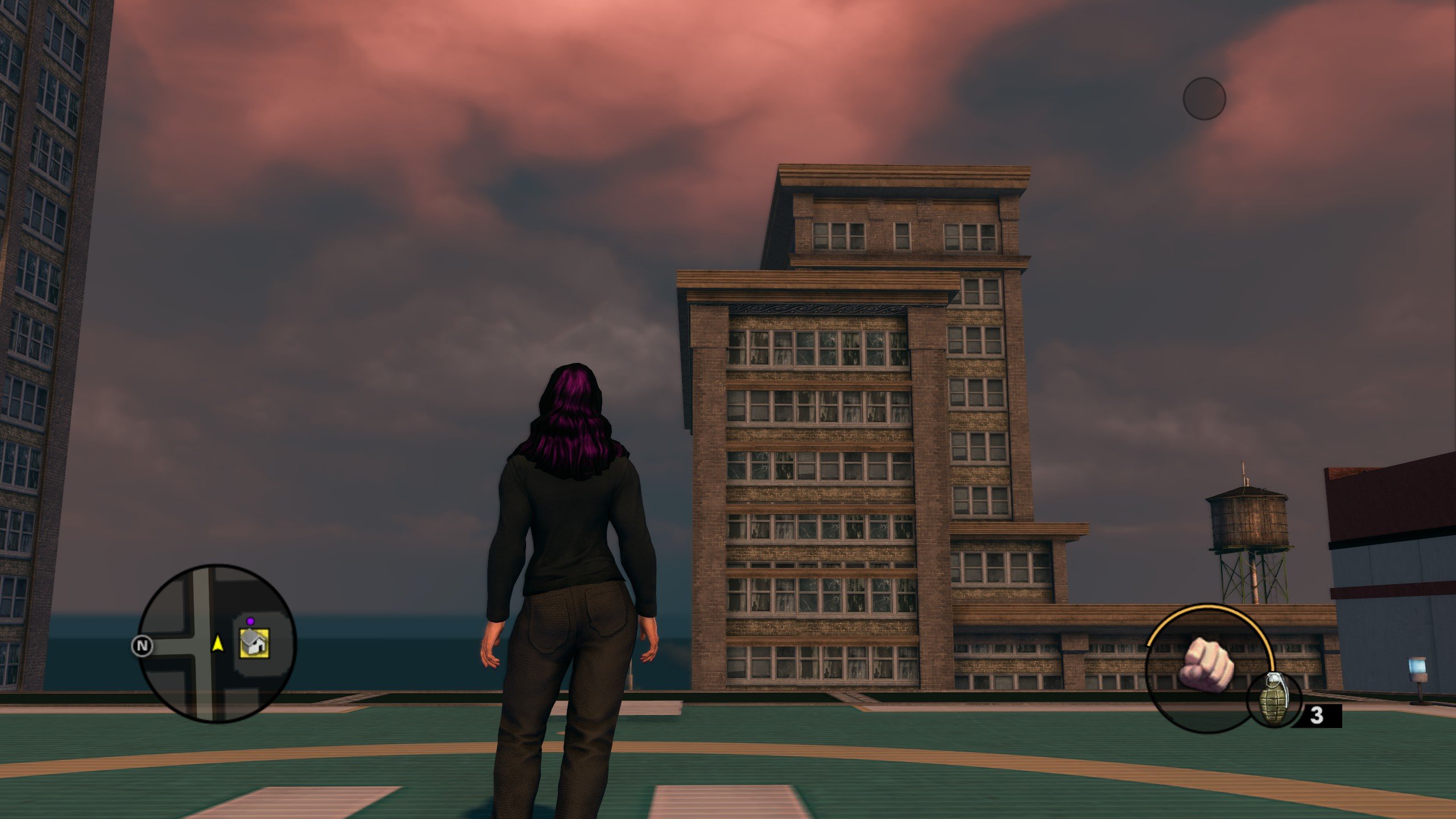
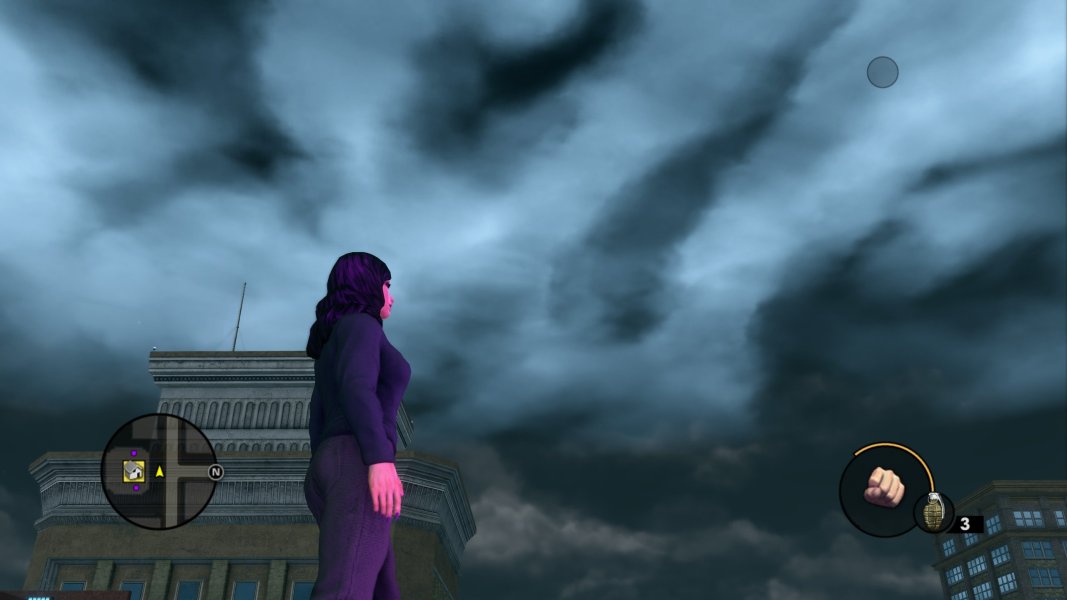
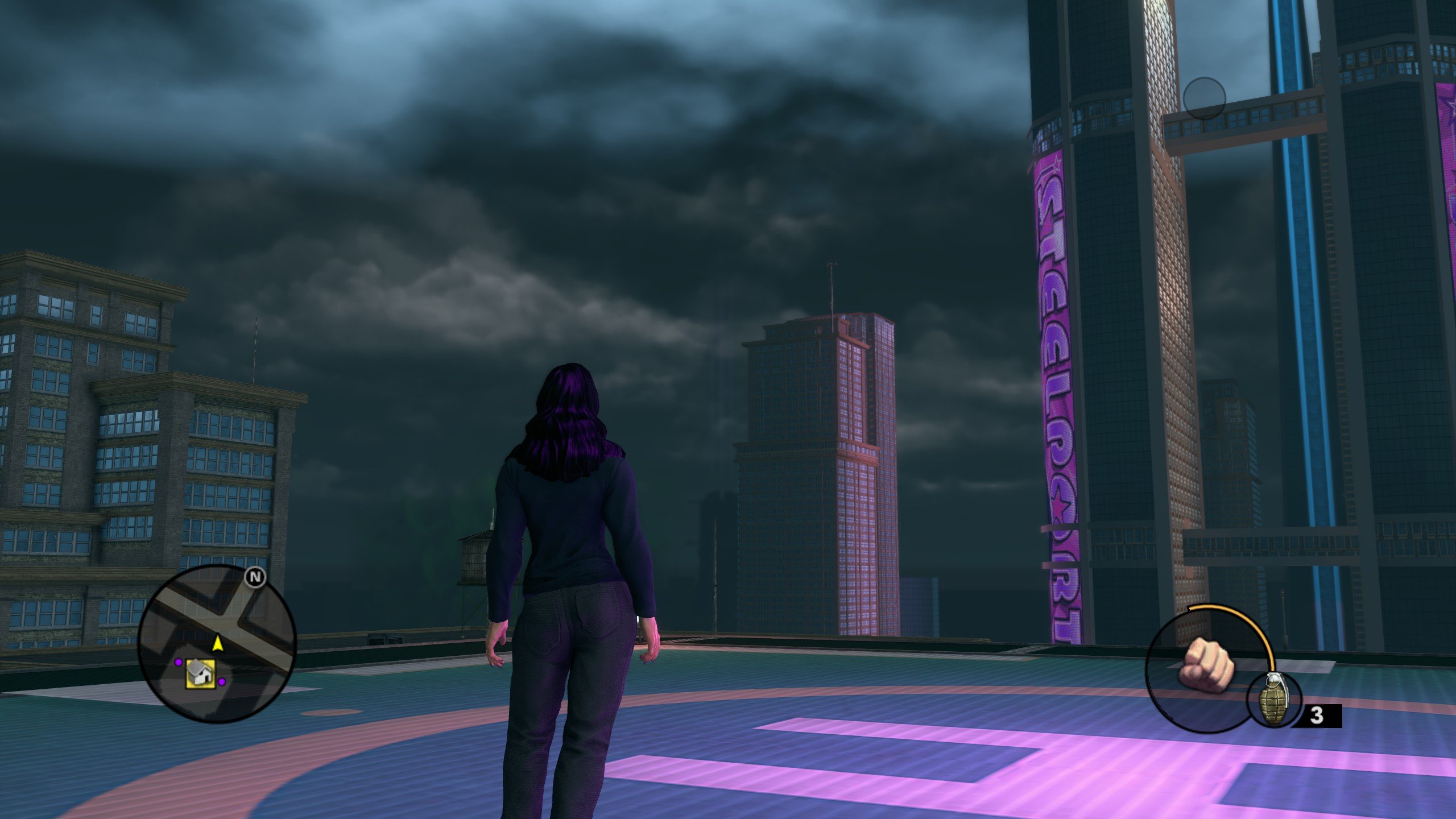
While going through misc_tables, I stumbled across a XTBL file named Andy_test and quickly realised it was a full TOD file. I went ahead and ported it over and it looks amazing for the most part. I could be wrong on this but it seems to have restored animated clouds that appear directly above the player that move in real time. This features all stages of the regular day and night (Sunrise, Noon, Sunset and Night) and from my testing, there doesn't seem to be any issues that I can spot but please do let me know if you find any problems and I'll look into it. To install the mod, simply extract default_district.xtbl in the Saints Row The Third folder.
While going through misc_tables, I stumbled across a XTBL file named Andy_test and quickly realised it was a full TOD file. I went ahead and ported it over and it looks amazing for the most part. I could be wrong on this but it seems to have restored animated clouds that appear directly above the player that move in real time. This features all stages of the regular day and night (Sunrise, Noon, Sunset and Night) and from my testing, there doesn't seem to be any issues that I can spot but please do let me know if you find any problems and I'll look into it. To install the mod, simply extract default_district.xtbl in the Saints Row The Third folder.
Dang, Andy knows what's up!!!
This is much better than the final version's "muh concept art" approach which had too much of a dominant ambient colour.
The only thing I see "missing" from this picture is <horizon_mountain_fog_color>, which should be near or close to <fog_color> to make the map feel bigger. Here it's kind of obvious where the sea and the horizon ends.
For example, in andy_test, the <time>5</time> horizon fog:
<value>0.019382 0.030713 0.038204 1.000000</value>
And the final game's <time>10:
<value>0.008023 0.022174 0.033105 0.700000</value>
wait, what do you mean <time>5</time>!? The final game uses <time>10</time>...
Then, you would also set fog_ground to 0 or higher and set horizon_mountain_fog_density to 1 (and only 1, otherwise the effect doesn't really work). So it would go from this:
to this:
Now the map's border doesn't seem too obvious!
If the fog seems too strong for someone's liking it can be changed by <fog_density_new> (give it a lower number).
I assume setting fog_height to above 0 makes the effect work better when high above as well, but not too sure.
I'll attach the modified files incase anyone's interested.
The cloud speed is controlled by <cloud_layer01_speed> and <cloud_layer23_speed> (I assume the latter is the clouds directly above you).
<cloud_layer01_speed> seems to use the same speed as the final game.
In weather.xtbl (the one that controls rain etc) they are defined within <Scroll_Speed>, for each weather type.
IMO they look really wonderful, might try again on a less vanilla-focused TOD mod - or even just a different version.
Thank you so much for sharing these with us, especially with the hard work of putting it into the final version's format. I really liked seeing what this andy was testing, especially with the overcast clouds. <3
Dang, Andy knows what's up!!!
This is much better than the final version's "muh concept art" approach which had too much of a dominant ambient colour.
The only thing I see "missing" from this picture is <horizon_mountain_fog_color>, which should be near or close to <fog_color> to make the map feel bigger. Here it's kind of obvious where the sea and the horizon ends. View attachment 48447
For example, in andy_test, the <time>5</time> horizon fog:
<value>0.019382 0.030713 0.038204 1.000000</value>
And the final game's <time>10:
<value>0.008023 0.022174 0.033105 0.700000</value>
wait, what do you mean <time>5</time>!? The final game uses <time>10</time>...
Then, you would also set fog_ground to 0 or higher and set horizon_mountain_fog_density to 1 (and only 1, otherwise the effect doesn't really work). So it would go from this:
View attachment 48448
to this: View attachment 48449
Now the map's border doesn't seem too obvious!
If the fog seems too strong for someone's liking it can be changed by <fog_density_new> (give it a lower number).
I assume setting fog_height to above 0 makes the effect work better when high above as well, but not too sure.
I'll attach the modified files incase anyone's interested.
The cloud speed is controlled by <cloud_layer01_speed> and <cloud_layer23_speed> (I assume the latter is the clouds directly above you).
<cloud_layer01_speed> seems to use the same speed as the final game.
In weather.xtbl (the one that controls rain etc) they are defined within <Scroll_Speed>, for each weather type.
IMO they look really wonderful, might try again on a less vanilla-focused TOD mod - or even just a different version.
Thank you so much for sharing these with us, especially with the hard work of putting it into the final version's format. I really liked seeing what this andy was testing, especially with the overcast clouds. <3
If there's any particular questions you may have about SR3's TOD system feel free to ask!
I do have a guide but it's very unfinished (especially on SRTT side), and only useful as a reference on what tags do lol
This site uses cookies to help personalise content, tailor your experience and to keep you logged in if you register.
By continuing to use this site, you are consenting to our use of cookies.