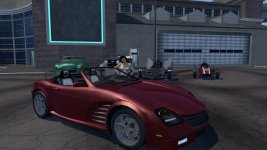

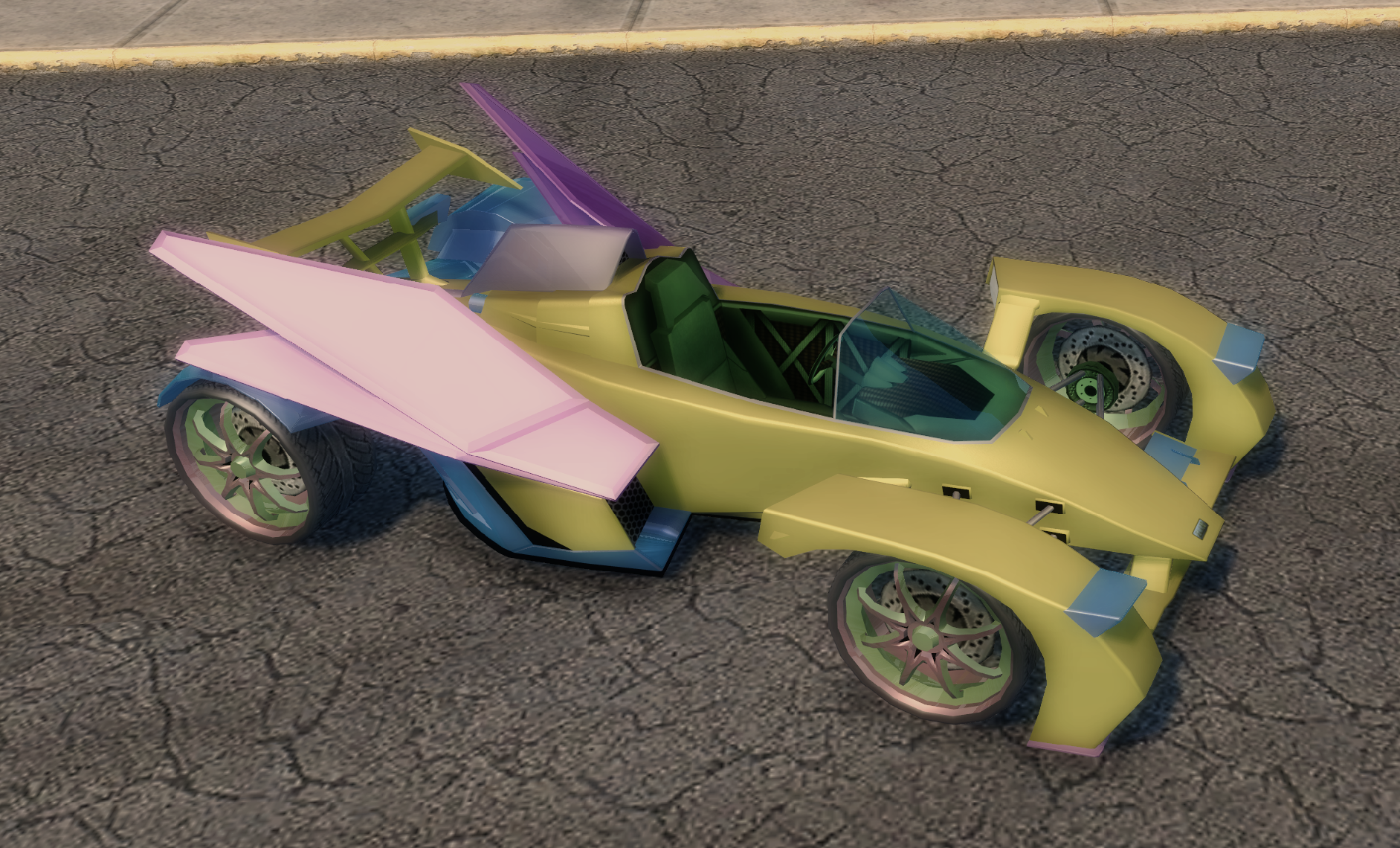
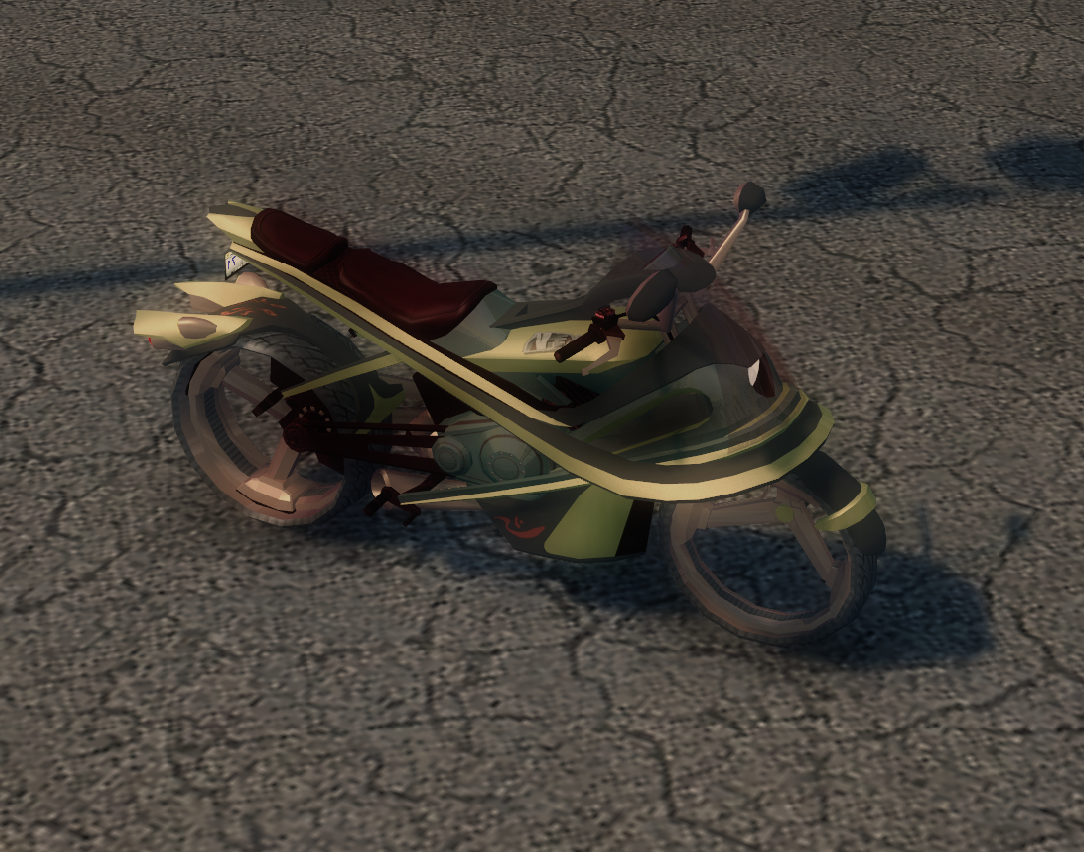
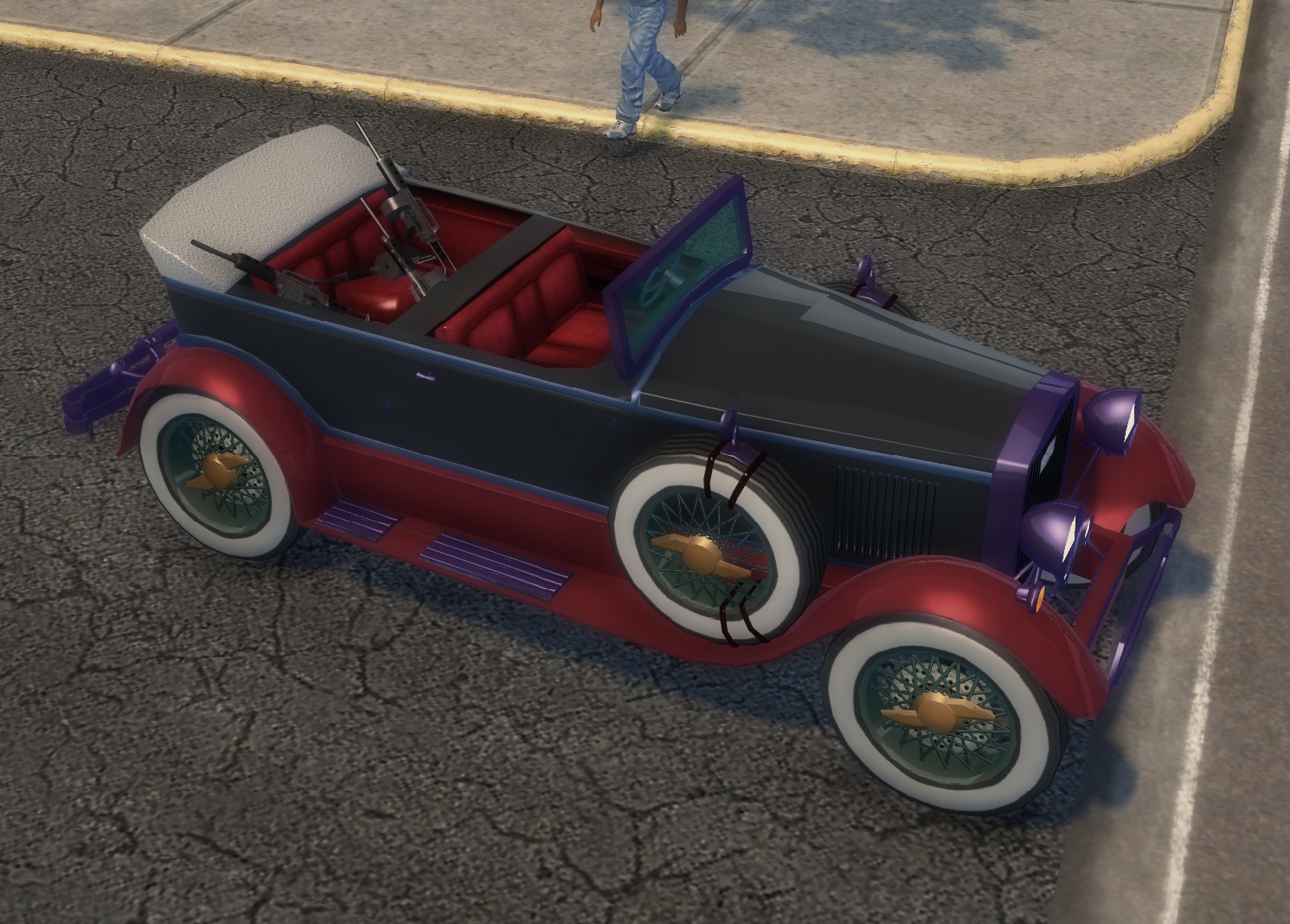
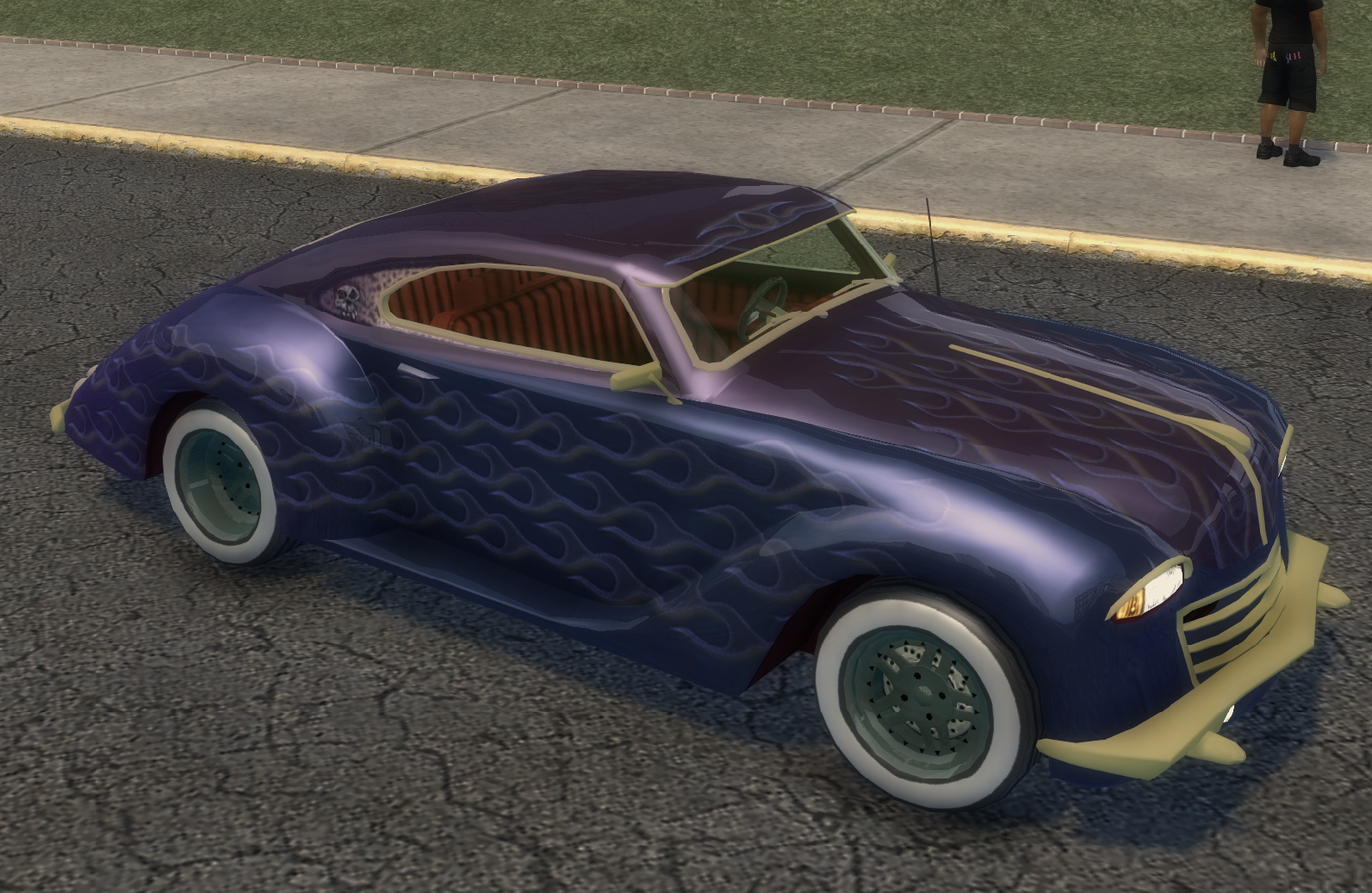
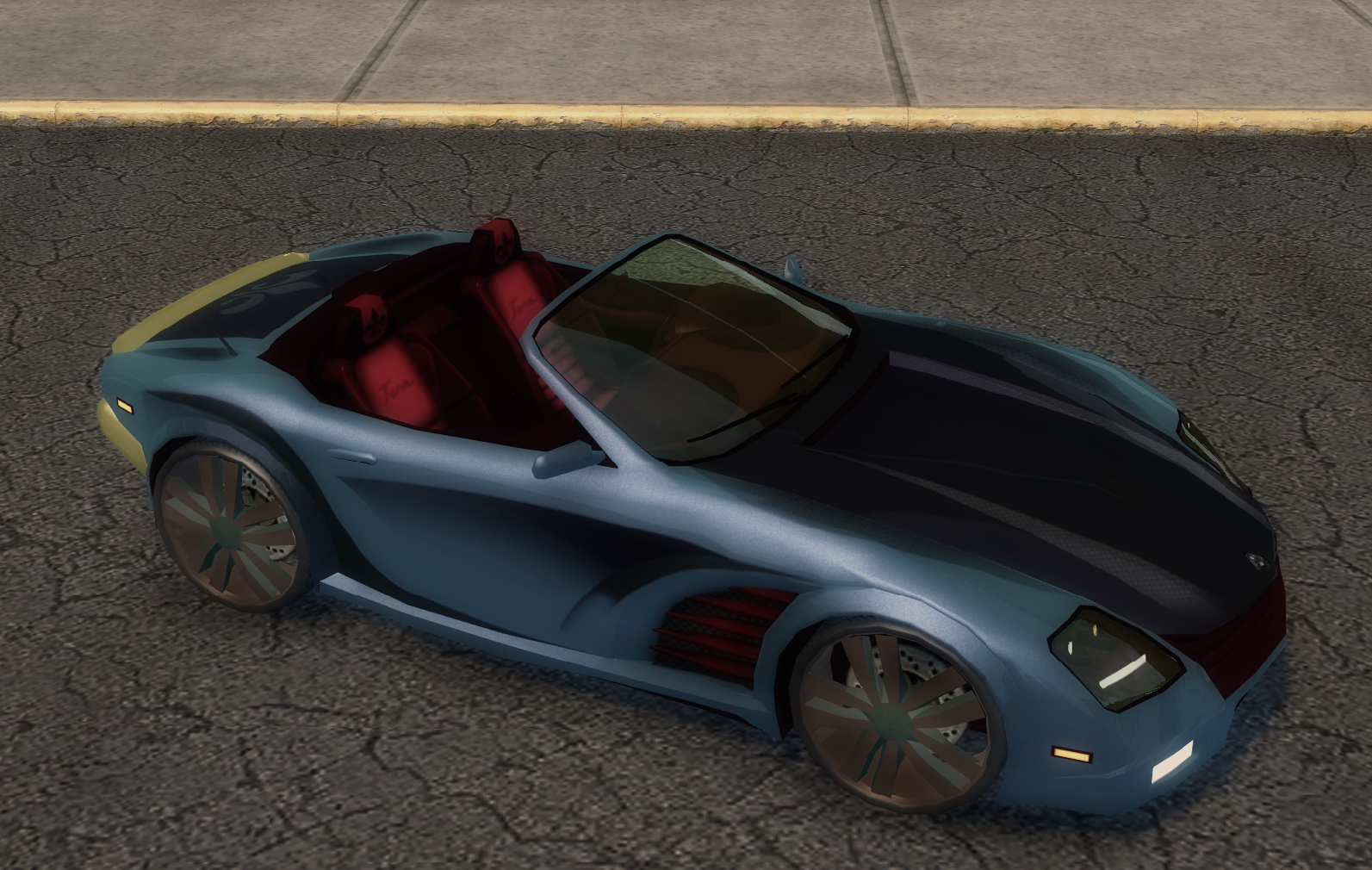
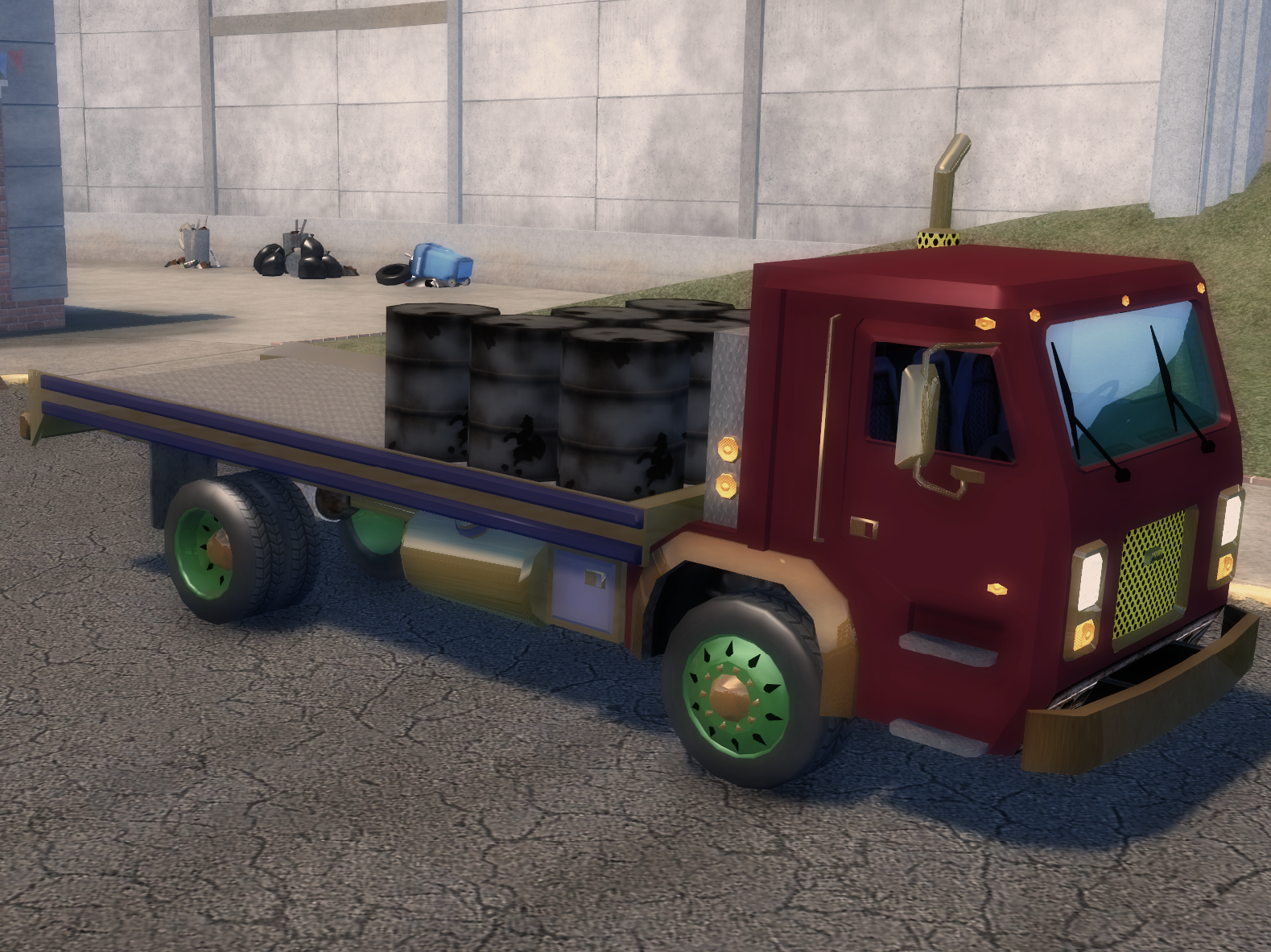
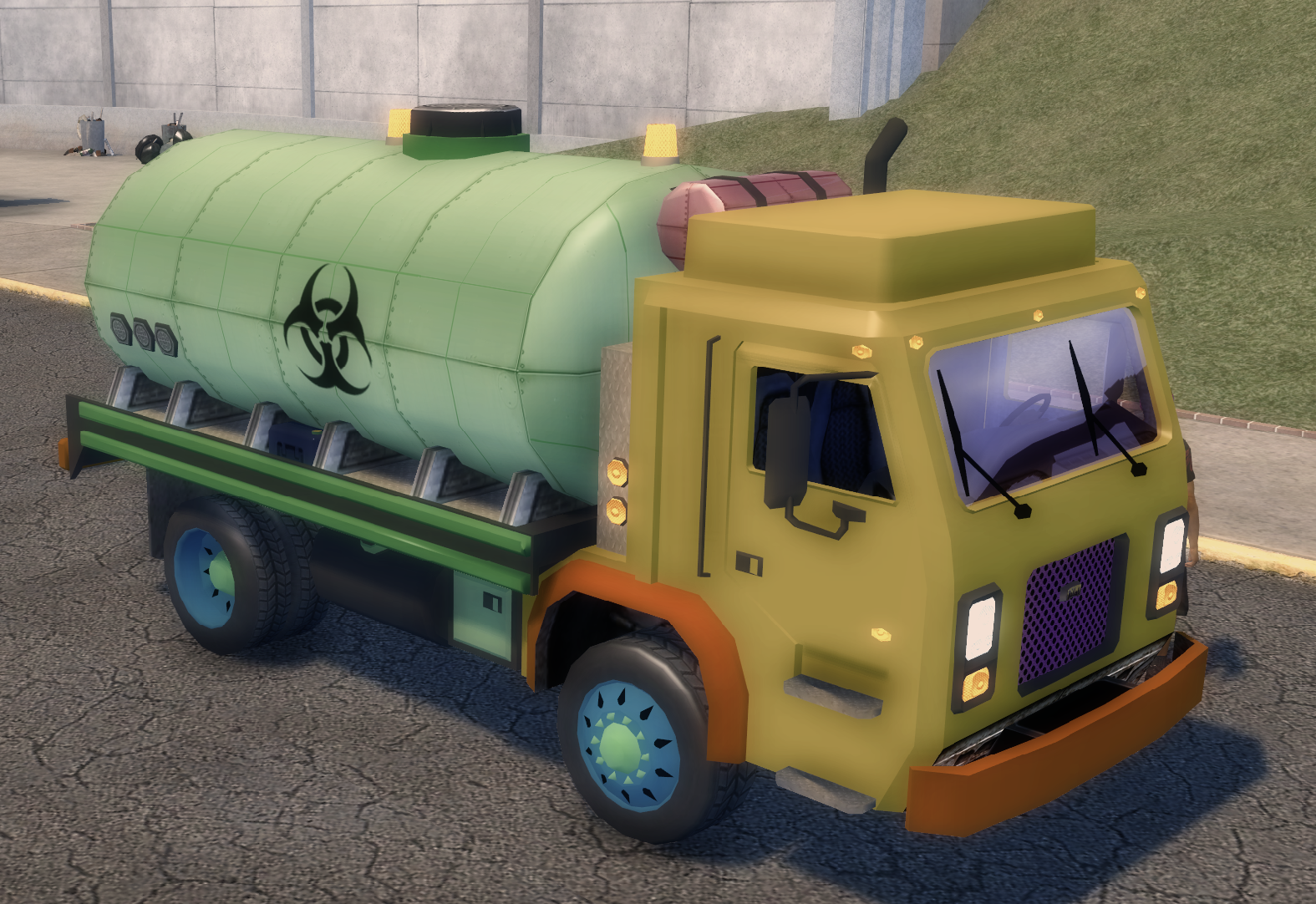
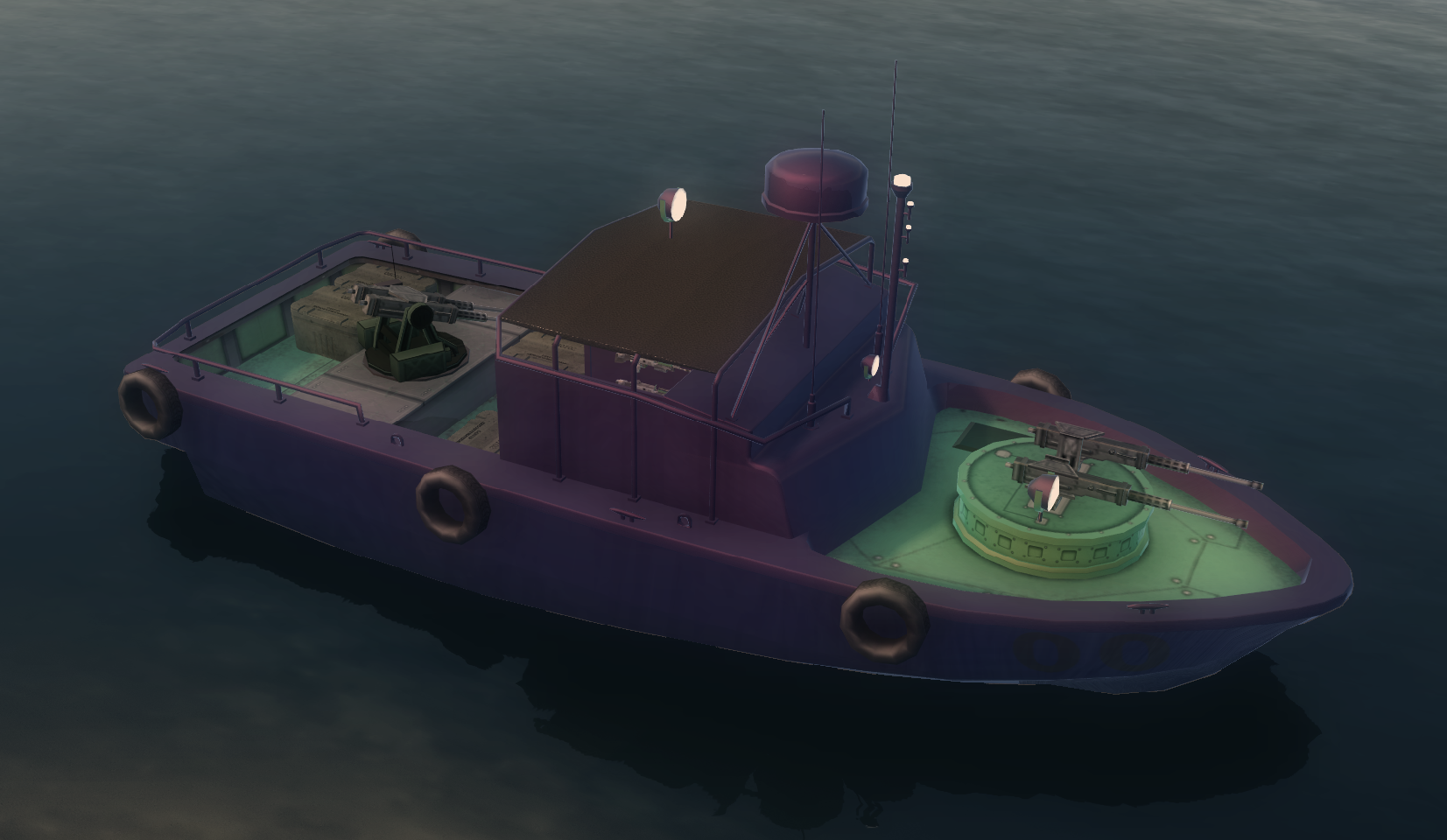
What it says on the tin. This mod allows you to modify DLC Vehicles at the mechanic's all over Stilwater!
Important Things to Note
Technical Details
Pictures
Installation
WARNING
Important Things to Note
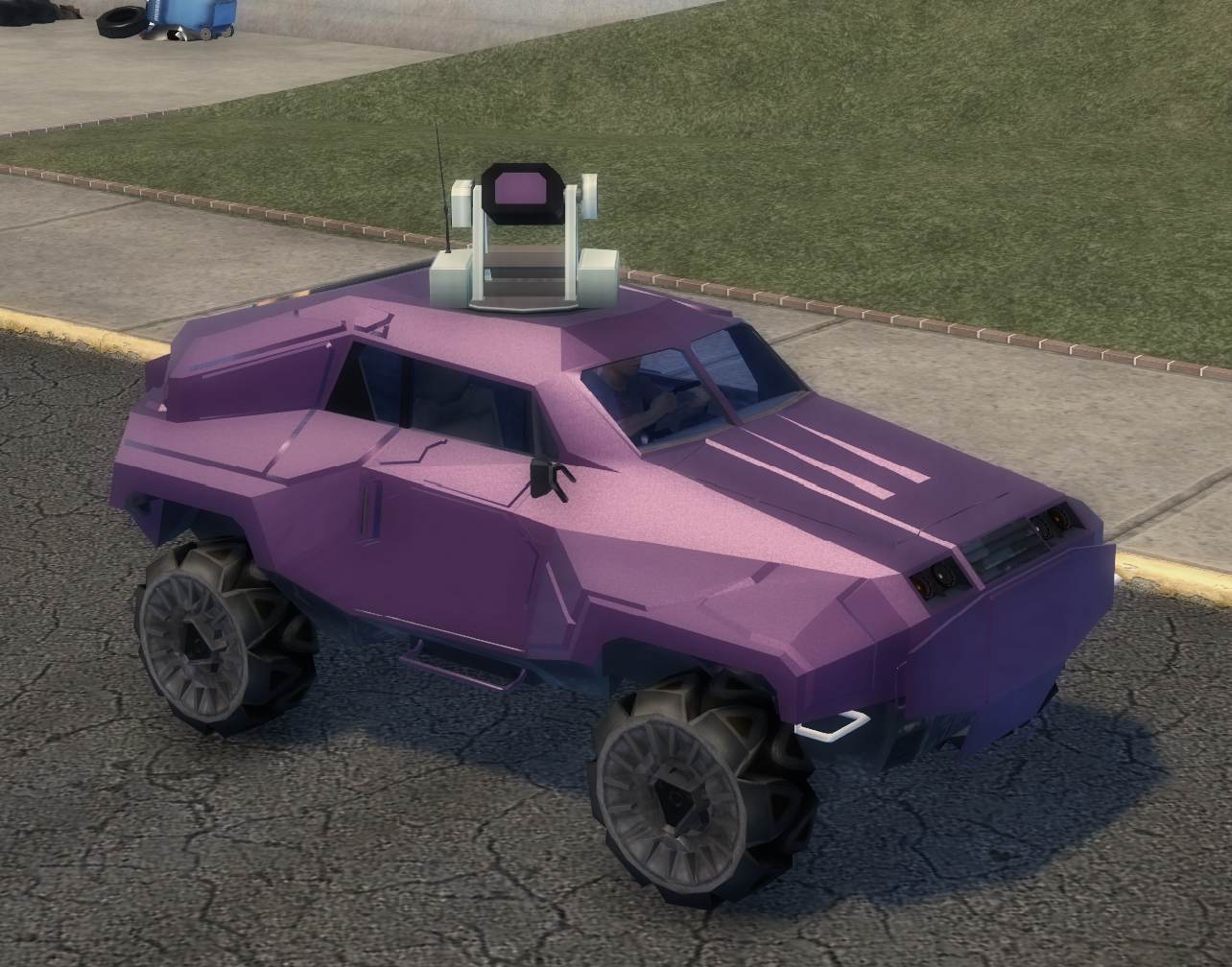
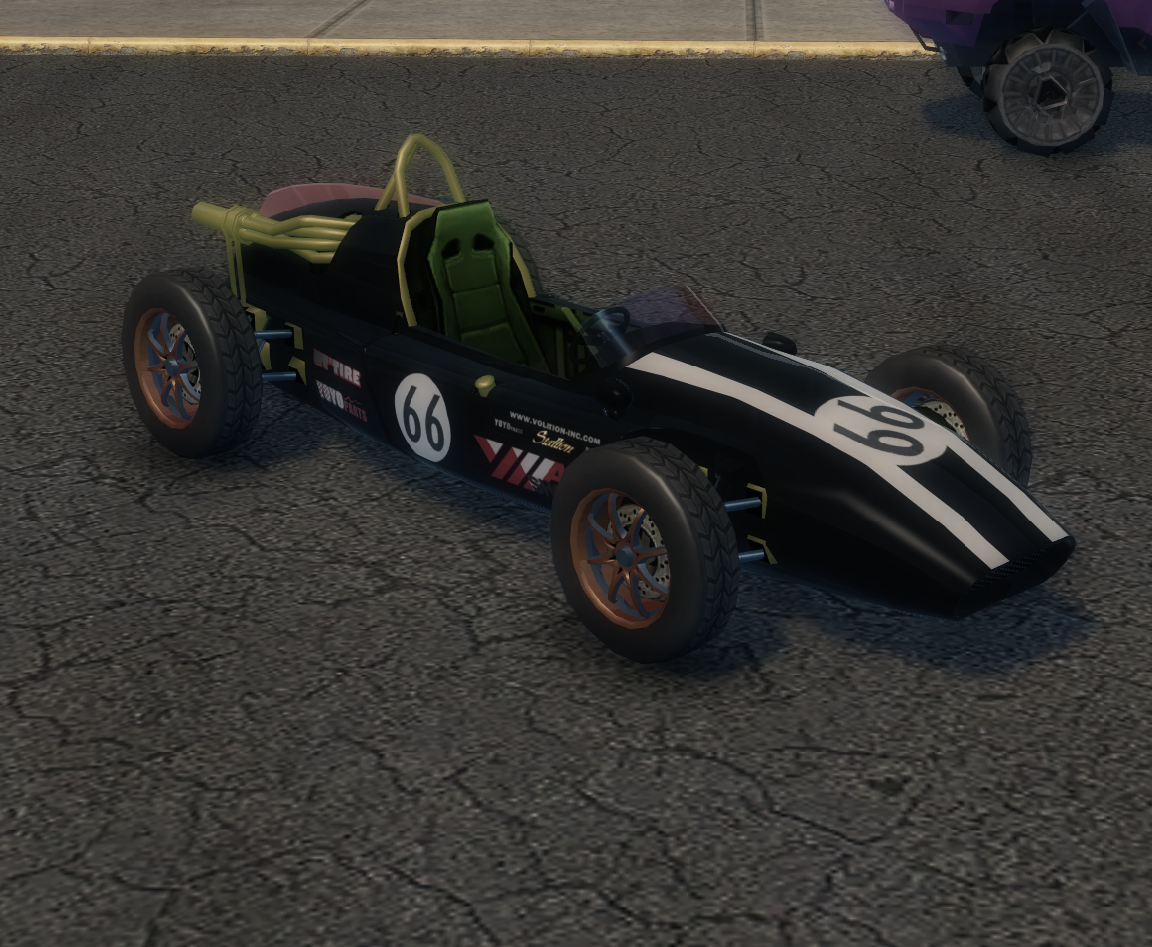
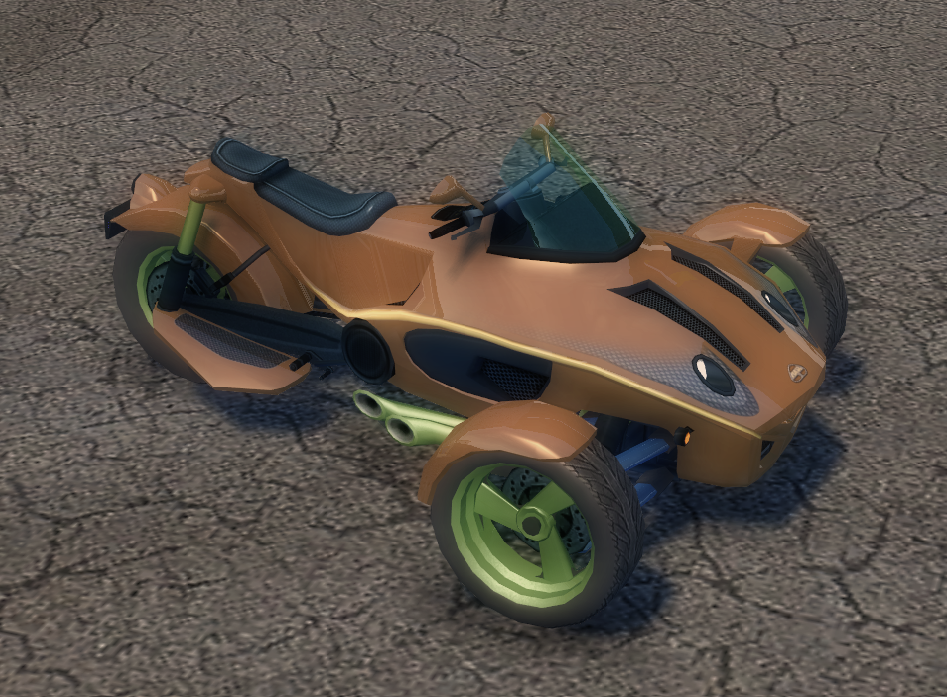
The main things you can modify is color and wheels.
Some vehicles have decal options, however these decal options just remove decals.
Once you remove a decal, it's gone. So be sure to backup your saves just incase you accidently remove a decal when you didn't mean to.
There technically is other misc options that DLC Vehicles can have such as upgrades, but they all have 1 option, and that's just "Stock".
So more or less I only added options that work/have a noticeable effect.
Some paint options may do nothing and I didn't feel like going back and figuring out which was which and removing them. Sorry.
To the note of paint options, you may notice duplicated entries for some vehicles. In some cases regardless of the duplicated name, the paint can/could modify another part of the car. In some cases a category could edit 1+ parts of the car, such as interior editing the interior and some part of a exterior. Sadly this is just how volition set these cars up, without the raw xtbl files to recrunch and properly fix some things, this can't currently be helped. It's just alot to do from a hex editing standpoint alone.
Some vehicles have decal options, however these decal options just remove decals.
Once you remove a decal, it's gone. So be sure to backup your saves just incase you accidently remove a decal when you didn't mean to.
There technically is other misc options that DLC Vehicles can have such as upgrades, but they all have 1 option, and that's just "Stock".
So more or less I only added options that work/have a noticeable effect.
Some paint options may do nothing and I didn't feel like going back and figuring out which was which and removing them. Sorry.
To the note of paint options, you may notice duplicated entries for some vehicles. In some cases regardless of the duplicated name, the paint can/could modify another part of the car. In some cases a category could edit 1+ parts of the car, such as interior editing the interior and some part of a exterior. Sadly this is just how volition set these cars up, without the raw xtbl files to recrunch and properly fix some things, this can't currently be helped. It's just alot to do from a hex editing standpoint alone.
Technical Details
Without the original .xtbl files for vehicle crunching and creating variants, etc etc.
I had to modify the vehicle xtbl files to allow them to enter mechanic shops. However most dlc vehs lacked editable options.
So I had to manually hex edit the cvtf files and enable editable customization slots. Everything I left in is what's mostly editable.
Mechanic triggers by default remove dirt from vehicles.
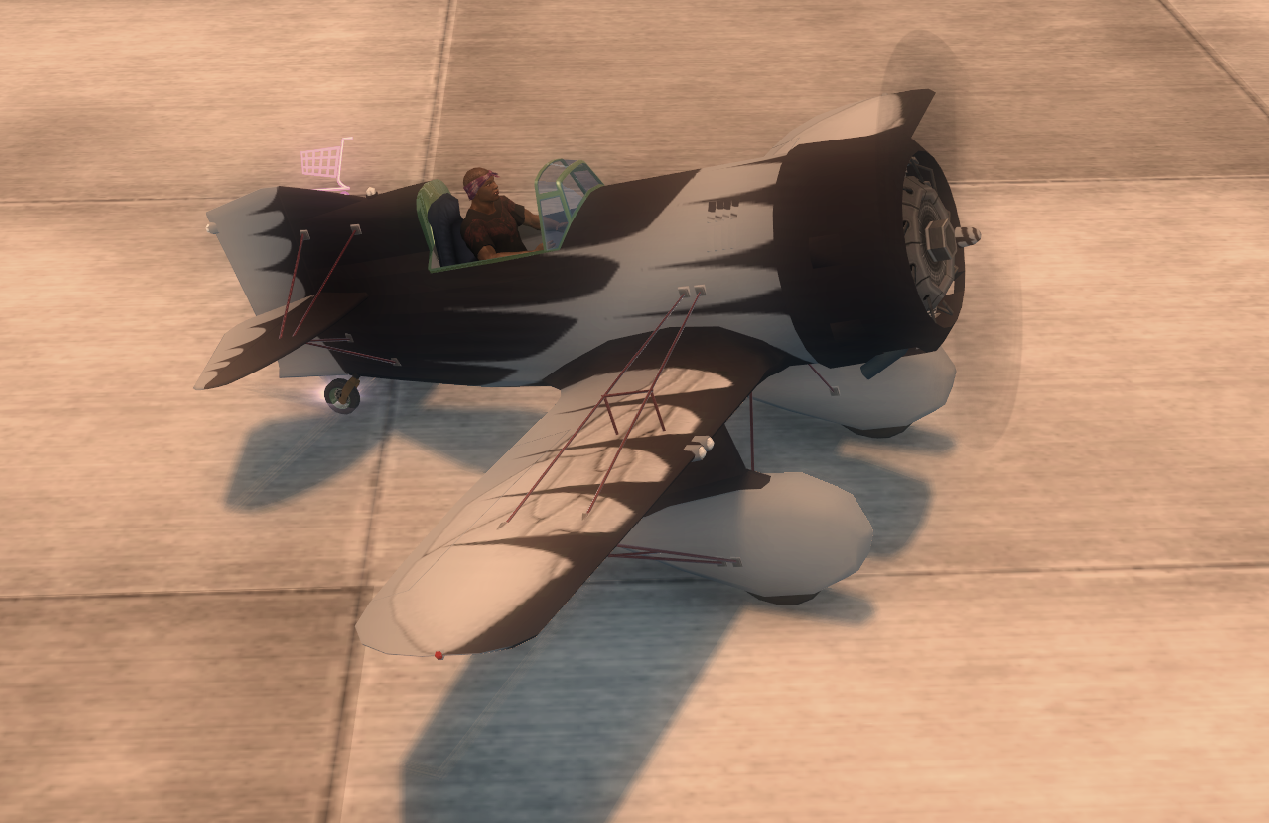
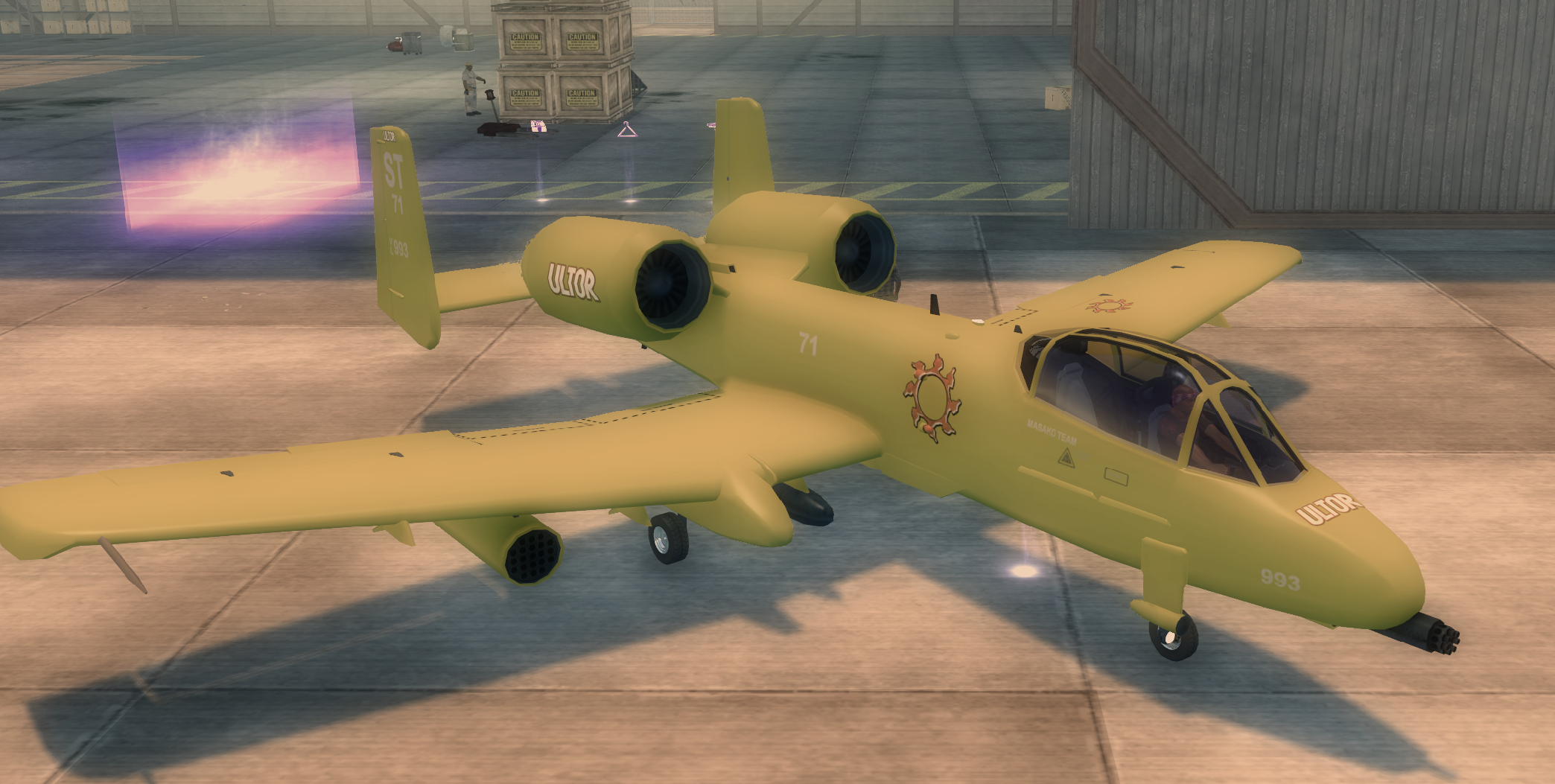
I have supplied modified boats and planes, but they can't be edited without a boat/plane mechanic. You will have to set those up if you wish to edit them. Or wait till the future gotr with dlc compatibility (this dlc compatible gotr is something i've been working on) is released which has a boat and plane mechanic. I did not mess with the heli's because a heli mech is doable, just annoying to set up as I have to modify the actual trigger, then modify every single mech trigger throughout the map and in scripts etc. I might resurrect my heli mech mod one day.
I had to modify the vehicle xtbl files to allow them to enter mechanic shops. However most dlc vehs lacked editable options.
So I had to manually hex edit the cvtf files and enable editable customization slots. Everything I left in is what's mostly editable.
Mechanic triggers by default remove dirt from vehicles.
I have supplied modified boats and planes, but they can't be edited without a boat/plane mechanic. You will have to set those up if you wish to edit them. Or wait till the future gotr with dlc compatibility (this dlc compatible gotr is something i've been working on) is released which has a boat and plane mechanic. I did not mess with the heli's because a heli mech is doable, just annoying to set up as I have to modify the actual trigger, then modify every single mech trigger throughout the map and in scripts etc. I might resurrect my heli mech mod one day.
Pictures
Installation
This only works so long as you have JUICED and DLC installed. So be sure to install them.
I will only be going over how to install this for juiced only.
Download Customizable DLC Vehicles below and extract it out of the rar.
You can use tools such as 7zip and or WinRAR to extract .rar containers.
Once extracted you need to locate your sr2 root folder, assuming you installed Juiced correctly, you will see a Mods folder in your root directory.
Drag and drop DLC Vehicles - Customizable into this folder.
Now edit your loose.txt which is also located in your sr2 root directory if juiced is installed correctly.
Add this line to that file.
mods/DLC Vehicles - Customizable
I advise add it above the Juiced lines, however you can order your mod list that fits your needs. Just remember higher on the list the higher priority it is. Alot of people seem to still get confused on how mods gets loaded in.
They load from bottom to top. So if a mod is near the top is loads last and thus has higher priority and overrides what is below. So if a folder below has the same files as the folder above, the above overrides what is below.
Here is a example loose.txt for this mod
mods
mods/DLC Vehicles - Customizable
mods/JUICED - Credits
mods/JUICED - Chunk Fixes
mods/JUICED - FPS Camera
mods/JUICED - Strings
mods/JUICED - Lua Libraries
mods/JUICED - Shaders
mods/JUICED - Animations
mods/JUICED - Textures
mods/JUICED - Vehicle Fixes
I will only be going over how to install this for juiced only.
Download Customizable DLC Vehicles below and extract it out of the rar.
You can use tools such as 7zip and or WinRAR to extract .rar containers.
Once extracted you need to locate your sr2 root folder, assuming you installed Juiced correctly, you will see a Mods folder in your root directory.
Drag and drop DLC Vehicles - Customizable into this folder.
Now edit your loose.txt which is also located in your sr2 root directory if juiced is installed correctly.
Add this line to that file.
mods/DLC Vehicles - Customizable
I advise add it above the Juiced lines, however you can order your mod list that fits your needs. Just remember higher on the list the higher priority it is. Alot of people seem to still get confused on how mods gets loaded in.
They load from bottom to top. So if a mod is near the top is loads last and thus has higher priority and overrides what is below. So if a folder below has the same files as the folder above, the above overrides what is below.
Here is a example loose.txt for this mod
mods
mods/DLC Vehicles - Customizable
mods/JUICED - Credits
mods/JUICED - Chunk Fixes
mods/JUICED - FPS Camera
mods/JUICED - Strings
mods/JUICED - Lua Libraries
mods/JUICED - Shaders
mods/JUICED - Animations
mods/JUICED - Textures
mods/JUICED - Vehicle Fixes
WARNING
Rule of thumb if it's a worry. Be sure to have a backup of your save before this mod is installed.
This has not been tested on saves with the cars modified then the mod removed.
You can safely edit the dlc vehicles with the colors you want, etc and delete the mod and use the save with the modified dlc vehicles just fine.
This has not been tested in coop
Somebody needs to test with a coop player that does not have this mod installed and see how it acts.
if it causes issues then coop player will need to have this same mod installed.
You can safely edit the dlc vehicles with the colors you want, etc and delete the mod and use the save with the modified dlc vehicles just fine.
This has not been tested in coop
Somebody needs to test with a coop player that does not have this mod installed and see how it acts.
if it causes issues then coop player will need to have this same mod installed.
Attachments
Last edited: