

Customise the look of your Loading Screens with these recolourations of Saints Row 2's Vanilla versions!
PURPLE:
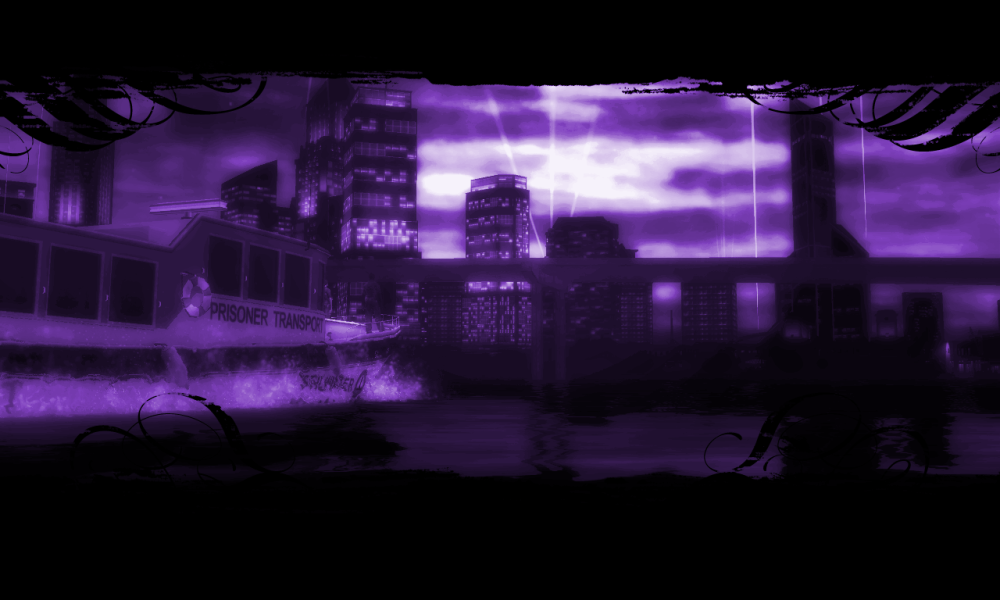
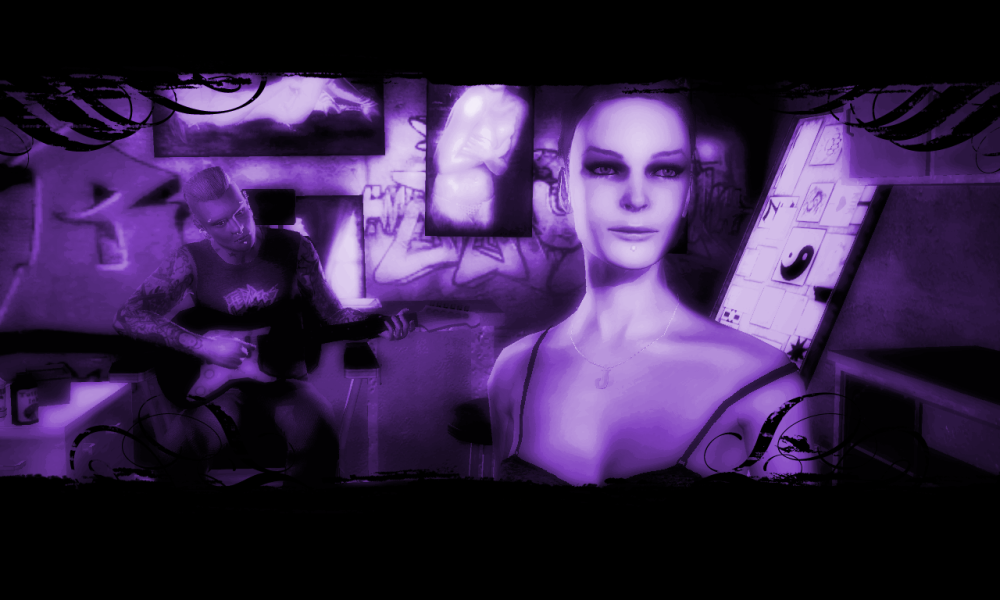
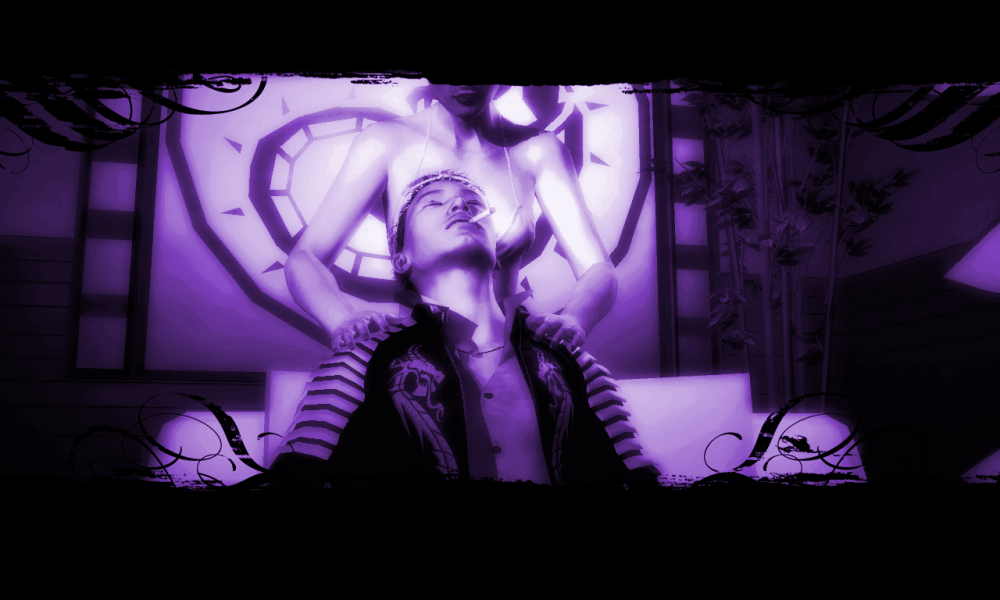
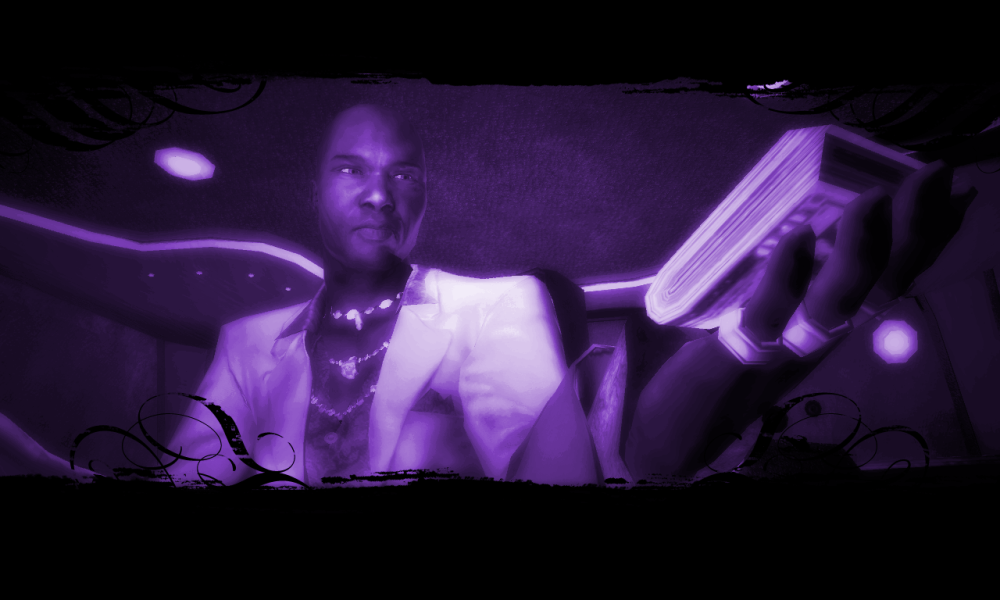
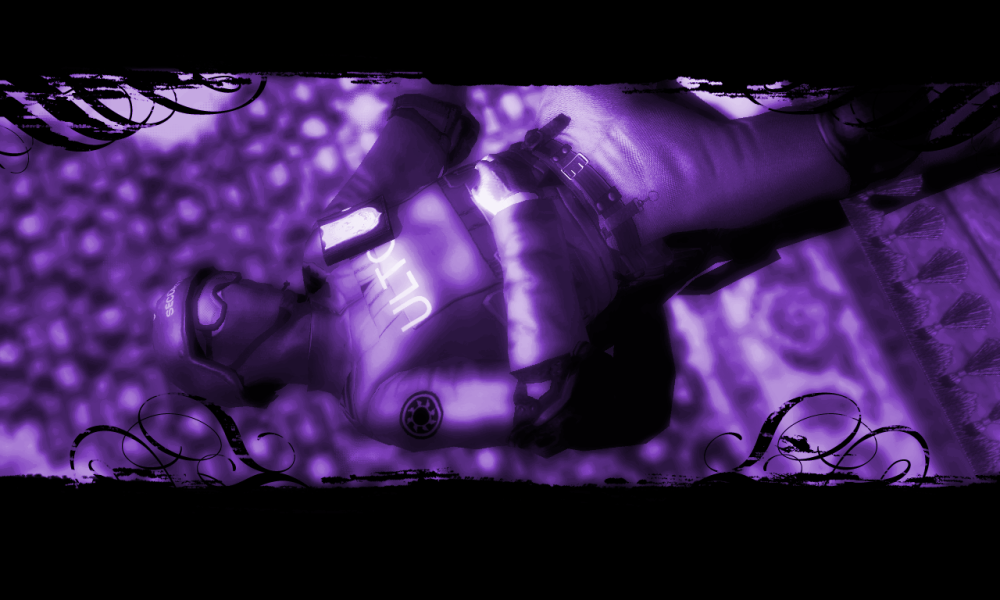
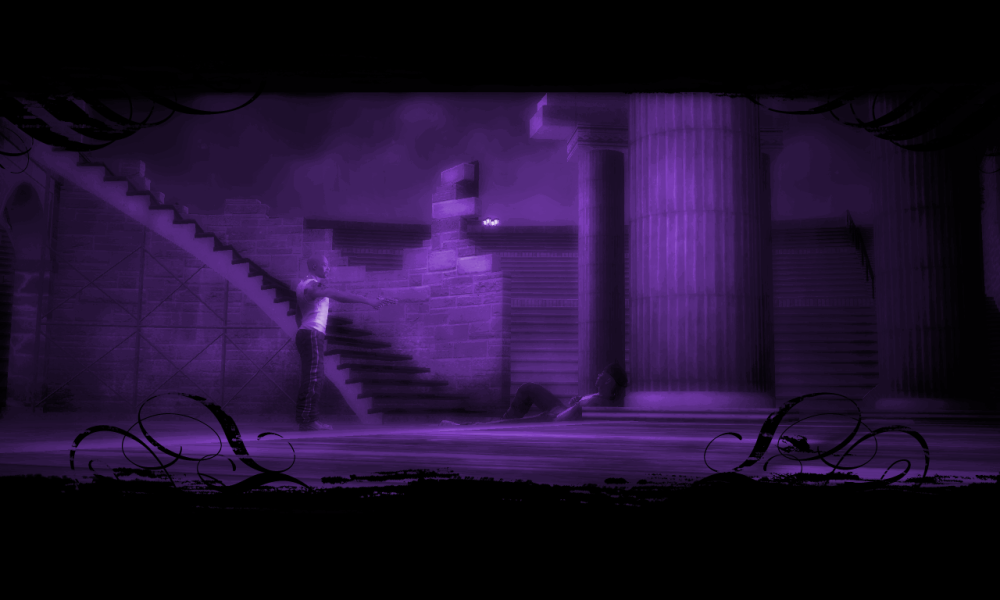
COLOUR-CODED:
(Colour of Loading Screens changes depending on which Gang's Mission they depict.)
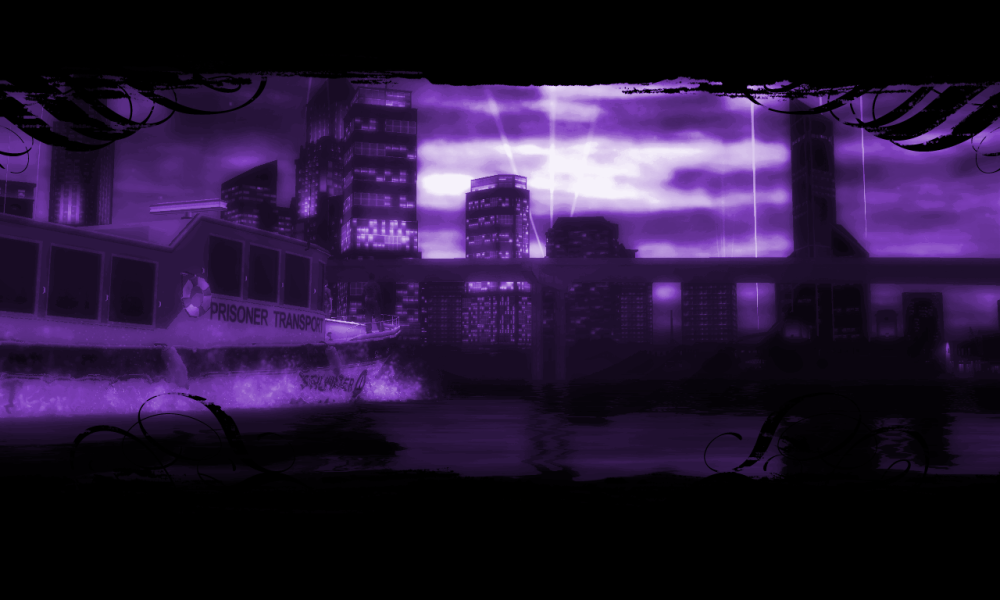
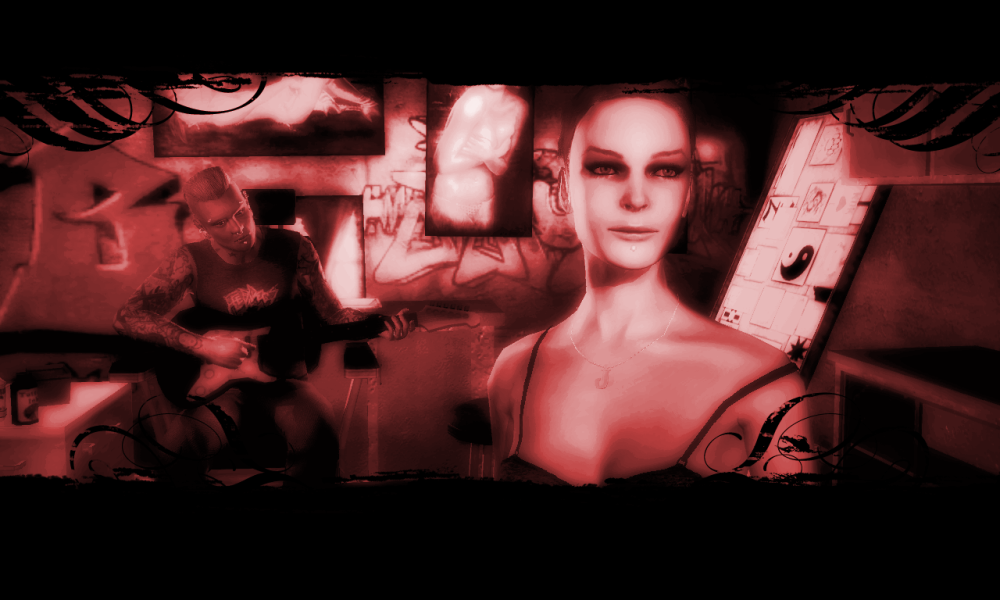
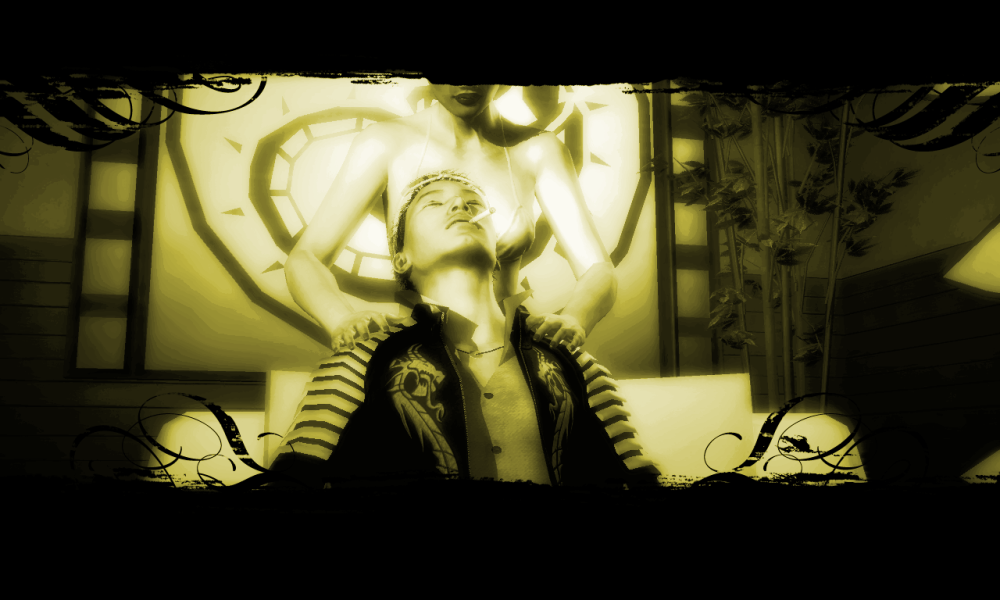
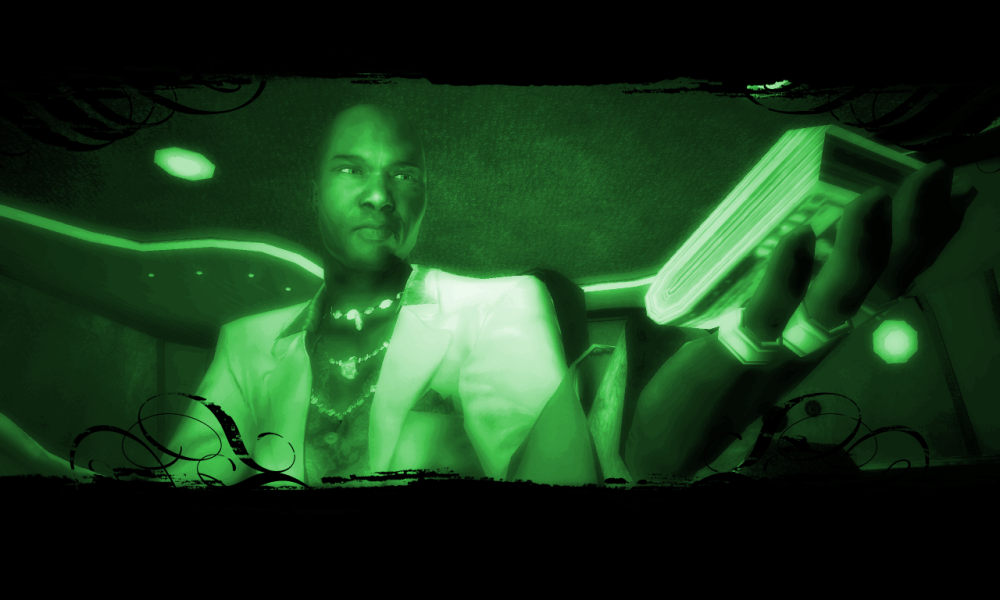
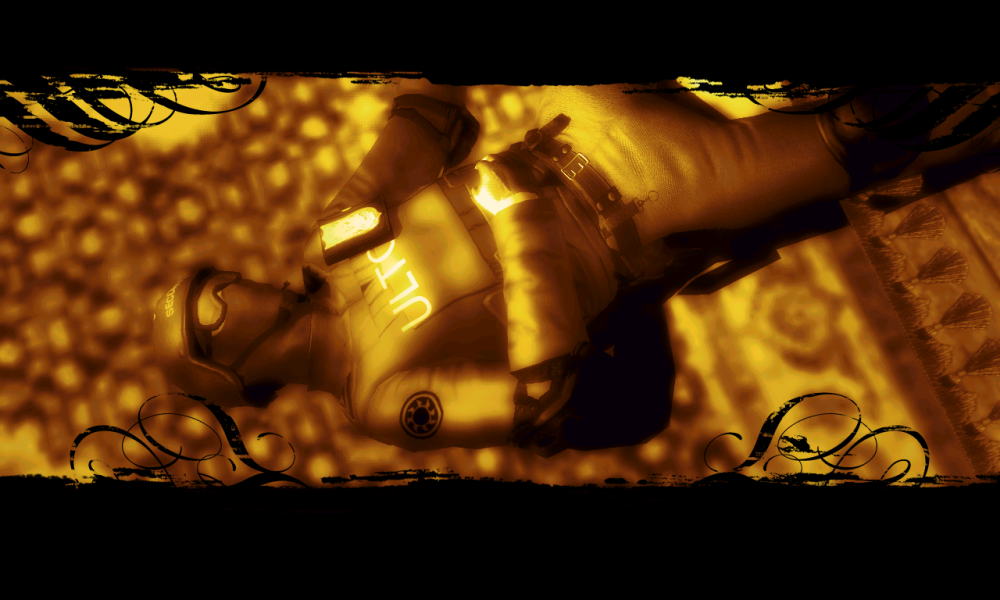
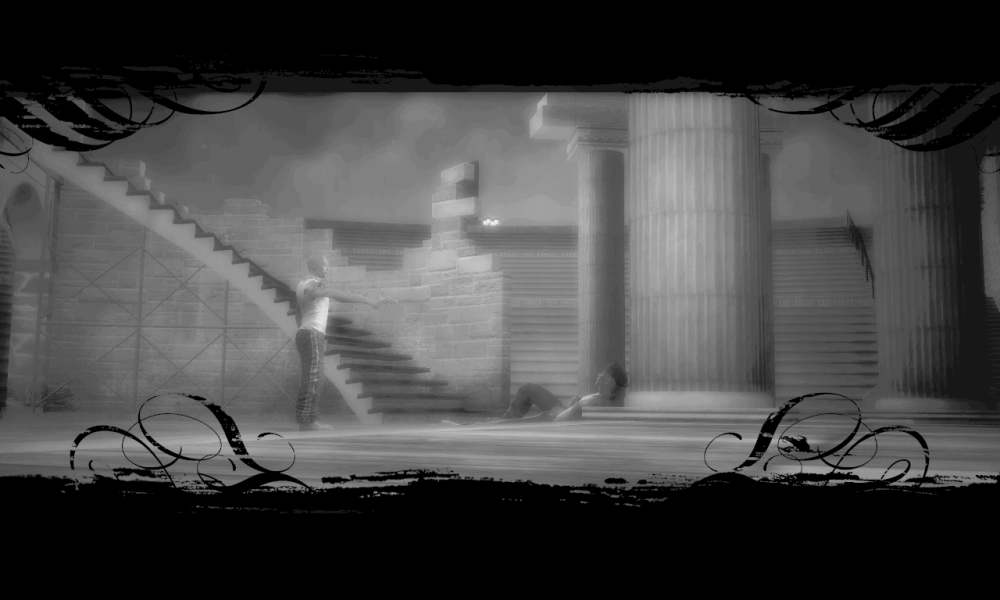
COLOUR-CODED:
(Colour of Loading Screens changes depending on which Gang's Mission they depict.)
I made Main Menu videos too, but they have a slightly lower visual quality, and are quite a bit larger in file size than the originals. Too large too upload here, in fact.
This is most likely down to me not knowing what I'm doing with video conversion. Here are some screenshots anyway:
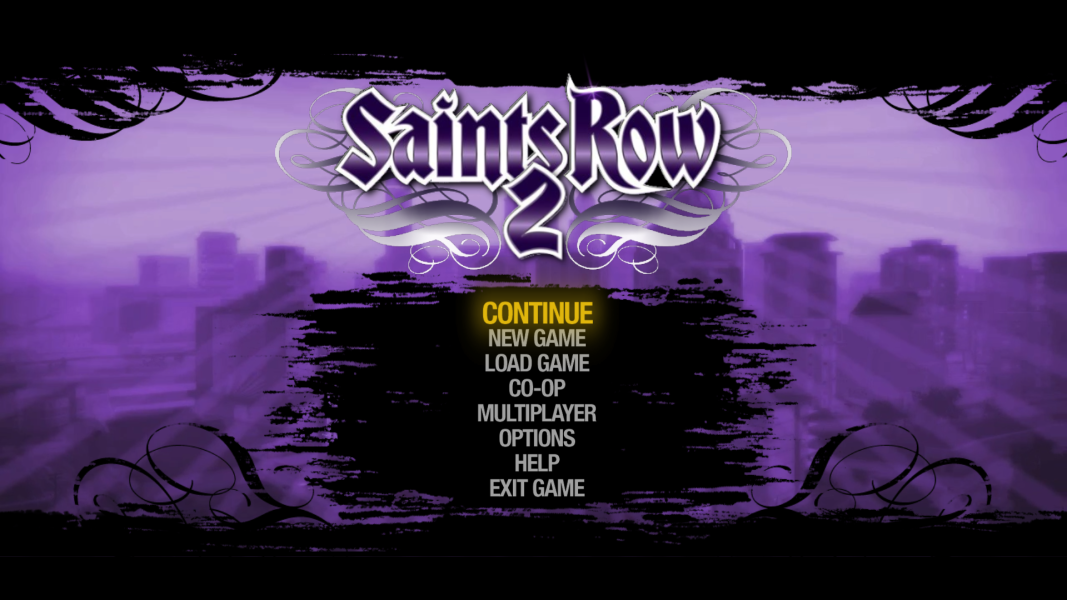
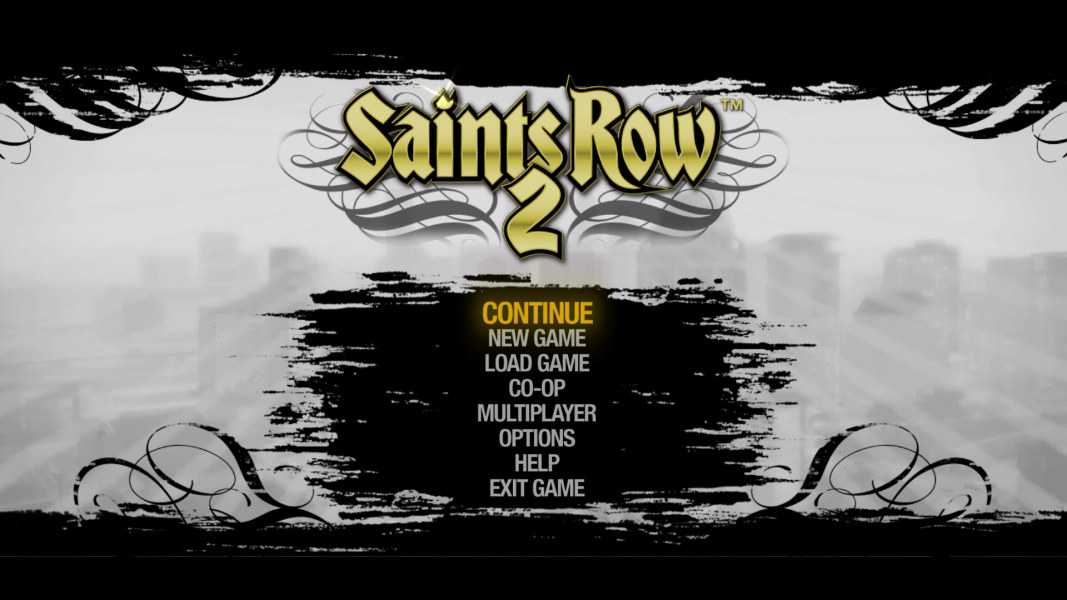
My process was:
1. Import .bik into KdenLive, and make edits.
2. Encode as .mp4.
3. Recompress to .bik using RadTools.
Due to not knowing what all the settings do, I encoded/compressed each video using default settings. Again, I'm sure there's a better way of doing this.
This is most likely down to me not knowing what I'm doing with video conversion. Here are some screenshots anyway:
My process was:
1. Import .bik into KdenLive, and make edits.
2. Encode as .mp4.
3. Recompress to .bik using RadTools.
Due to not knowing what all the settings do, I encoded/compressed each video using default settings. Again, I'm sure there's a better way of doing this.
INSTALLATION:
via Juiced Patch (v7.1.0 or later):
1. Create a new folder inside the "mods" folder in your Saints Row 2 root directory (where SR2_pc.exe is located). Call it "Loading Screens".
2. Add the following line to "loose.txt": "mods/Loading Screens"
3. COPY all the .peg_pc and .g_peg_pc files provided by this mod into the "Loading Screens" folder you just created.
4. Launch Saints Row 2!
via Gentlemen Of The Row (Patch Builder):
1. COPY all the .peg_pc and .g_peg_pc files provided by this mod.
2. PASTE into "Gentlemen_of_the_Row_Saints_Row_2_Super_Mod_v1.9.2\optional_mod_stuff\1-MODDERS_-_PUT_YOUR_OWN_PERSONAL_MODS_HERE".
3. Rebuild your Gentlemen Of The Row custom patch by double-clicking "Create_Custom_GotR_v1.9.2.bat" and following the instructions.
4. Move the newly created contents of "MY_CUSTOM_PATCH" into your Saints Row 2 root folder (Where SR2_pc.exe is located.).
5. Launch Saints Row 2!
via SR2ModManager:
1. Create a new folder in "SR2ModManager_v2.07\mods". Call it "Loading Screens".
2. COPY all the .peg_pc and .g_peg_pc files provided by this mod into the "Loading Screens" folder you just created.
3. Run "SR2ModManager.exe" and tick the "Loading Screens" folder you created.
4. Compile your "patch.vpp_pc" and move it from "SR2ModManager_v2.07\patch_vpp_pc_new" into your Saints Row 2 root directory (Where SR2_pc.exe is located).
5. Launch Saints Row 2!
You may also be interested in: "Main Menu Logos"
