

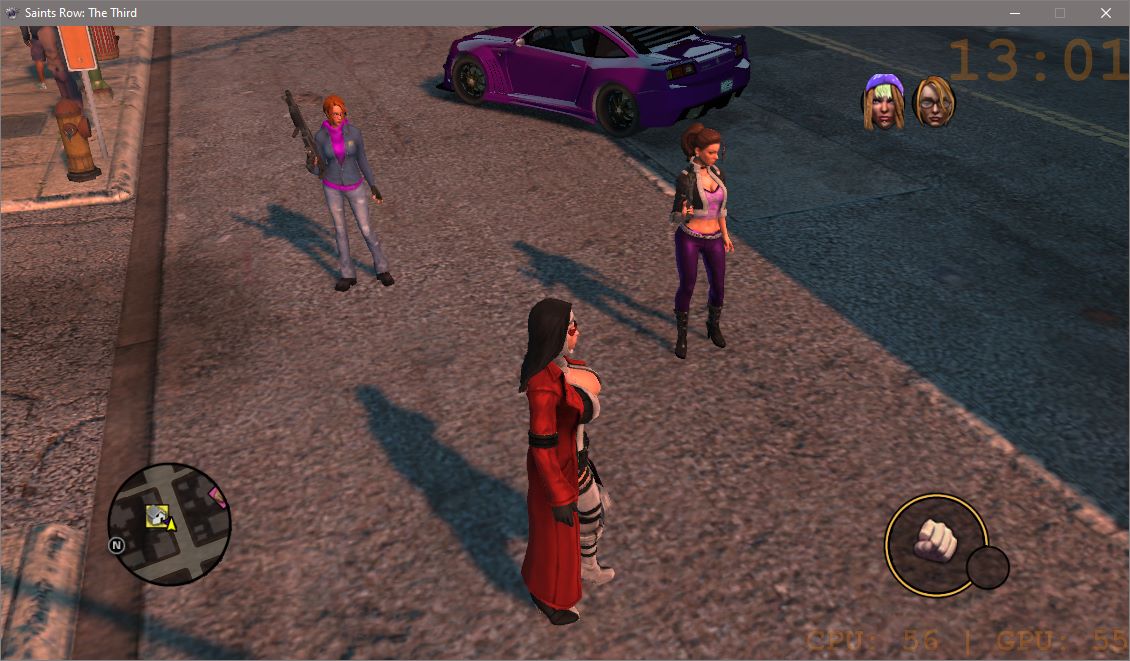
This mod replaces Shaundi and Kinzie's homie icons from their SRIV versions. A "Fun Shaundi" option is also included for those replacing SR3 Shaundi with Fun Shaundi.
Big credits to @RollingVoxel for this banger tutorial that made me excited for SR3 modding. Requested by @Morgyn_Ember
I don't really touch classic SRTT, don't expect much support.
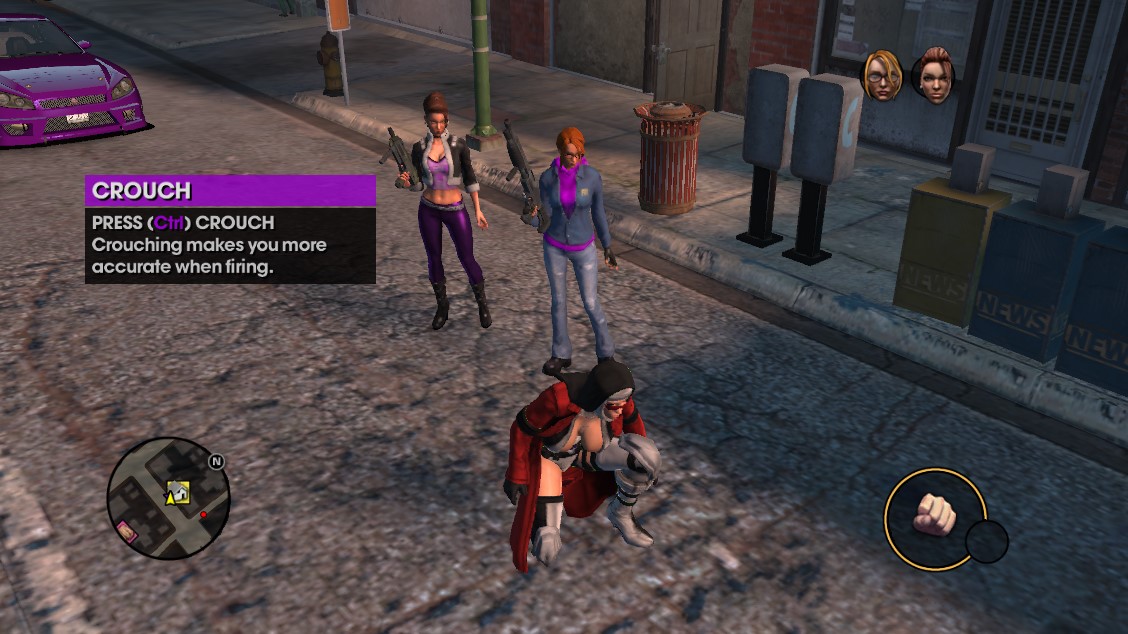
Alternative "Fun Shaundi" icon for Shaundi replacers (mods that do that include this one - see spoiler for some instructions)

If you don't update ASM after installing the Shaundi will not appear.
I hope this covers the base instructions.
To install, put all files in root folder with game exe.
For Steam users, You can right-click the game in Steam > Manage > Browse Local Files to get to it quickly.
What each file is:
interface-backend.cpeg_pc & gpeg_pc - Core files that change the homie images. In my limited understanding, cpeg is the "manifest" and gpeg is the archive itself.
ui_bms_04.xtbl - Corrects Shaundi's homie image to display properly (default one has some cutoff). If you have problems with other homie's icons, remove this one.
"Fun Shaundi Icon" folder - ui_bms_04.xtbl - copy this one instead only if you are using Fun Shaundi over Shaundi model replacers.
It's recommended to keep the original .7z file for ease of uninstallation later (referring to files).
Have fun!
Big credits to @RollingVoxel for this banger tutorial that made me excited for SR3 modding. Requested by @Morgyn_Ember
I don't really touch classic SRTT, don't expect much support.
Shaundi:
 -- >
-- >
Kinzie:
 -- >
-- >
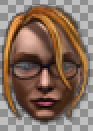
Kinzie:
Alternative "Fun Shaundi" icon for Shaundi replacers (mods that do that include this one - see spoiler for some instructions)
- Download the SR3 Retconned mod and extract the contents of Shaundi > Classic folder (npc_Shaundi.str2_pc - four in total), into your root folder with .exe
- Download Viper's ASM Updater and extract the "ASM_Updater" folder (not the contents!) to your root folder with .exe
- (If you don't already have an .asm file) Go inside ASM_Updater folder and copy character_containers.asm_pc into root folder.
- Run Update_ASM_Files - after ADDITION or CHANGE of a mod file.bat. This only updates .asm_pc files that you have in root folder (see step 3). It should spew out a lot of text before "Press any key to continue". See "update asm log" spoiler below.
- Check if game crash or OK. If crash, retrace steps.
Code:
Updating *.ASM_PC files

updating character_containers.asm_pc
=> 'npc_Shaundi_bobble'
==> 'Shaundi.ccmesh_pc'
==> 'Shaundi.cpeg_pc'
==> 'Shaundi.rig_pc'
==> 'Shaundi_head.cpeg_pc'
==> 'Shaundi_head.cmorph_pc'
==> 'Shaundi_head.rig_pc'
==> 'Shaundi_head.matlib_pc'
==> 'Shaundi_head_LOD.ccmesh_pc'
=> 'npc_Shaundi'
==> 'Shaundi.ccmesh_pc'
==> 'Shaundi.cpeg_pc'
==> 'Shaundi.rig_pc'
==> 'Shaundi_head.cpeg_pc'
==> 'Shaundi_head.cmorph_pc'
==> 'Shaundi_head.rig_pc'
==> 'Shaundi_head.matlib_pc'
==> 'Shaundi_head_LOD.ccmesh_pc'
=> 'npc_Shaundi_bobble_high'
==> 'Shaundi_head_high.cpeg_pc'
==> 'Shaundi_head_high.matlib_pc'
==> 'Shaundi_body_high.cpeg_pc'
==> 'Shaundi_body_high.matlib_pc'
=> 'npc_Shaundi_high'
==> 'Shaundi_head_high.cpeg_pc'
==> 'Shaundi_head_high.matlib_pc'
==> 'Shaundi_body_high.cpeg_pc'
==> 'Shaundi_body_high.matlib_pc'

updating finished!

Press any key to continue . . .
If you don't update ASM after installing the Shaundi will not appear.
I hope this covers the base instructions.
To install, put all files in root folder with game exe.
For Steam users, You can right-click the game in Steam > Manage > Browse Local Files to get to it quickly.
What each file is:
interface-backend.cpeg_pc & gpeg_pc - Core files that change the homie images. In my limited understanding, cpeg is the "manifest" and gpeg is the archive itself.
ui_bms_04.xtbl - Corrects Shaundi's homie image to display properly (default one has some cutoff). If you have problems with other homie's icons, remove this one.
"Fun Shaundi Icon" folder - ui_bms_04.xtbl - copy this one instead only if you are using Fun Shaundi over Shaundi model replacers.
It's recommended to keep the original .7z file for ease of uninstallation later (referring to files).
Have fun!


